
What it does
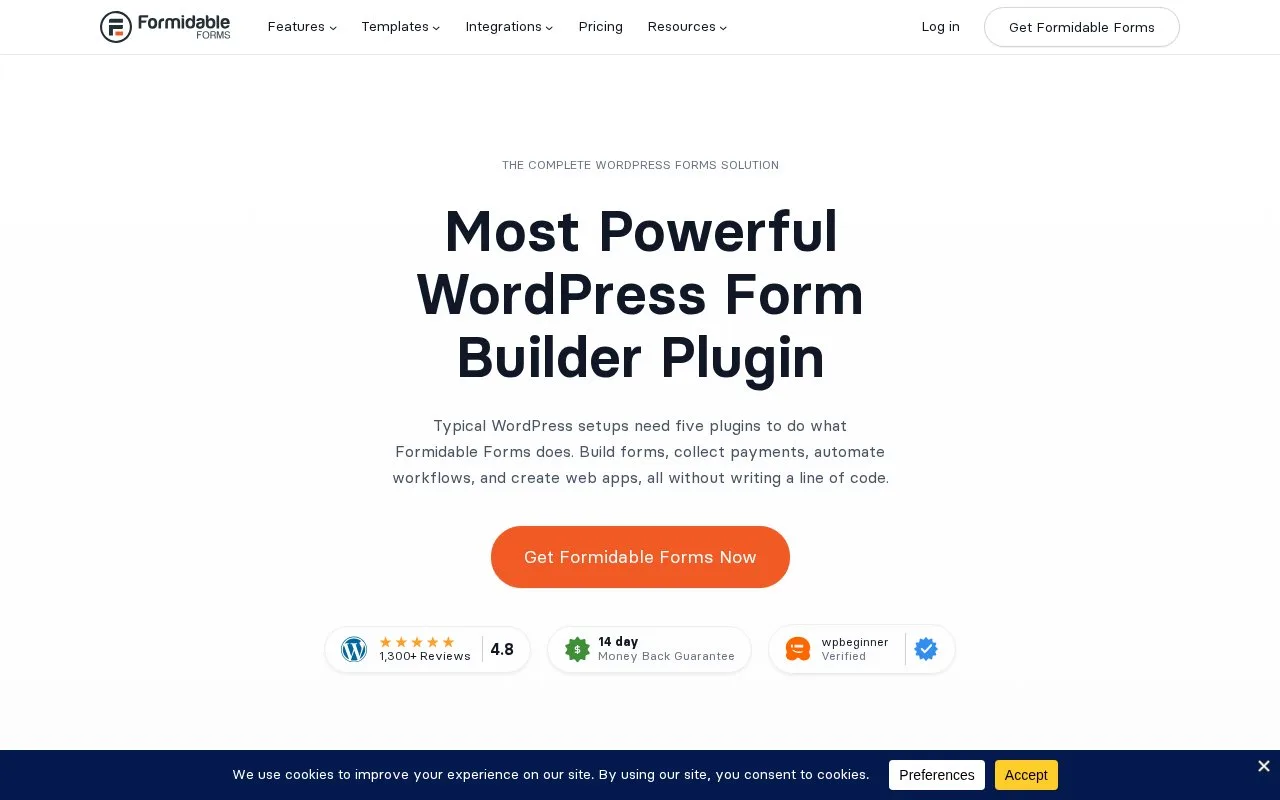
Formidable Forms collects information in WordPress and can turn entries into directories, tables and calendars. The free Lite plugin handles basic forms. Paid licences add advanced fields, calculations and, from Plus, Visual Views for publishing collected information.
Turn entries into a useful website display
When creating a Visual View, select its type and choose the form supplying entries under Use Entries from Form. A Grid suits listings, a Table organizes comparable fields, and a Calendar positions entries using the chosen date field. For an event directory, select the event date rather than the date the submission was created.
Only include fields meant for visitors. The View's Private setting restricts its preview link; it does not protect a View embedded on a publicly accessible page. Access to the containing page matters.
Start with collection or add published Views
Install the Lite plugin from WordPress, then choose Formidable > Add New. The form can be placed with the embed control or a shortcode; basic use needs no vendor account.
| Paid licence | Added scope |
|---|---|
| Basic | Advanced fields, conditional logic, uploads and entry tools |
| Plus | Visual Views, graphs and frontend editing |
| Business | Surveys, quizzes, PDFs, API and further integrations |
| Elite | Application shortcuts, action automation and WooCommerce tools |
Licences are annual. A free intake form and a paid directory built from its entries are separate levels of use.
Strengths
- Form entries can become several kinds of website display
- Calendar Views can use a date field from the submitted form
Watch out for
- Visual Views require Plus or higher
- Marking a View private does not restrict an embedded View on a public page
Best for
- WordPress sites building directories or calendars from submissions
Sources
- Formidable Forms - Most Powerful WordPress Form Builder Plugin (Oct 25, 2026)
- Formidable Forms official plugin (Oct 27, 2026)
- Visual View Settings (Oct 27, 2026)
- Formidable Forms pricing (Oct 27, 2026)