What it does
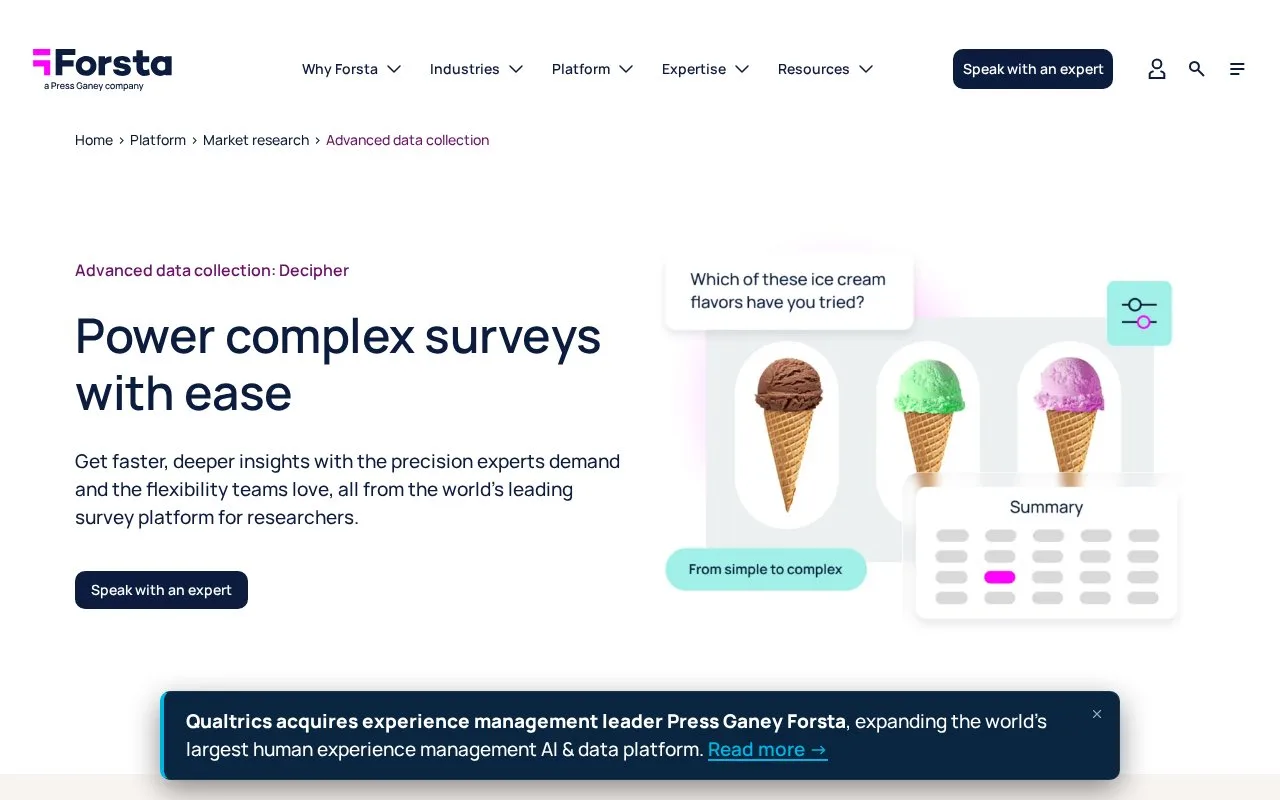
Forsta Decipher builds research questionnaires with a visual editor or scripted logic. It supports routing, quotas, sample sources, testing and field monitoring, with reporting and data exports. Access uses a named account, and commercial terms are arranged through Forsta.
Decipher supports both drag-and-drop questionnaire building and code-based editing. Researchers can use nested routing, loops, randomization and media questions for studies that need more than a short feedback form.
Before fielding, inspect Survey Summary. In the test environment, choose Test > Project Summary in Quick Links; from the Portal, use Responses > Survey Summary. It brings together generated survey URLs, participant exits, quotas and mobile settings.
Keep the link variables that identify the survey, sample list and language. Review the qualified, terminated and over-quota exit destinations separately. Edit quota rules through the quota element in the question tree. The mobile section lists allowed devices and warnings about unsuitable features.
Account tiers and purchasing
The Now tier allows one live survey, 20 questions, one user and 100 completed responses per survey. It supports Excel and SPSS data exports. Enterprise has custom completion allowances and adds features such as sample-source management, raw-code editing and an API for software integrations.
Forsta's Research HX terms cover Decipher through a commercial sales order, with charges specified in the associated agreement. Contact Forsta to arrange the package. Individual user IDs cannot be shared; the Portal requires a Decipher account, with standard, Google and Microsoft sign-in options tied to that account.
Strengths
- One summary brings survey links, quotas and participant exits together.
- Combines visual questionnaire editing with scripting for complex research.
Watch out for
- Now is limited to one live survey, 20 questions and 100 completed responses per survey.
- Individual user credentials cannot be shared.
Best for
- Market-research teams preparing questionnaires with quotas, routing and several sample sources
Sources
- Advanced data collection: Decipher (Oct 27, 2026)
- Survey Summary (Oct 27, 2026)
- Decipher Tiers and Features (Oct 27, 2026)
- Logging in to Your Account (Oct 27, 2026)
- Research HX Terms and Conditions (Oct 27, 2026)
- Forsta Master SaaS Agreement (Oct 27, 2026)
- Forsta legal documents and product scope (Oct 27, 2026)