
What it does
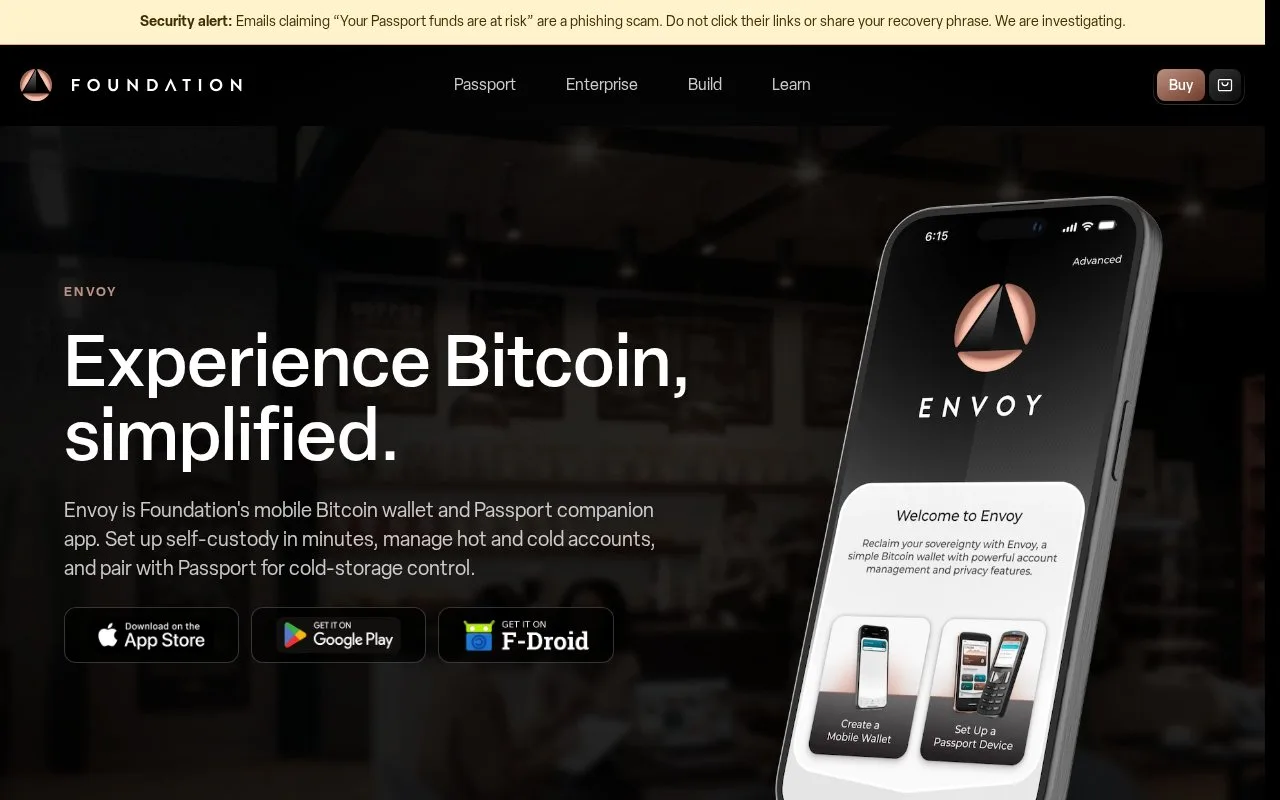
Foundation's Envoy is a free mobile Bitcoin wallet and Passport companion. It combines phone-based spending accounts, hardware-signed accounts, transaction history and a choice of automatic or manual backups.
An Envoy balance can belong to two quite different accounts. A mobile wallet can spend from the phone itself, while a Passport account needs its separate hardware signer. Envoy brings both into the same app, including Passport setup and firmware maintenance.
The receiving screen makes the distinction visible: teal identifies the mobile wallet and copper identifies a Passport account. Open the intended account, tap Receive and check its account card before sharing the address. This helps avoid sending long-term holdings into the phone wallet by mistake.
Envoy is free, open-source software for iOS and Android. It does not require a Foundation login. Passport hardware is separate, and moving Bitcoin still incurs a network fee.
Choose the backup approach before funding a new wallet. Create a Mobile Wallet starts the default Magic Backups flow. It uses iCloud Keychain or Android Auto-Backup for the mobile seed, plus an encrypted file on Foundation's servers for labels, settings and other wallet data. On Android, complete the initial phone backup and check Envoy's backup status rather than assuming the next automatic backup has already happened.
For manual recovery material, open Advanced on the welcome screen and switch Magic Backups off. Record and verify the generated recovery words, then save the Envoy Backup File away from the phone. That file preserves account names and notes; it is not a replacement for the words. Envoy's mobile backup process does not back up a Passport's seed.
Within an account, the activity list shows payment status and fees. For a mobile payment, Send accepts a pasted address or scanned QR code, followed by an amount and a fee rate with an estimated confirmation time. Review that information before the final Send.
Strengths
- Keeps mobile and Passport balances distinguishable on the receiving screen
- Coin tags can exclude a chosen group from spending
Watch out for
- Magic Backups depend on the relevant Apple or Google backup setup
- Passport recovery material needs its own backup
- Manual metadata backups must be kept up to date
Best for
- Passport owners managing spending and cold-storage accounts
- Bitcoin users who want to choose between cloud and manual backups
Sources
- Envoy mobile Bitcoin wallet (Oct 27, 2026)
- Envoy mobile wallet setup (Oct 27, 2026)
- Envoy backups and recovery (Oct 27, 2026)
- Envoy account controls (Oct 27, 2026)
- Envoy by Foundation official app listing (Oct 27, 2026)
- Envoy official package licensing (Oct 27, 2026)
- Envoy distributed GNU GPL version 3 licence (Oct 27, 2026)