
What it does
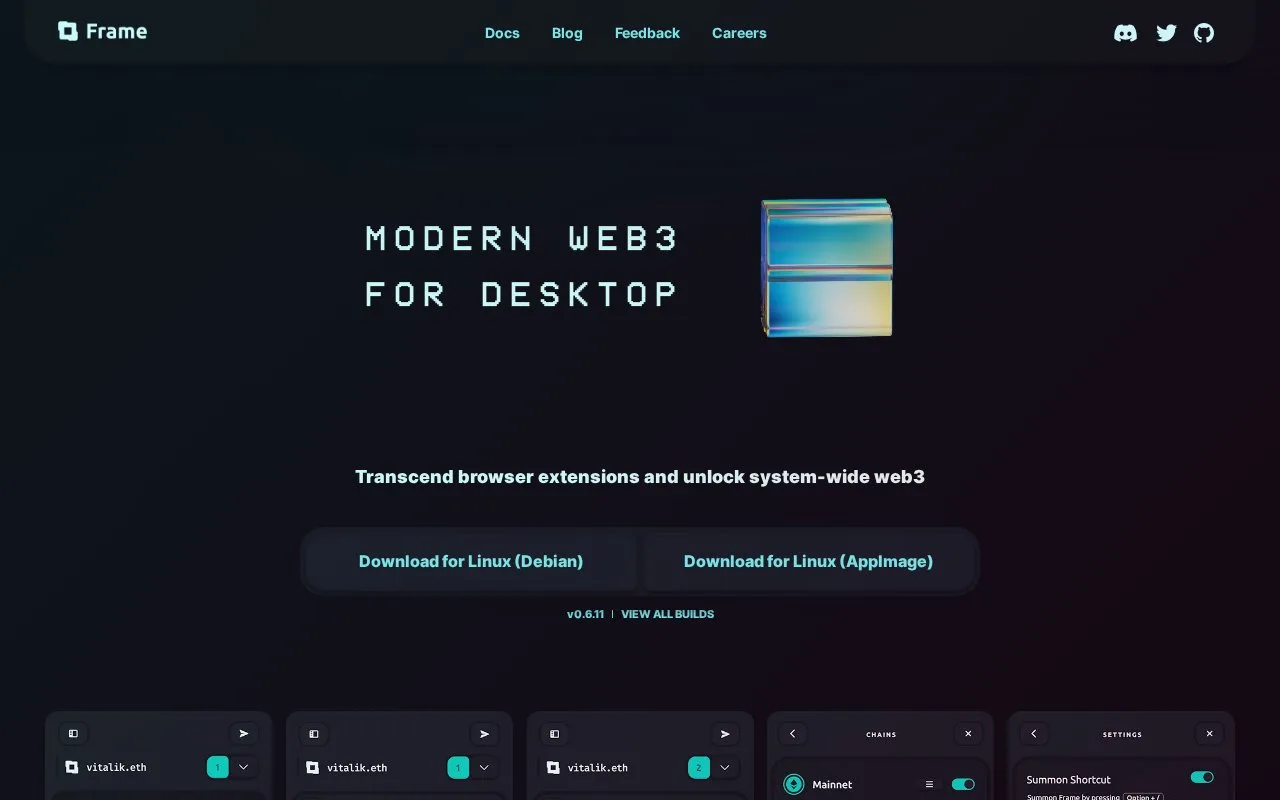
Frame is free desktop wallet software that gives browsers, command-line tools and native applications a shared signing interface. It supports Ethereum-compatible chains, transaction decoding and hardware or software signers.
Frame is for people who use several crypto applications from a computer and want their accounts available beyond a single browser extension. It runs on Windows, Mac and Linux, with free GPL-licensed source and downloads. Its chain routing covers networks compatible with the Ethereum Virtual Machine; that does not mean support for every blockchain.
You can examine the interface with a Watch Only account before connecting a signing device or entering private keys. When adding signing access, the Accounts panel offers hardware devices, seed phrases, individual private keys and encrypted keystore files. These are blockchain accounts, not a hosted Frame registration.
For an existing software wallet, open Settings using the top-left icon, then Accounts and Add New Account. Choose Seed Phrase to import its words and set the local signer password. The guide requires at least 12 characters and additional complexity. Importing a phrase gives this computer access to the wallet, so a hardware connection is a different custody choice.
Under Chains, Add New Chain opens network configuration. You can supply the chain identifier, explorer and native currency, and choose the RPC connection, meaning the server Frame asks for blockchain data. The three-striped control beside an existing chain reopens those settings.
Websites that do not offer a native Frame connection can use the Companion Extension. Frame also decodes transaction requests locally using a contract's verified interface description, helping explain what a request contains before you sign. In the Dapps section, individual connection toggles or Clear All Permissions control which applications can access the account. These connection controls do not make an unknown contract trustworthy.
Developers can connect other software through Frame's local JSON-RPC interface. Wallet software is free, while blockchain activity and services reached through it can carry their own costs.
Strengths
- One desktop interface can serve browsers and other local applications
- Users can choose network connections and manage application permissions
- Watch Only accounts allow inspection without supplying a signing key
Watch out for
- Its network-routing scope is Ethereum-compatible chains
- Importing seed words exposes that wallet to the desktop environment
- Interpreting a contract request still requires care
Best for
- Desktop users connecting several applications to Ethereum-compatible accounts
- Developers building local software that needs a wallet connection
Sources
- Frame desktop wallet features (Oct 27, 2026)
- Frame GPL source, downloads and local software interface (Oct 27, 2026)
- Frame signer choices (Oct 27, 2026)
- Add a software signer to Frame (Oct 27, 2026)
- Frame chain and connection settings (Oct 27, 2026)
- Control connected applications in Frame (Oct 27, 2026)