
What it does
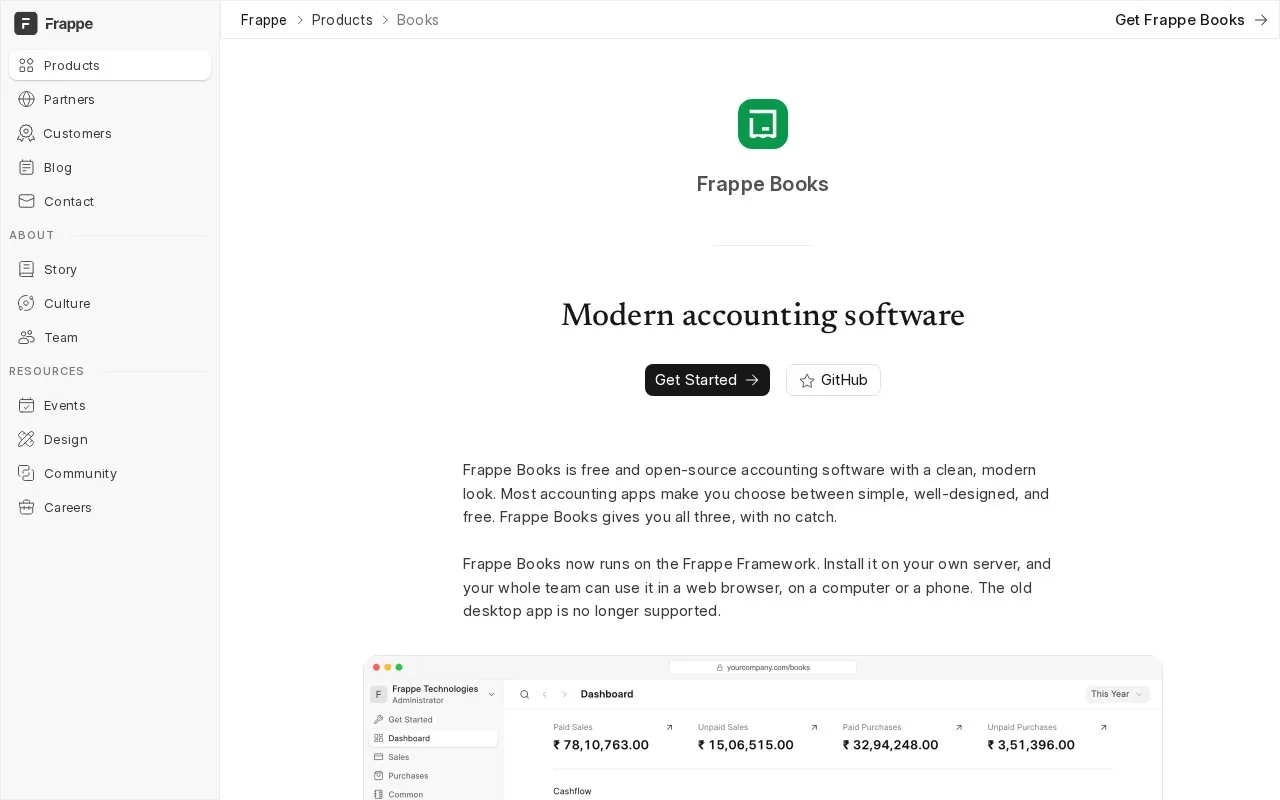
Frappe Books is an AGPL-licensed accounting application on the Frappe Framework. It provides ledger, sales, purchase and stock records through a browser interface. The application is free to self-host, and staff work through individual accounts.
The current Frappe Books runs on a Frappe site. It covers sales and purchase documents, ledger entries and stock, with reports such as profit and loss, the balance sheet and trial balance. Teams use a browser rather than the retired Electron desktop application.
Set up the organisation
Open the site's /books address and sign in with a Frappe user that has a Books role. A Books Manager or System Manager completes the first setup. Choosing a country fills in currency, account structure and financial-year defaults where available; review those values and supply the bank-account details. Submitting the setup creates the chart of accounts and initial cash and bank accounts. Other users do not need manager rights for every later task.
Document status matters. Save keeps an editable draft without posting to the ledger. Submit creates ledger entries and prevents direct editing. Cancelling reverses the ledger effect. On a computer, the document header has separate Save and Submit controls; the phone layout uses a bottom submission control and confirmation. That distinction helps staff avoid mistaking a saved invoice for a posted one.
The code is available under AGPL-3.0-only without a software subscription. Hosting and maintaining the Frappe site remain part of running it. Role-based access and a REST API support a shared installation, while stock features cover locations, batches and serial numbers.
Older desktop tutorials do not describe this application's installation or permissions. Use the current Frappe Framework documentation when setting up a new team.
Strengths
- Browser access and Books roles support a shared installation.
- Draft, submitted and cancelled states make the ledger effect explicit.
- Accounting, stock and operational documents use the same application.
Watch out for
- Running the application requires a maintained Frappe site.
- The former Electron desktop application is no longer supported.
Best for
- Small businesses with support for a self-hosted accounting application
Sources
- Frappe Books (Oct 27, 2026)
- Frappe Books on Frappe Framework (Oct 27, 2026)
- Getting started with Frappe Books (Oct 27, 2026)