
What it does
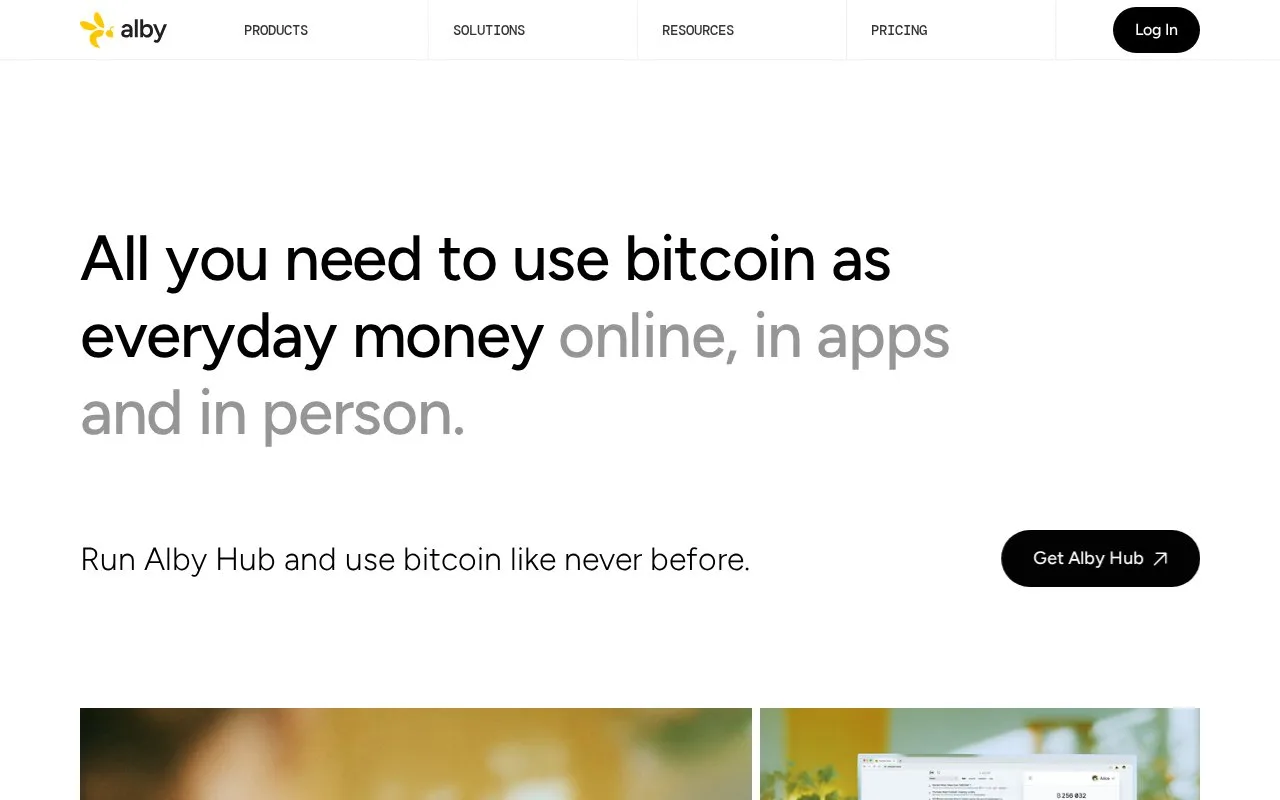
Alby Hub is a self-hosted Bitcoin Lightning wallet and node with connected-app permissions, recurring spending budgets and subwallets. Its free edition runs on a desktop, home server or chosen cloud server; optional Pro access adds features and support.
Alby Hub separates a wallet from the applications allowed to use it. A mobile app, browser extension or another compatible service can receive its own connection with defined permissions, instead of unrestricted access to the whole wallet.
Set the allowance for an application
Install Hub on the chosen machine, open a Lightning payment channel and fund it before connecting an app. Under Connections, select Add Connection, give it a name and choose the permissions. Set a budget, its renewal interval and an optional expiry, then select Next. Copy the pairing secret or scan it into the intended app.
These permissions can authorize payments, so a connection is more than a way to display a balance. Daily, weekly, monthly and yearly budgets let a small app allowance stay separate from the rest of the wallet. Open an existing connection and choose Edit to change its permissions, budget or expiry, then Save. An expired connection stays inactive until renewed.
Account and running costs
A free Alby web account is optional for the self-hosted wallet. Linking one supplies the Alby Lightning address and email notifications; without it, extension setup is manual and support is limited. Keep the wallet recovery phrase offline regardless of that account choice.
Free includes up to three subwallets and no added Alby transaction fee. Pro removes that subwallet limit and adds a custom address and encrypted remote backups. Lightning provider charges, network costs and any server-hosting bill remain separate from the software plan.
Strengths
- Works with Alby Go, the browser extension and other Nostr Wallet Connect apps
- An optional expiry can end an app’s payment access automatically
Watch out for
- The machine hosting the node needs to be operated and maintained
- A web account is required for Alby’s address and email-notification features
Best for
- People assigning separate Bitcoin payment allowances to several apps
- Users running their own Lightning wallet on a desktop or server
Sources
- Alby wallet tools (Oct 27, 2026)
- Alby Hub deployment and application connections (Oct 27, 2026)
- Alby Free and Pro plans (Oct 27, 2026)
- Alby Hub setup and optional account (Oct 27, 2026)
- Alby app connection permissions and budgets (Oct 27, 2026)