
What it does
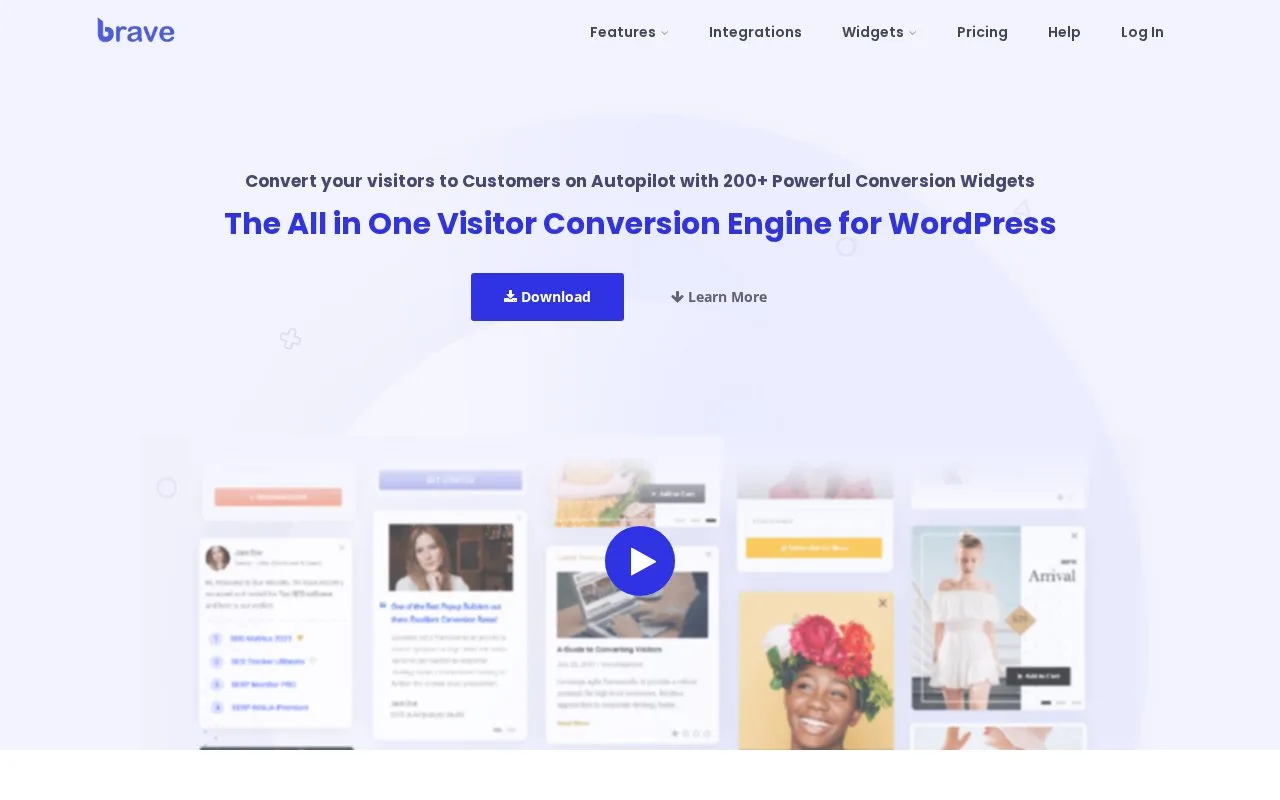
Brave adds popups and interactive forms to WordPress websites. A free plugin covers basic capture forms, while annual licences expand the builder for surveys and other campaigns.
Drag a Form onto the canvas and open its field settings. Internal names identify answers in submission emails and replies. Add Field → Add Step extends the survey. Enable Auto Resize Popup Height On Click when later questions need more room.
Use the Action tab to select email or connected-app delivery before collecting answers.
Free and paid editions
| Edition | Licence scope |
|---|---|
| Free | Basic popup and form builder |
| Pro | All paid features; 1 website |
| Mega | All paid features; 10 websites |
| Ultimate | All paid features; 100 websites |
Paid licences renew annually and carry a 30-day refund window. For a Pro upgrade, download the ZIP from your Brave dashboard, disable the free plugin in WordPress, upload and activate the paid plugin, then enter the key under Brave → License. A one-site Pro licence needs a support request for an extra staging activation.
Strengths
- Field names can feed submission emails and automatic replies
- Step buttons can adjust the popup height for longer questions
Watch out for
- A longer step can be clipped when its popup height is too small
- The one-site Pro licence needs an extra activation allowance for staging
Best for
- WordPress owners adding surveys or lead forms inside popups
Sources
- Pricing - Brave (Oct 27, 2026)
- Brave – Create Popup, Optins, Lead Generation, Survey, Sticky Elements & Interactive Content – WordPress plugin | WordPress.org (Oct 27, 2026)
- Creating a multi-step Survey Form - Brave (Oct 27, 2026)
- Installing & Activating Brave PRO - Brave (Oct 27, 2026)