
CustomerIQ
AI platform that captures emails, calls, and meetings and updates CRM or AMS records.
- SI Score
- 74/100
- Pricing
- Subscription
- Free plan
- Not confirmed
- Sign-up required
- Not confirmed
Ask SI about CustomerIQ
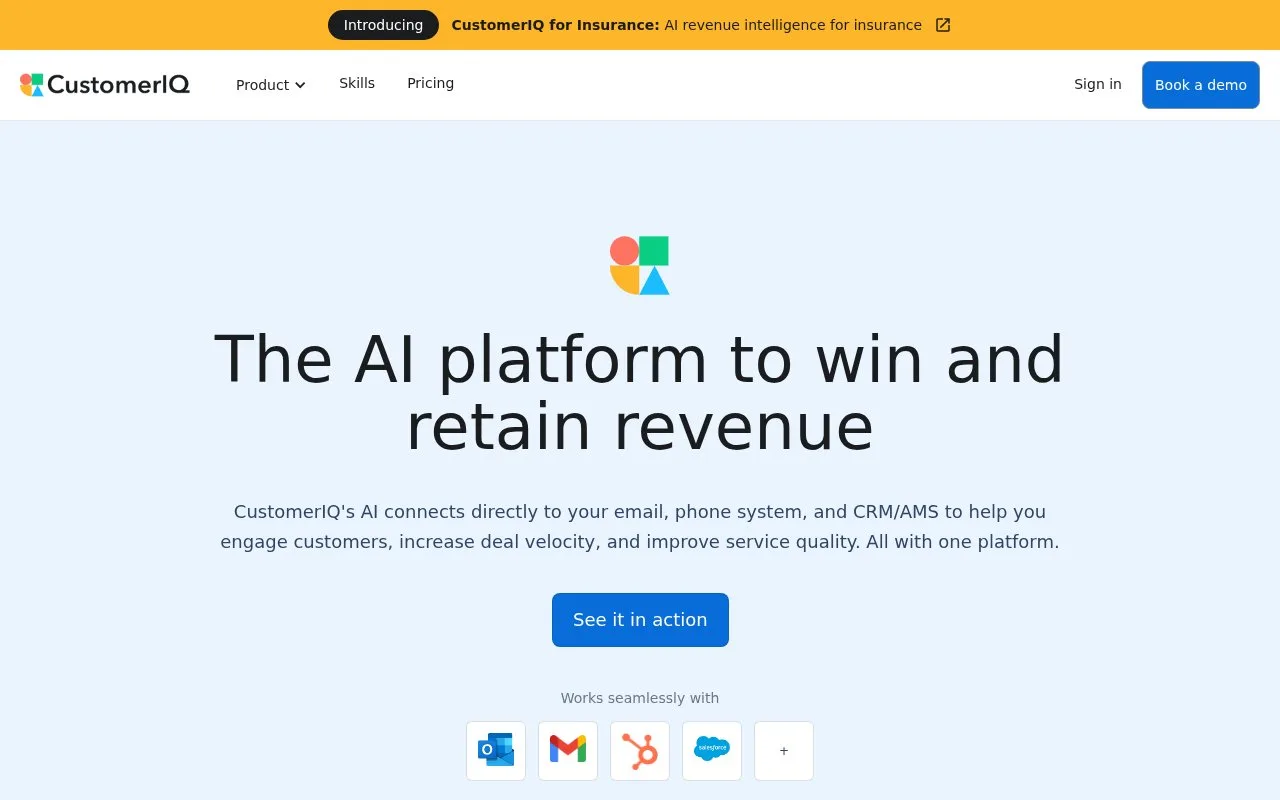
Answers use saved listing facts and recorded sources.Homepage screenshot
What it does
CustomerIQ connects to email, phone systems, and CRM or AMS tools to capture client conversations. It transcribes calls, drafts replies, creates CRM records, and tracks client requests. The platform is built for sales and service teams that want faster responses and fewer dropped follow-ups.
CustomerIQ is an AI conversation management platform for sales and service teams. It connects to email, phone systems, and CRM or AMS tools to capture conversations, then turns them into structured notes, records, and drafted replies. The homepage says it works with Gmail and Outlook, records and transcribes calls, creates deals, contacts, and accounts automatically, and syncs bi-directionally with Salesforce and HubSpot. It also tracks client requests and can auto-create tickets from emails and calls. The pricing page lists a free one-time trial with 500 emails, 3,000 properties, and 10 call hours. Paid plans start at $50 per seat per month billed annually for Plus and $75 per seat per month for Pro, with monthly billing at $59 and $89. Add-ons include workflow credits at $349 per month and an Outlook shared inbox add-on at $149 per month. Buyers should check which integrations are native, how credits are consumed, and whether per-seat pricing fits their team size. The site states SOC 2 Type II certification and that customer data is not used to train AI models.
- Captures emails, calls, meetings, and voice notes in one place
- Drafts email replies and follow-ups from conversation context
- Syncs deals, contacts, tasks, and notes to CRM or AMS systems
- Tracks client requests and can auto-create tickets from emails and calls
- Per-seat pricing can add up for larger teams
- Some automation depends on paid workflow credits
- The free option is a one-time trial, not an ongoing free plan