
What it does
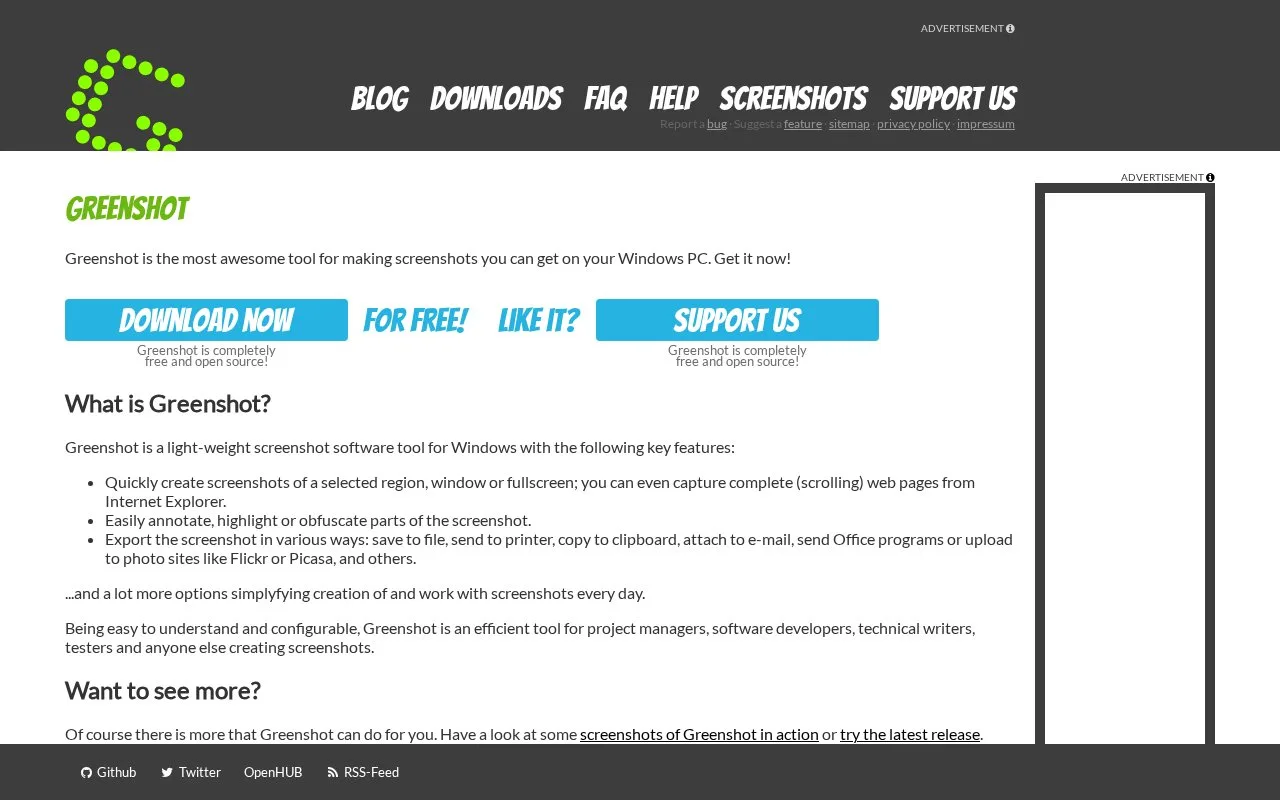
Greenshot is a free, open-source screenshot tool for Windows. It captures regions, windows or the full screen, then provides annotation, highlighting, obfuscation and several export destinations.
Greenshot fits the preparation stage between capturing an interface and putting it in a client document. For a support guide showing where to change a setting:
- Press Print Screen to select a region, or Alt-Print Screen to capture the active window.
- Highlight the relevant field and annotate its purpose.
- Remove or cover private details before sharing the image.
- Copy the result into the document or save it as a file.
The capture screen freezes the display while you select, so an open menu or tooltip stays in place. Arrow keys can move a selection corner one pixel at a time, and Shift-Print Screen repeats the last region for a consistent series. Capture settings also provide a delay and control whether the pointer appears.
In the editor, shapes, text, highlighting, blur and pixelation provide several ways to explain a screen. Save a set of annotation objects and load it onto another capture when a sequence needs the same labels. Export to a chosen file format, the clipboard, a printer or an email attachment; PNG preserves transparency.
The Windows software is free under GPL-3.0. Its documented scrolling-page capture specifically targets Internet Explorer. The current capture guide also includes text recognition, which requires the Windows 10 plugin and a Windows language with text recognition installed.
Strengths
- Includes annotation, highlighting and obfuscation after capture.
- Can send captures to files, clipboard, printers and Office programs.
Watch out for
- The documented scrolling-page capture specifically targets Internet Explorer.
- Text recognition needs the Windows 10 plugin and an installed recognition language.
Best for
- Preparing annotated interface screenshots for guides and presentation boards.
Sources
- Greenshot (Oct 27, 2026)
- Help (Oct 27, 2026)
- greenshot/docs/capture-user-guide.md at main · greenshot/greenshot · GitHub (Oct 27, 2026)
- GitHub - greenshot/greenshot: Greenshot for Windows - for more information look here: · GitHub (Oct 27, 2026)
- Downloads (Oct 27, 2026)