
What it does
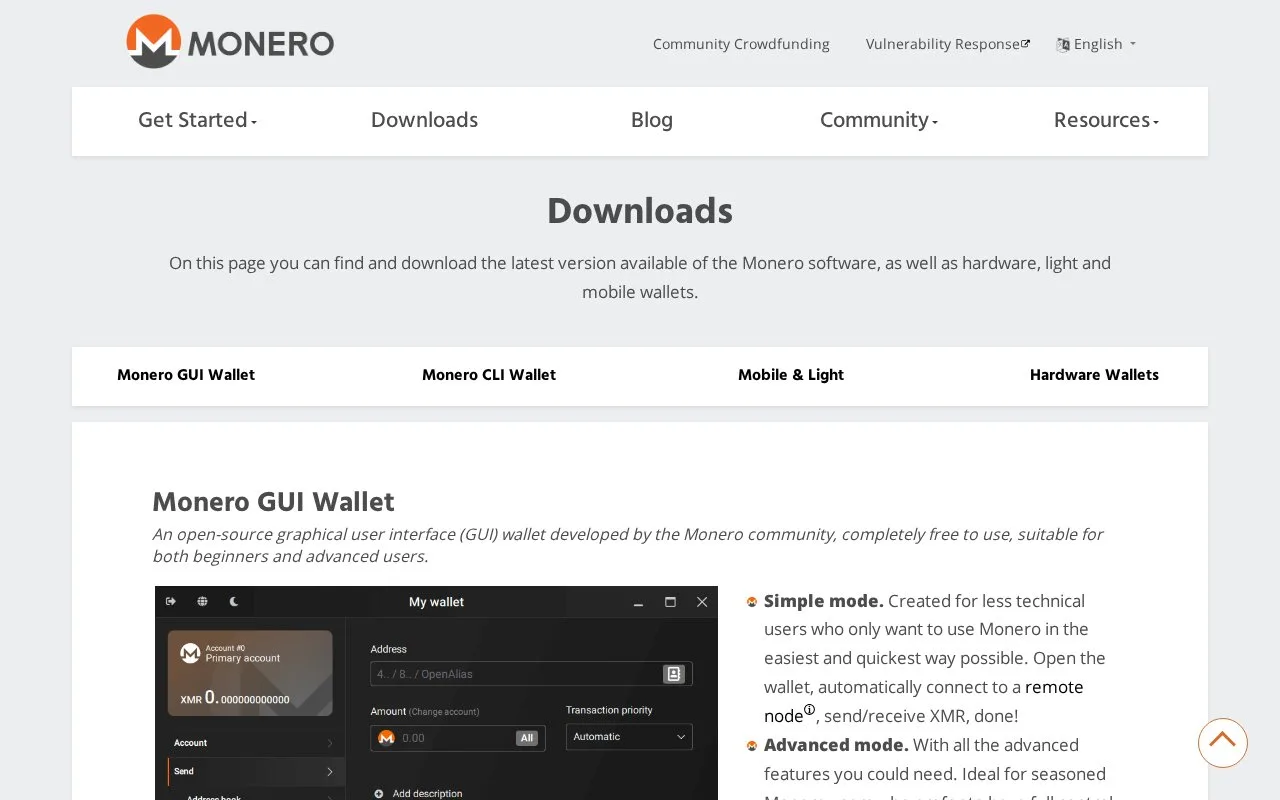
Monero GUI is the community’s free graphical XMR wallet for Windows, Mac and Linux. It offers automatic remote-node use, advanced connection controls, hardware-wallet support and blockchain pruning.
Monero GUI offers different starting points for desktop users. Simple mode connects to a remote node automatically. Advanced mode gives you control over the node connection, including your own local copy of the blockchain. Pruning reduces the local storage requirement, while the merchant page helps businesses display payment requests.
The software is open source and free to use; sending XMR still requires a network transaction fee. Before opening a downloaded installer or archive, follow the verification guide and check the signed hash list. The GUI runs locally rather than requiring an online Monero account.
A useful distinction appears when choosing a specific remote node. Check Settings, Info for the current wallet mode. If necessary, close the wallet, select Change wallet mode on the welcome screen and reopen it in Advanced mode. In Settings, Node, select Remote Node, enter its address and port, add any required node credentials, then Connect. Simple mode does not expose this custom-node workflow.
Choosing a remote node also involves trust. The project's guide warns that malicious operators can try to link network addresses with transactions. A node's quick response does not establish its privacy; use a node you operate or an operator you trust.
Recovery has its own control worth understanding. Choose Restore wallet from keys or mnemonic seed, select the seed option and supply the saved words plus any seed-offset passphrase. Set the local file name, password and restore height or date. The restore height tells the wallet where to begin scanning the blockchain: choosing a point after the first payment can hide earlier transactions and produce the wrong balance. An earlier point takes longer to scan but avoids skipping those payments. Wait for synchronization before treating the displayed balance as complete.
Strengths
- Separate simple and advanced workflows suit different node arrangements
- Custom-node settings include address, port and optional authentication
- Pruning and a merchant payment page are included
Watch out for
- A custom remote node requires Advanced mode
- Remote-node operators introduce privacy considerations
- An incorrectly chosen restore height can hide earlier transactions
Best for
- Monero users choosing between remote and local blockchain access
- People restoring an XMR wallet who need control over the scan starting point
Sources
- Monero GUI downloads, modes and verification (Oct 27, 2026)
- Configure a custom remote node in Monero GUI (Oct 27, 2026)
- Monero GUI seed restoration and scan starting point (Oct 27, 2026)
- Monero GUI official BSD-3-Clause licence (Oct 27, 2026)