What it does
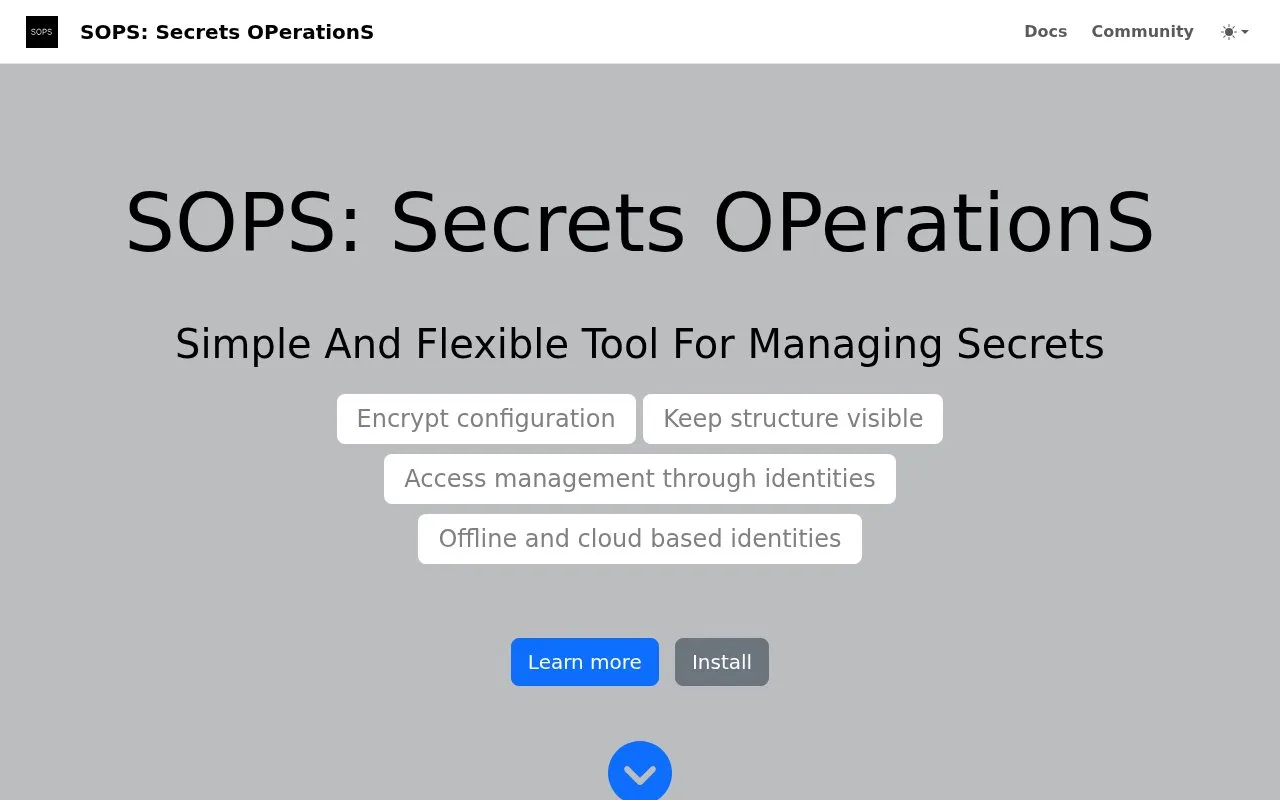
SOPS is a command-line editor for configuration files that contain secrets. It supports YAML, JSON, ENV, INI and binary files, and can work with age, PGP and several cloud key-management services. For structured formats, it can protect values while leaving keys and nesting visible, so a configuration remains recognizable in version control. SOPS runs on files and uses a configured identity or key service; it is not a hosted secrets vault or a deployment platform.
Prepare an identity before editing
SOPS is useful when a team wants encrypted configuration files in a repository but still needs to see their structure. Choose how authorized users will decrypt the file first. The official guide describes age, PGP and cloud KMS options; KMS use also needs the corresponding provider credentials and key access.
For a first local task, create a small secrets.yaml and use the configured editor workflow: sops edit secrets.yaml. SOPS opens the cleartext in the editor named by SOPS_EDITOR or EDITOR, then encrypts it again when that editor exits. A realistic example is keeping a database username and password in a deployment file while leaving the surrounding service names and key paths readable. This is a documented workflow, not a command run for this listing.
Keep the editor and key setup in mind
The format support is broader than YAML: the project also documents JSON, ENV, INI and binary inputs. For tree-shaped formats, SOPS can encrypt values while retaining keys and structure. It can also encrypt existing files and write the result to standard output or a chosen path.
SOPS does not remove the need to distribute decryption access. Each collaborator or automation job still needs a usable identity and any required cloud permissions. The guide also warns that some graphical editors start a child process and exit before the editing window closes; SOPS waits for the editor process before re-encrypting, so configure an editor that waits for the document to close. The project is licensed under MPL 2.0; costs or terms for a cloud KMS are separate from the SOPS license.
Strengths
- Works with several structured configuration formats and can preserve their visible key hierarchy while protecting values.
- Supports age, PGP and cloud KMS identities, allowing teams to choose a key system that fits their environment.
Watch out for
- Decryption depends on the reader having the matching identity and, for KMS-backed files, the required provider credentials and permissions.
- SOPS waits for the configured editor to exit; a graphical editor that exits before its child window closes can interrupt the expected edit-and-reencrypt flow.
Best for
- Keeping deployment configuration with encrypted credentials in version control
- Editing structured secret files with age, PGP or a cloud KMS
Sources
- First steps with SOPS (Oct 26, 2026)
- SOPS common operations (Oct 26, 2026)
- getsops/sops official repository (Oct 26, 2026)
- SOPS source license (Oct 26, 2026)