
What it does
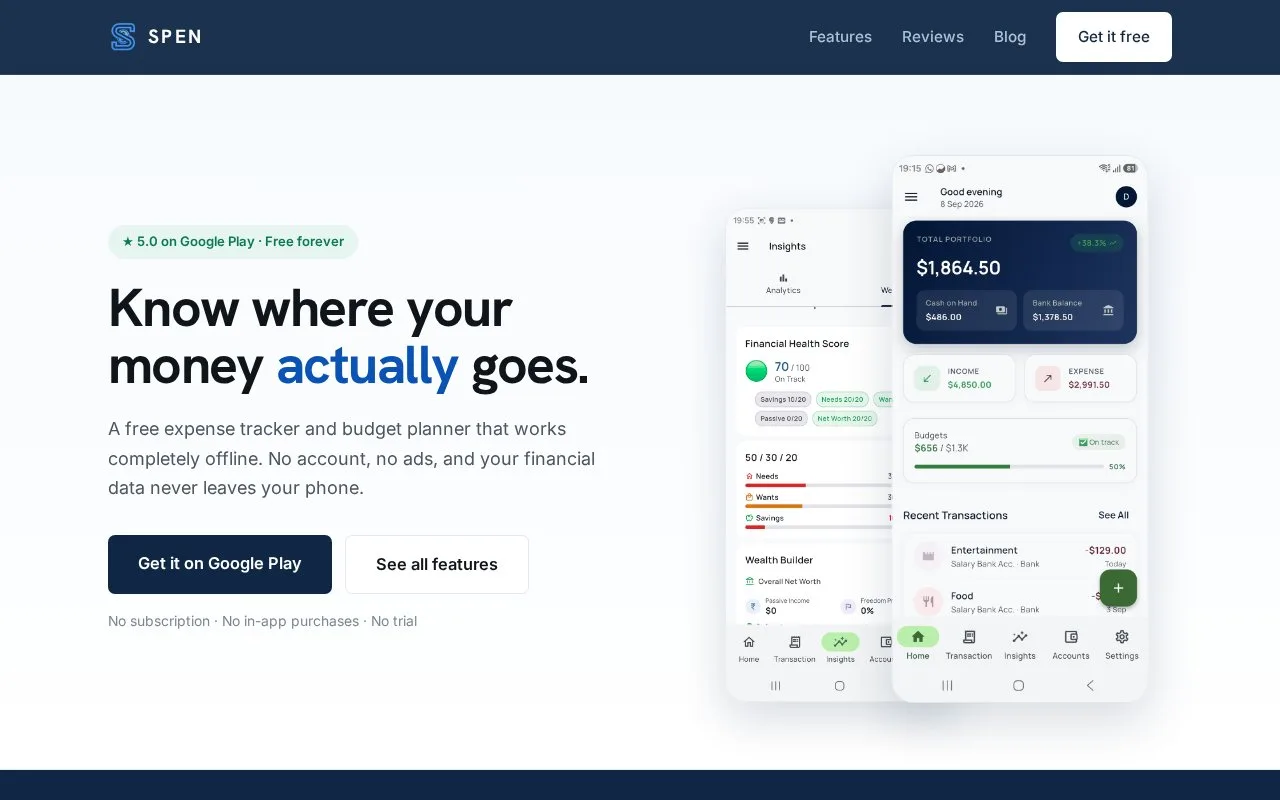
Spen is a free Android app for recording expenses, setting category limits and keeping a separate trip budget. It works offline and needs no account for ordinary use. You can type transactions or import a bank statement file, then export records or use optional Google Drive backup.
Separate travel from the monthly budget
Give a trip its own budget and currency. With Split with friends, add participants and record who paid each shared expense. The Split tab calculates balances, while a summary can be shared as an image, text or PDF. Friends do not need the app because one person keeps the record. Trip spending is excluded from monthly category budgets.
For ordinary spending, profiles keep personal, business or family records apart. Category limits trigger alerts, and recurring bills have due-date reminders.
Keep a recoverable copy
CSV export is available without payment. For Drive backup, open Settings, then Backup & Restore, and connect a Google account. The FAQ explains both scheduled backups and restoring on a new phone. Uninstalling the app removes local data, so a copy cannot be recovered if no backup exists. Spen has no bank linking or SMS reading.
Strengths
- Trip expenses stay outside ordinary monthly category budgets
- A group split can be shared without every participant installing Spen
Watch out for
- No automatic bank connection or SMS transaction reading
- Uninstalling without a backup loses the local record
Best for
- Android users recording cash and other expenses offline
- One trip organizer keeping shared costs for a group
Sources
- Spen expense tracker for Android (Oct 28, 2026)
- Spen frequently asked questions (Oct 28, 2026)