
What it does
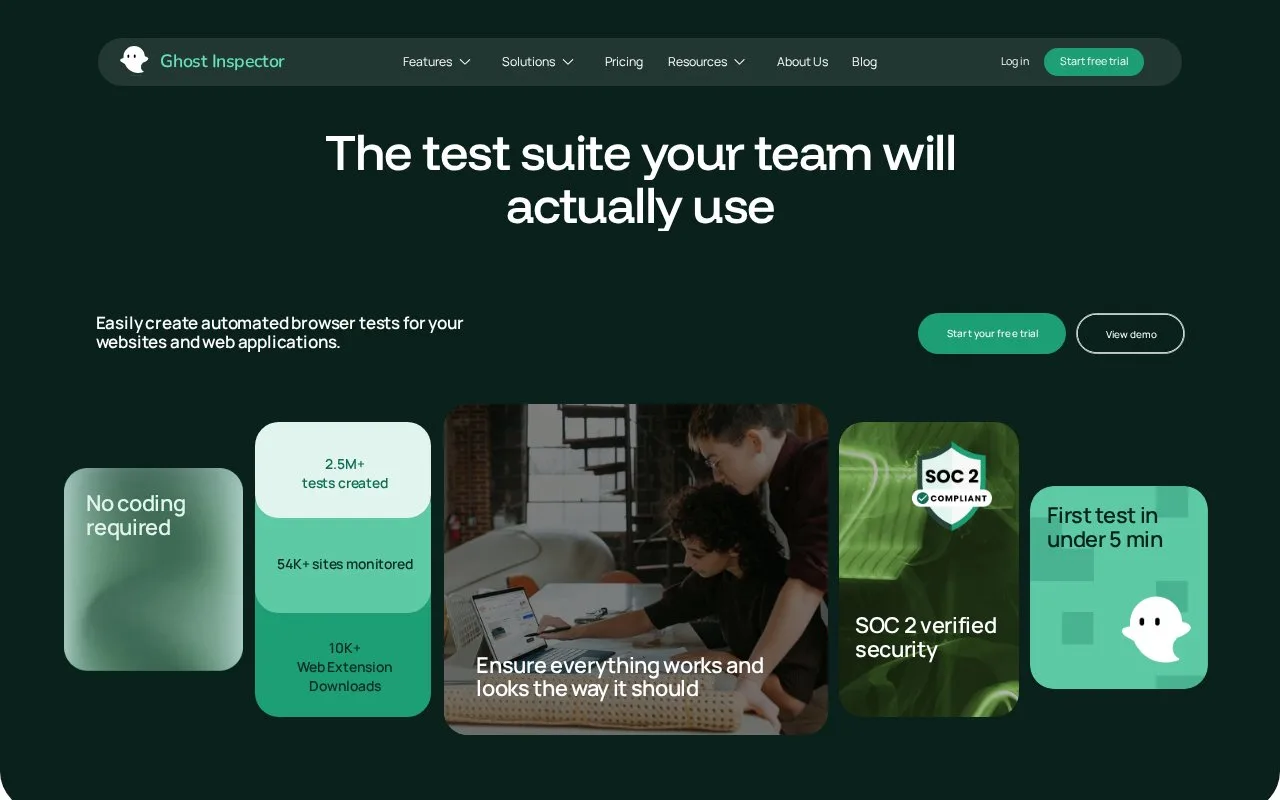
Ghost Inspector is a hosted automated testing service for websites and web applications. A tester records actions with a browser extension, adds assertions for expected page content or elements, and saves the flow as a reusable test. Tests run in the vendor's cloud and return step results, screenshots, and video; suites can run on a schedule or from a CI pipeline. The visual recorder makes it approachable to non-programmers, while reusable modules, variables, JavaScript logic, and integrations give engineering teams additional control.
Turn a manual browser flow into a repeatable test
Install the Ghost Inspector recorder extension for a supported browser, sign into a trial account, and record a real workflow on the site being tested. The getting-started guide uses an online-store scenario: open a product, add it to the cart, and record an assertion that the page displays the expected confirmation. Recording a click path is only the first part; assertions define what should be true after those actions.
Save the test in a suite and run it through Ghost Inspector's cloud service. The result includes the outcome of each step, a screenshot, and a video, which helps a team inspect failures without reproducing every run manually. Tests can be scheduled and connected to CI tools so the same workflow can run after deployments.
Ghost Inspector offers a 14-day trial and subscription plans with monthly run limits. Its pricing page says tests pause for the rest of the billing period when a plan's monthly run limit is exceeded. Choose the plan by expected run volume and team size; if the product workflow needs browser behavior beyond a recorded sequence, the docs also describe reusable modules, variables, and JavaScript logic.
Strengths
- A browser recorder turns interactions into reusable tests without requiring the initial steps to be hand-coded.
- Assertions, screenshot comparisons, and step-level results help verify and review user flows.
- Cloud runs produce screenshots and videos and can be scheduled or connected to CI.
- Documentation covers reusable modules, variables, accessibility testing, and JavaScript logic for more complex flows.
Watch out for
- A recorded sequence needs assertions that express the expected application behavior; recording clicks alone does not establish correctness.
- Paid plans impose monthly test-run quotas, and tests pause for the remainder of the billing period if the limit is exceeded.
Best for
- QA and product teams automating repeatable website or checkout workflows
- Teams that want browser tests to run on a schedule or after each deployment
- Web teams that need screenshots and video attached to failed browser test results
Sources
- Automated Website & App Testing - Ghost Inspector (Oct 25, 2026)
- Getting Started — Ghost Inspector (Oct 25, 2026)
- Pricing - Ghost Inspector (Oct 25, 2026)