
What it does
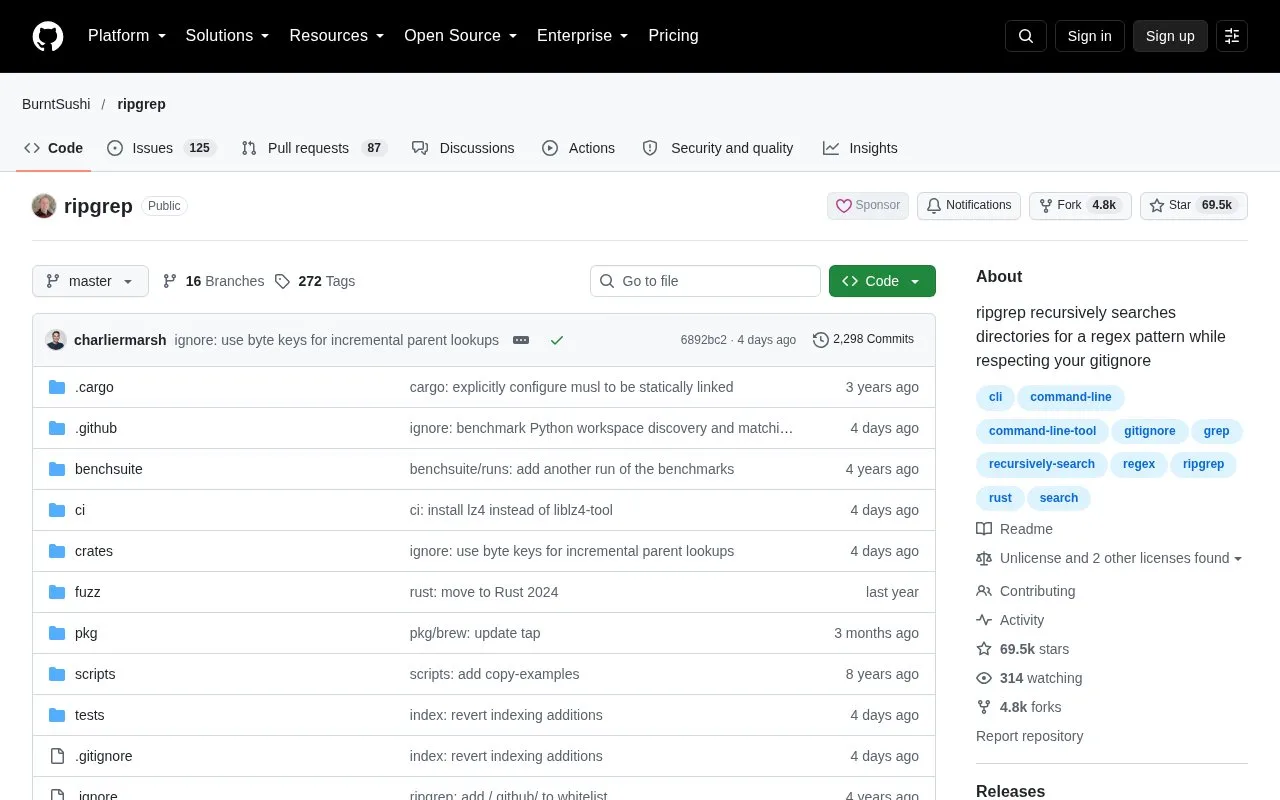
ripgrep, invoked as `rg`, is a line-oriented search tool for source code and other text. It searches directories recursively, uses regular expressions, and by default respects Git ignore rules while skipping hidden and binary files. The official repository provides Windows, macOS and Linux support and release binaries. It is a focused terminal utility, not an editor or hosted code-search service.
A simple first search might be rg 'TODO' src/ to find matching lines under a source folder. Replace the pattern and path with the project-specific text and directory you need. The output is line-oriented, which makes it easy to read in a terminal or pass to another shell tool. The default filtering is helpful in a repository because ignored build artifacts do not normally drown out source matches. It can also hide files you intended to search: ripgrep skips hidden files, binary files and ignored paths by default. The README documents -uuu as a way to disable those automatic filters, so use it only when a broader search is deliberate. The official repository documents Windows, macOS and Linux support, release downloads, and an MIT-or-Unlicense license choice. Its release page lists version 15.2.0 and describes fixes to ignore matching and directory traversal. This is an open-source command-line project; there is no cloud account or hosted search index to configure.
Strengths
- Recursively searches a directory with regular expressions.
- Honors Git ignore rules and skips hidden and binary files by default.
- Release binaries are provided for Windows, macOS and Linux.
Watch out for
- Default ignore and hidden-file filtering can omit matches unless search options are adjusted.
- The workflow is command-line based; there is no hosted index or graphical project browser.
Best for
- Searching a local repository for identifiers, TODO markers, or code patterns
- Fast terminal searches that should respect the project's ignore files
Sources
- ripgrep (rg) (Oct 25, 2026)
- Releases · BurntSushi/ripgrep (Oct 25, 2026)
- The MIT License (MIT) (Oct 25, 2026)