
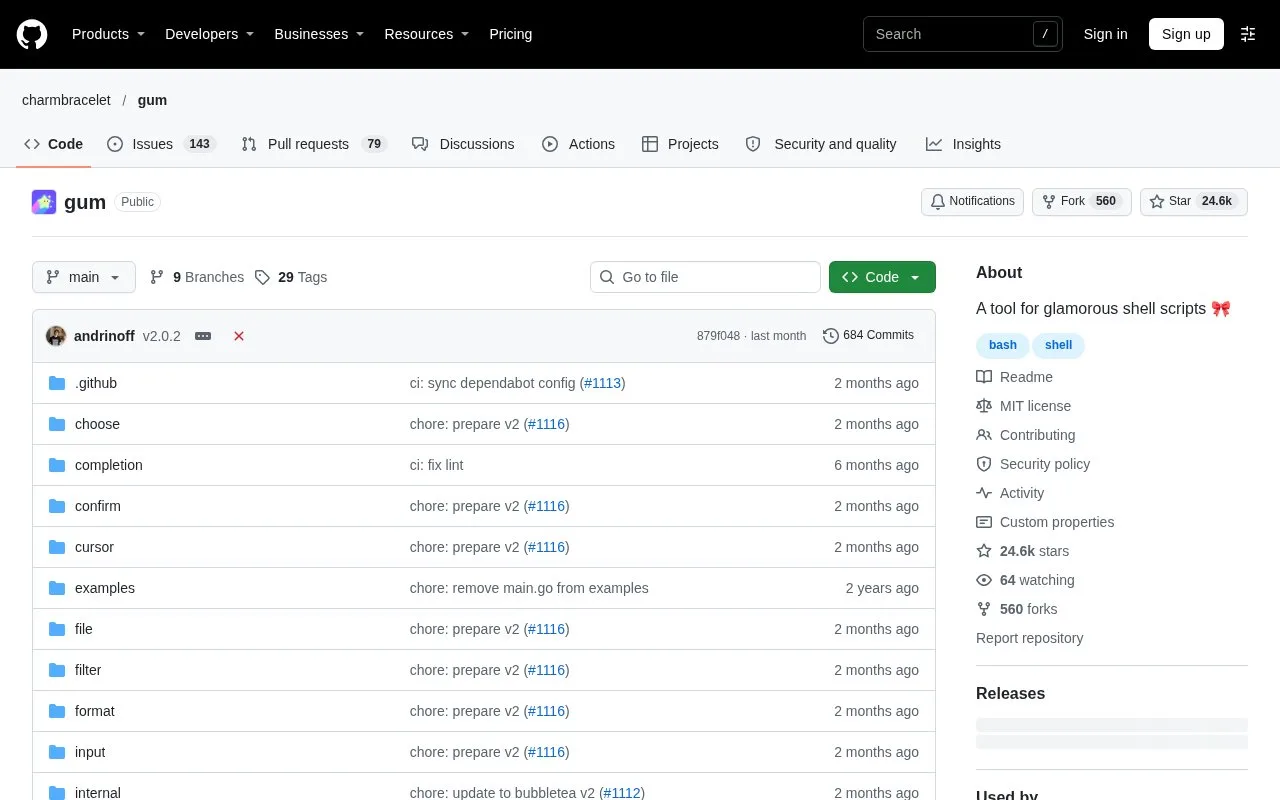
What it does
Gum is a command-line toolkit for adding user interaction and presentation to shell scripts and aliases. Its commands can collect short or long text, ask for confirmation, select or filter supplied choices, pick files, show progress, and style terminal output. Results can be captured or piped into the next shell step, so Gum helps turn a sequence of shell commands into a guided workflow. It is a separately installed terminal utility, not a hosted scripting service.
A practical starting point is a small commit-message helper: use gum input for a short subject, gum write for longer details, and gum confirm before calling git commit. The project README documents this kind of workflow, along with gum choose for a fixed list and gum filter for selecting from input supplied by another command. These are illustrative examples, not commands run for this listing.
Selections and entered text can be saved in shell variables or redirected to a file, which makes Gum useful between existing commands rather than a replacement for them. Other commands cover file selection, tables, a pager, formatting, and a spinner around a command. Flags and GUM_* environment variables let a script keep its logic separate from terminal styling.
Install the executable using a package manager, a release binary, or the documented Go install route; the README lists binaries for Linux, macOS, Windows, and BSD systems. Gum is most useful when someone is present to answer its prompts. A script that must run unattended should avoid interactive commands or provide another noninteractive path. The repository’s license is MIT.
Strengths
- Provides commands for choices, confirmation, text entry, file selection, filtering, formatting, and progress display.
- Selections and text can be captured in shell variables or passed along through standard output.
- Appearance and behavior can be customized with command flags and environment variables.
- The repository documents binaries for Linux, macOS, Windows, FreeBSD, OpenBSD, and NetBSD.
Watch out for
- Interactive prompts need an operator, so unattended jobs must avoid or work around those commands.
- The Gum executable must be installed separately before a script can use it.
Best for
- Adding guided choices and confirmations to shell scripts or dotfile aliases
- Interactive command-line workflows that pass user selections to later shell steps
- Formatting terminal output or showing progress around a command
Sources
- GitHub - charmbracelet/gum: A tool for glamorous shell scripts (Oct 25, 2026)
- Releases · charmbracelet/gum (Oct 25, 2026)
- gum/LICENSE at main · charmbracelet/gum · GitHub (Oct 25, 2026)