
What it does
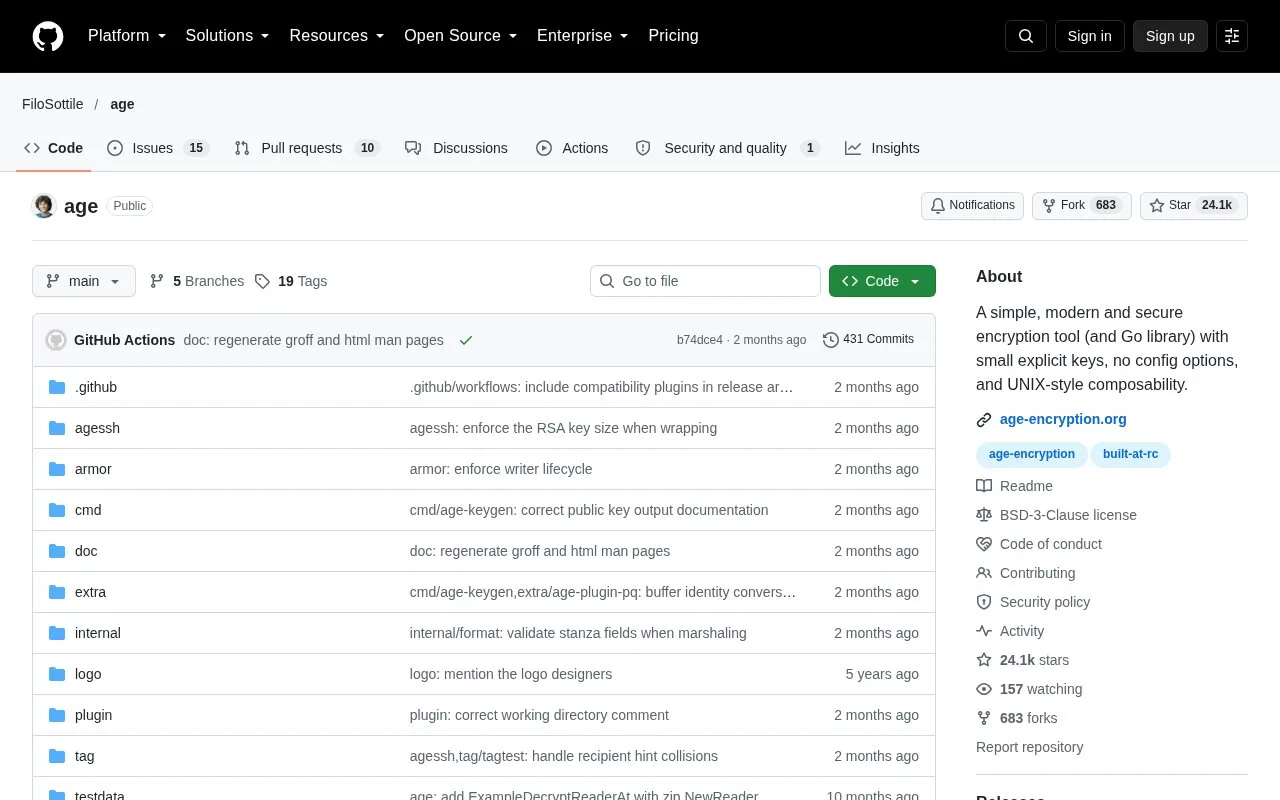
age is a file-encryption tool, format and Go library. Its command-line workflow can encrypt one input for one or more recipients, including age public keys and SSH public keys, or use a passphrase. It reads from standard input when no input file is supplied and writes to standard output by default, which makes it easy to place inside shell pipelines. The project favors explicit keys and few configuration options rather than a central account or key-management service.
age separates the recipient who can encrypt a file from the identity needed to decrypt it. For a first task, generate an identity with age-keygen -o identity.txt, share only the printed public recipient, then encrypt a file for that recipient. For example, a team could encrypt a source archive before attaching it to an issue or sending it to a collaborator:
age -r age1recipient... -o source.tar.age source.tar
age -d -i identity.txt -o source.tar source.tar.age
The recipient shown here is illustrative, not a real key, and these commands are documented examples rather than commands run for this listing. Because standard input and output are supported, age can also sit between tools without writing an intermediate plaintext file. Its format has independent implementations and the project includes a Go library for applications that need to read or write age files.
The tradeoff is that age keeps its job narrow. It encrypts and decrypts data; it does not provide a central identity directory or recover a lost private key. Store identity files carefully and agree on how recipients are rotated before relying on encrypted archives. The manual also notes that output paths are overwritten if they already exist, so choose a destination deliberately. The source is BSD-3-Clause licensed.
Strengths
- Uses explicit recipient keys and can encrypt one file for multiple recipients or use a passphrase.
- Works with file paths and standard input or output, making it composable with other command-line tools.
- Includes a Go library and a documented file format for software integrations.
Watch out for
- The user is responsible for safeguarding private identity material and arranging recipient access; age is not a key-recovery service.
- The documented CLI overwrites an existing output path, so a mistaken destination can replace a file.
Best for
- Encrypting archives or files before sharing them with named recipients
- Adding file encryption to command-line pipelines or Go programs
Sources
- FiloSottile/age official repository and README (Oct 26, 2026)
- age(1) command manual (Oct 26, 2026)
- age source license (Oct 26, 2026)