
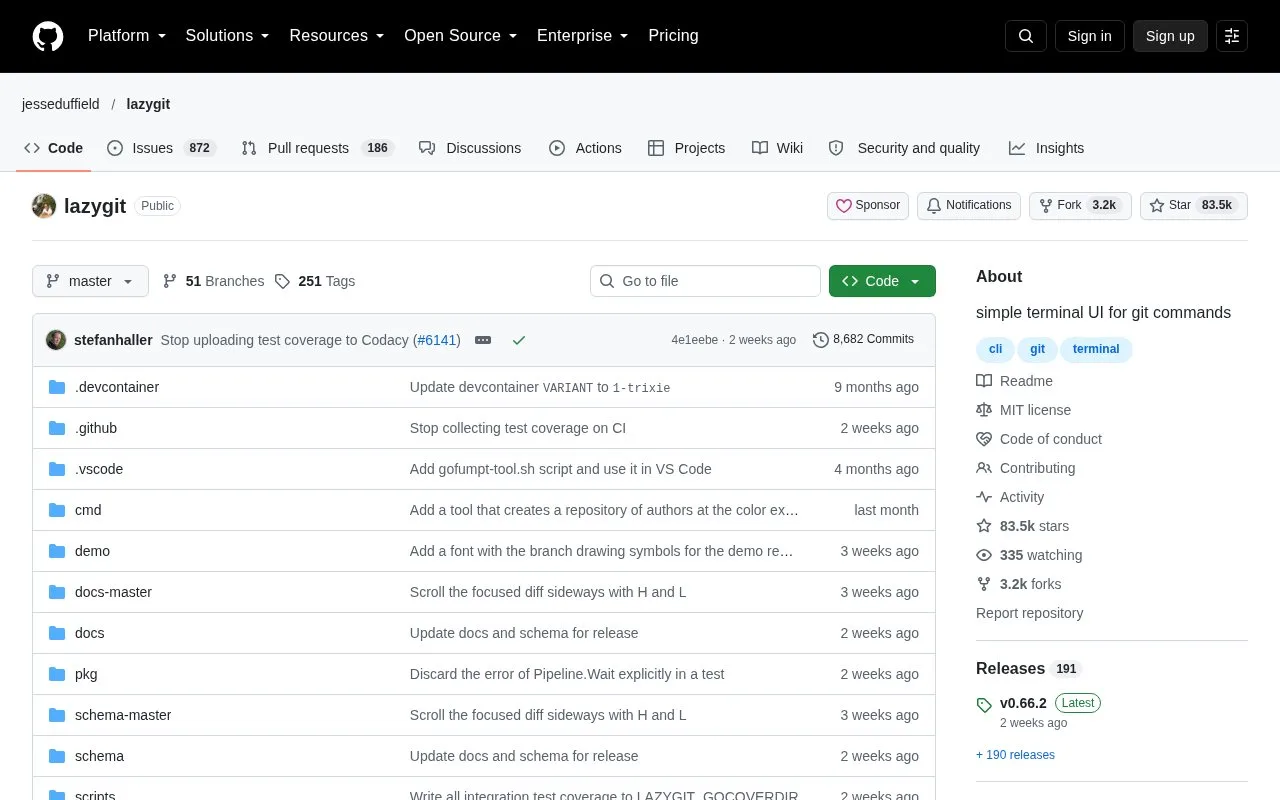
What it does
lazygit is a terminal UI for Git operations. Its panels expose files, branches, commits, and related work, while keyboard actions handle staging, committing, rebasing, and other repository tasks. It is a front end for Git rather than a separate hosting service, so it works with a repository already checked out on the user’s machine.
Install lazygit, move into a local Git repository, and launch the interface. Use the files panel to stage a file or open a hunk view, then create a commit from the staged changes. The keybindings reference describes Space for staging, Enter for a hunk view, and c for committing; pressing ? inside the current panel shows the available actions.
The interface is useful when repeated Git actions are easier to scan than to remember as commands, especially when working through branches, stashes, or an interactive rebase. It still relies on Git and a local working tree, and its panel-based navigation takes some practice. The project is MIT-licensed and provides binaries through its releases.
Strengths
- The interface supports file staging, commits, branches, stashes, and interactive rebase workflows.
- Panel-specific keybindings can be viewed in the application with `?`.
- The official repository includes an MIT license.
Watch out for
- It operates on an existing local Git repository and does not host remotes.
- Keyboard-driven panels have a learning curve for users who do not yet know the shortcuts.
Best for
- Reviewing and staging changes in a local Git working tree
- Managing branches and commits without leaving a terminal
Sources
- README.md | jesseduffield/lazygit (Oct 25, 2026)
- lazygit Keybindings Reference (Oct 25, 2026)
- LICENSE | jesseduffield/lazygit (Oct 25, 2026)
- Latest release | jesseduffield/lazygit GitHub API (Oct 25, 2026)