
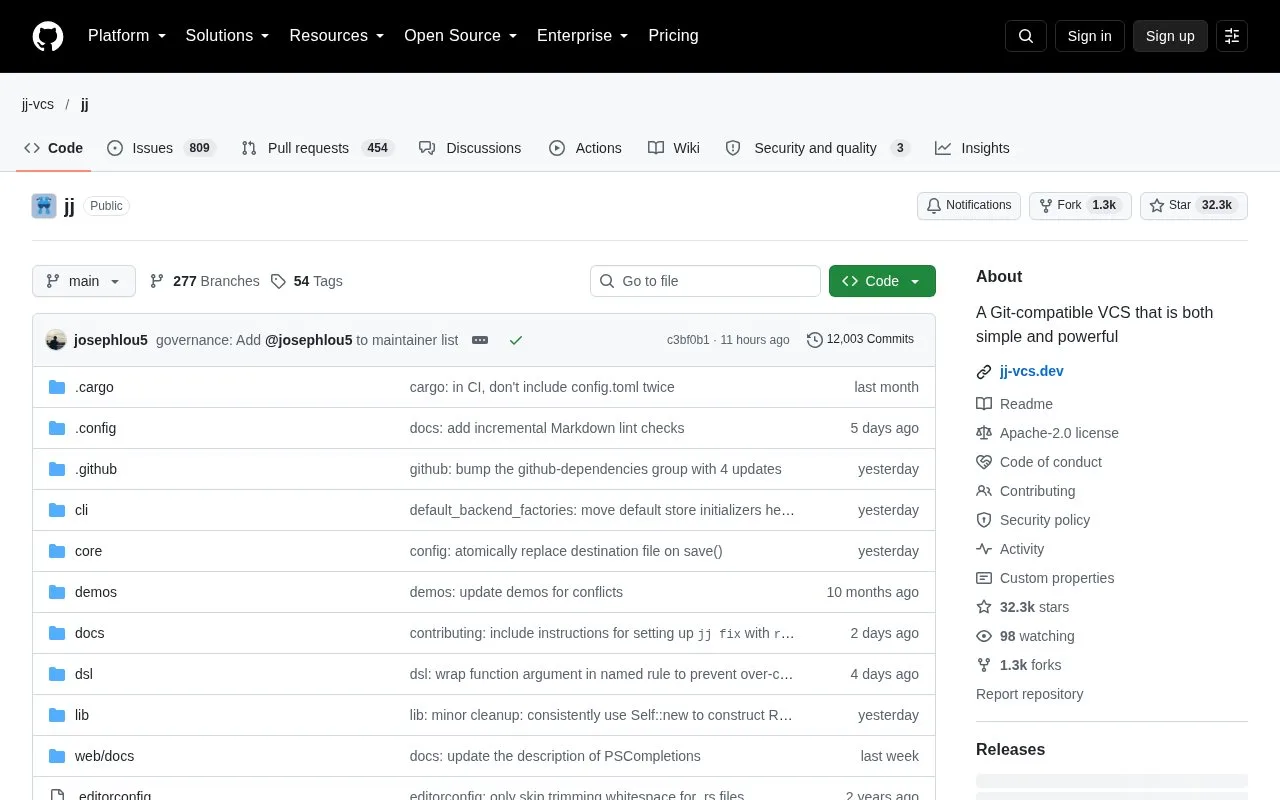
What it does
Jujutsu, invoked as `jj`, is a version-control system that works with Git repositories while offering its own change and operation model. Its tutorial covers cloning a Git repository, inspecting history, editing changes, and working with Git remotes. The source repository is licensed under Apache-2.0.
Start with the tutorial’s jj git clone workflow for a Git repository, then use the log view to inspect the working-copy commit and its parent. Jujutsu treats the working copy as a commit that is automatically amended as files change, and the tutorial describes an operation log for tracking repository operations. That makes the model different from Git’s staging area and is worth understanding before adopting it across a team.
Jujutsu stores commits and files in Git repositories, but bookmarks and other higher-level metadata are stored in its own additional storage. It is compatible with many Git-based tools, yet collaborators who use only Git should understand which metadata will and will not travel through ordinary Git operations. The project publishes Apache-2.0 source and supports installation on Windows, macOS, and Linux.
Strengths
- Works with Git repositories and documents Git remotes and compatibility.
- Uses change identifiers and an operation log as part of its version-control model.
- The project is Apache-2.0 licensed and publishes binaries for major desktop platforms.
Watch out for
- Its workflow differs from Git’s staging model and has its own higher-level metadata.
- Bookmarks and other Jujutsu metadata are stored separately from Git commits and files.
Best for
- Trying a version-control workflow that can use existing Git repositories
- Teams willing to learn a change-oriented workflow and its metadata model
Sources
- Tutorial and bird’s eye view | Jujutsu docs (Oct 25, 2026)
- Installation and setup | Jujutsu docs (Oct 25, 2026)
- README.md | jj-vcs/jj (Oct 25, 2026)
- LICENSE | jj-vcs/jj (Oct 25, 2026)
- Latest release | jj-vcs/jj GitHub API (Oct 25, 2026)