
What it does
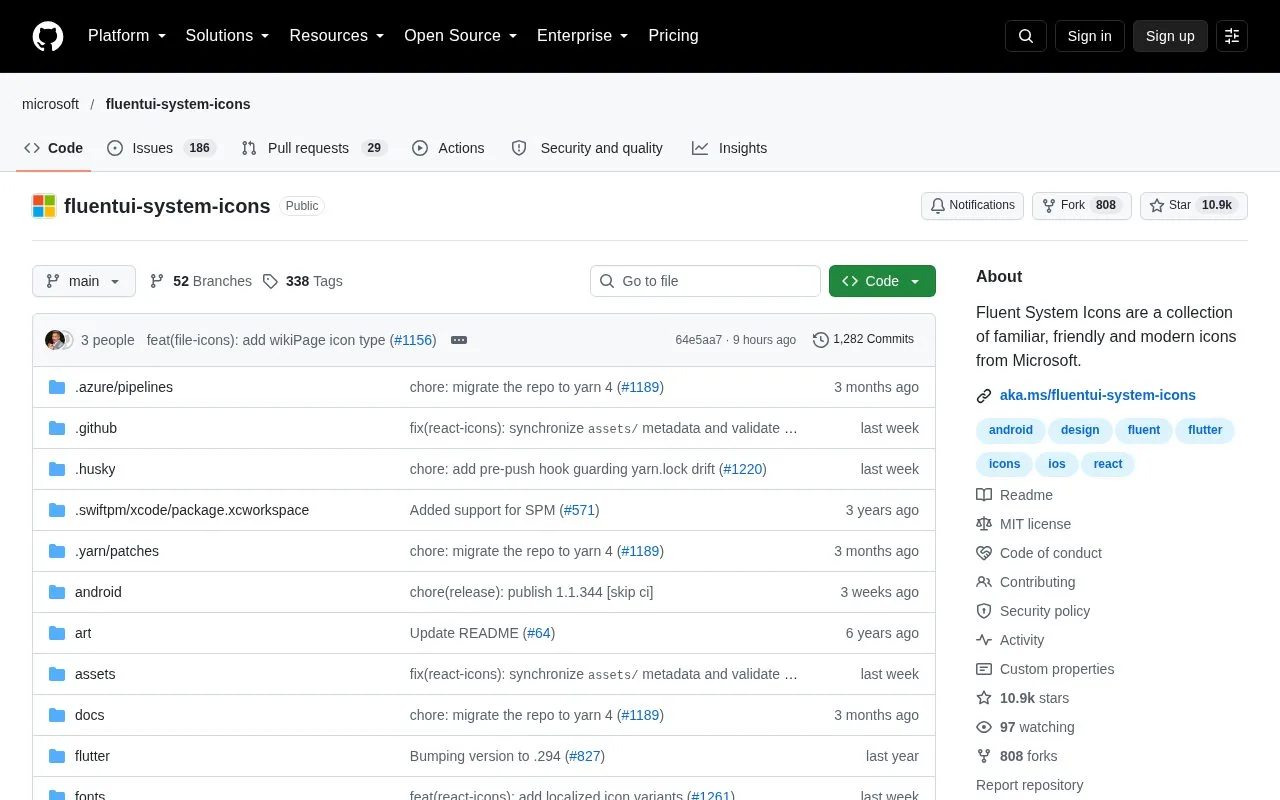
Fluent UI System Icons publishes Microsoft artwork in regular and filled styles. It includes SVG assets, directionality metadata and documented Android, Apple-platform and Flutter integrations.
The directionality metadata is a useful detail in Fluent UI System Icons. An icon can have separate left-to-right and right-to-left versions, or be marked as mirrorable. That distinction helps a multilingual application avoid flipping every object indiscriminately.
For plain SVGs, install @fluentui/svg-icons. File names combine the icon, size and style, as in mail_24_regular.svg. The package guide shows importing an SVG and inserting its markup with a configured SVG loader. Regular and filled assets inherit currentColor, so they can follow the interface’s text color.
Check the actual file before fixing a size and style in a design. Metadata lists available sizes and styles independently; it does not guarantee every combination. The color variants have preserved fills, cannot be themed in the same way, and are deprecated for new work. Android, iOS/macOS and Flutter have their own installation routes. MIT permits commercial use and adaptation, with its notices included in redistributed files.
Strengths
- Direction metadata distinguishes mirrorable icons from separate LTR/RTL artwork.
- Offers platform packages as well as optimized SVG files.
Watch out for
- Not every size and style combination is available.
- Color variants are deprecated and may be removed.
Best for
- Interfaces using Microsoft’s Fluent visual language.
- Products handling both LTR and RTL layouts.
Sources
- Fluent UI System Icons (Oct 27, 2026)
- Fluent UI System Icons: SVG (Oct 27, 2026)
- Fluent UI System Icons MIT License (Oct 27, 2026)