
What it does
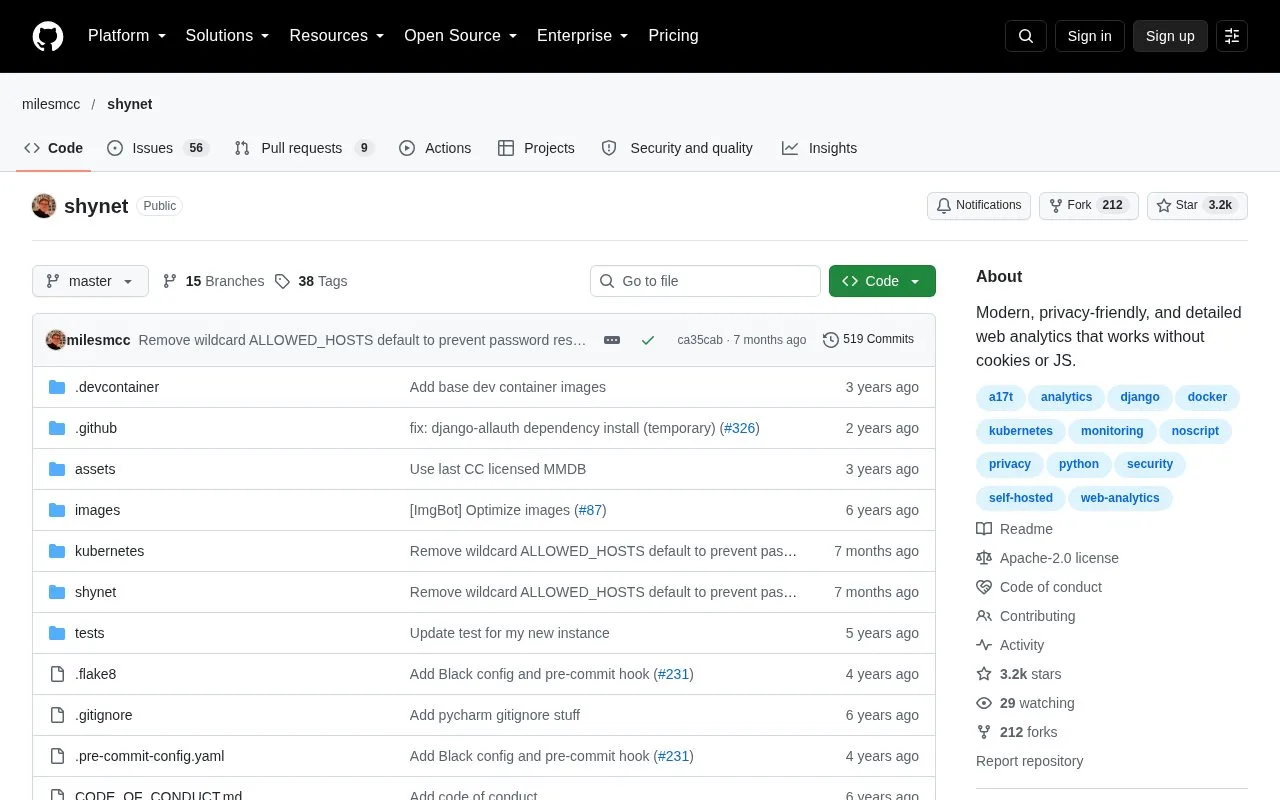
Shynet is a Django-based web analytics project with multiple sites, users and shared service access. It records hits, sessions, referrers and visitor environment details, with a tracking-pixel fallback.
Run Shynet when you want to operate website statistics for several sites and colleagues yourself. Its Django-based application uses Apache 2.0 terms and can run with PostgreSQL or SQLite. It records hits, sessions, referrers and visitor environment details, with a tracking-pixel fallback when JavaScript is unavailable.
Set up the first site
- Deploy the application using its installation guide, configure the database and create the local administrator account.
- Log in with those credentials and choose + Create Service. A service represents the site you want to measure.
- Create the service, then open Manage on its analytics page to obtain the tracking script.
- Add that script to the pages you want to measure and check that activity reaches the service before relying on its reports.
A small organization can keep one service per public site and share access with the appropriate users. Preserve Shynet's distinction between hits and sessions when explaining changes: repeated page activity is not the same measure as a browsing session.
The software does not update itself. Server operation, backups and release upgrades remain with your team, and release notes can require configuration changes.
Strengths
- One installation can support several sites and users.
- A tracking pixel is available when JavaScript is unavailable.
Watch out for
- The self-hosted architecture requires deployment and maintenance by the operator.
Best for
- Technical teams running shared website statistics on their own infrastructure
Sources
- Shynet project and metrics (Oct 27, 2026)
- Shynet Apache 2.0 licence (Oct 27, 2026)
- Shynet installation and usage guide (Oct 27, 2026)