
What it does
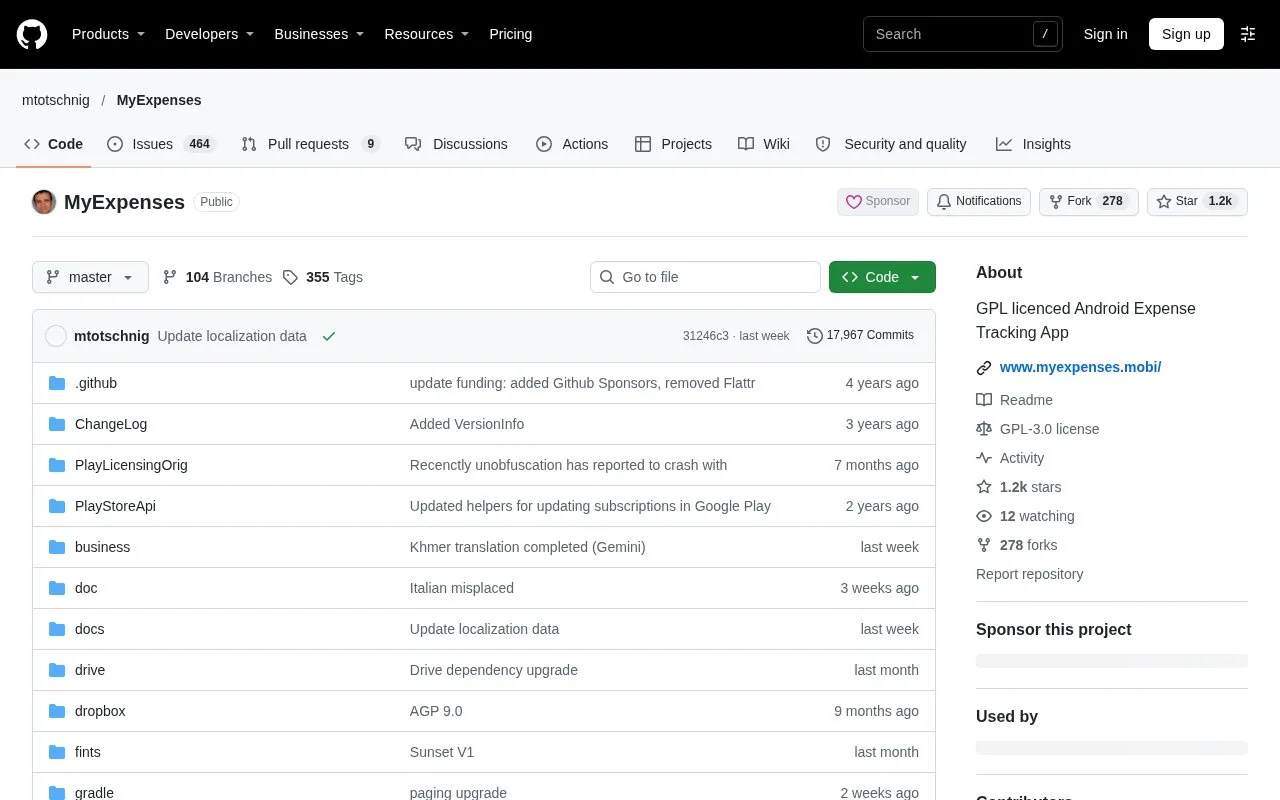
My Expenses is an open source personal-finance app for Android 8 or later. It keeps income and expenses across several accounts and offers paid upgrades for larger records, synchronization and category budgets. The basic edition supports up to five accounts and three recurring plans.
Keep cash, card and bank activity in separate accounts, then record transfers between them so the movement is not mistaken for new spending.
Repeating entries and checking a statement
When entering a regular payment, choose Save as template and set its Plan interval. Templates and Plans lets you decide whether future entries are saved automatically or offered as a notification for review. Custom recurrence uses your Android calendar, which can handle a payment every two weeks.
For a bank account, mark a transaction as cleared once the bank acknowledges it. When the statement arrives, choose Balance account and compare its balance with the cleared balance. Confirming a match changes those entries to reconciled. Cash accounts do not use this statement process.
Upgrade choices
| Edition | Payment arrangement | Main allowance or addition |
|---|---|---|
| Basic | Free | Five accounts and three recurring plans |
| Contrib Key | One-time payment | More accounts and plans, split transactions, category charts and PDF output |
| Extended Key | One-time payment | Contrib features plus customizable CSV import and cloud sync |
| Professional Key | Subscription | Extended features plus category budget limits, receipt scanning, history charts and a web interface |
Professional also offers bank downloads through Germany's FinTS system. Current key prices are shown through the chosen app distribution or purchase route.
The financial database stays on the device unless you configure a transfer or backup. To move to another phone, use Settings > Backup / Restore > Backup, copy the resulting ZIP file and restore it on the new device. Cloud backup needs its own setup.
Strengths
- Transfers can involve accounts in different currencies.
- A refund assigned to an expense category reduces that expense total instead of increasing recorded income.
Watch out for
- A purchased license generally cannot be transferred between the Google Play, Amazon and F-Droid editions.
Best for
- Android users who reconcile their own records against statements and want control over recurring entries
Sources
- My Expenses official repository and Android requirements (Oct 27, 2026)
- My Expenses free allowances and premium key comparison (Oct 27, 2026)
- My Expenses recurring transactions and calendar recurrence (Oct 27, 2026)
- My Expenses statement reconciliation (Oct 27, 2026)
- My Expenses backups, device migration and category behavior (Oct 27, 2026)
- My Expenses license transfer limits (Oct 27, 2026)
- My Expenses publisher listing with base features and paid key unlocks (Oct 27, 2026)