
What it does
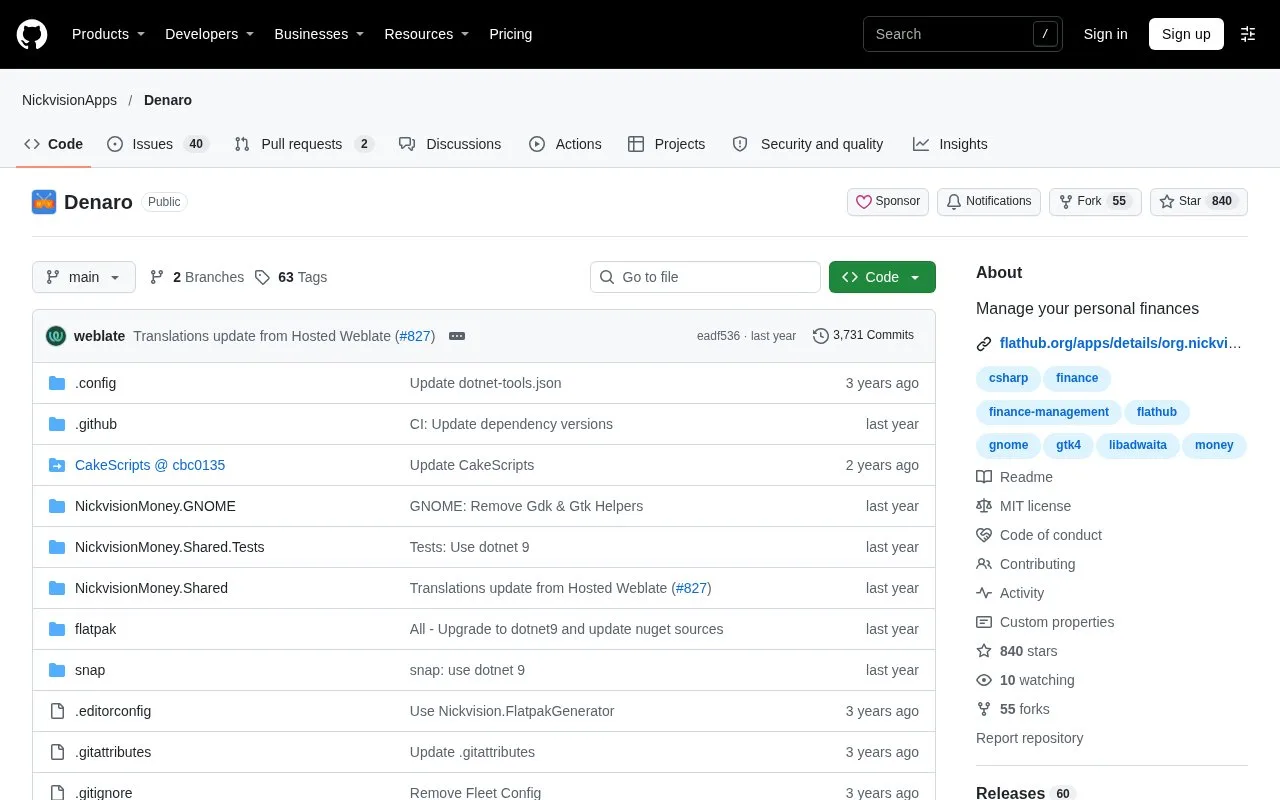
Denaro is a free personal finance application designed for the GNOME desktop on Linux. Each account has its own file and tab, so you can keep separate spending histories without combining every balance into one list. The software is available under the MIT licence.
Use an account tab to review its own transactions, then narrow the list by type, group or date. That gives a focused view of a bill category or a particular month. Creating an account opens its settings, where you can name it, choose a default transaction type and adjust the currency display. Checking, Savings and Business are labels rather than different feature packages.
Bringing in existing records
Denaro accepts OFX and QIF statements as well as its own CSV format. The CSV importer expects Denaro's specific columns and separators; an arbitrary CSV downloaded from a bank will not work unchanged. Imports add transactions without replacing existing entries.
Exports can cover the entire account or just the current filtered view, preserving its displayed order. Choose CSV for compatible transaction data or PDF for an account report that also includes receipt images.
Strengths
- Repeating transactions can represent regular bills, with a configurable reminder threshold
- Transfers can be recorded between Denaro accounts
Watch out for
- CSV exports omit receipts and notes
- Custom GNOME themes can affect the interface
Best for
- GNOME users maintaining personal account histories
Sources
- Denaro: features and installation (Oct 27, 2026)
- Denaro downloads (Oct 27, 2026)
- Denaro Help: account settings (Oct 27, 2026)
- Denaro Help: import and export (Oct 27, 2026)
- Denaro MIT licence (Oct 27, 2026)