
What it does
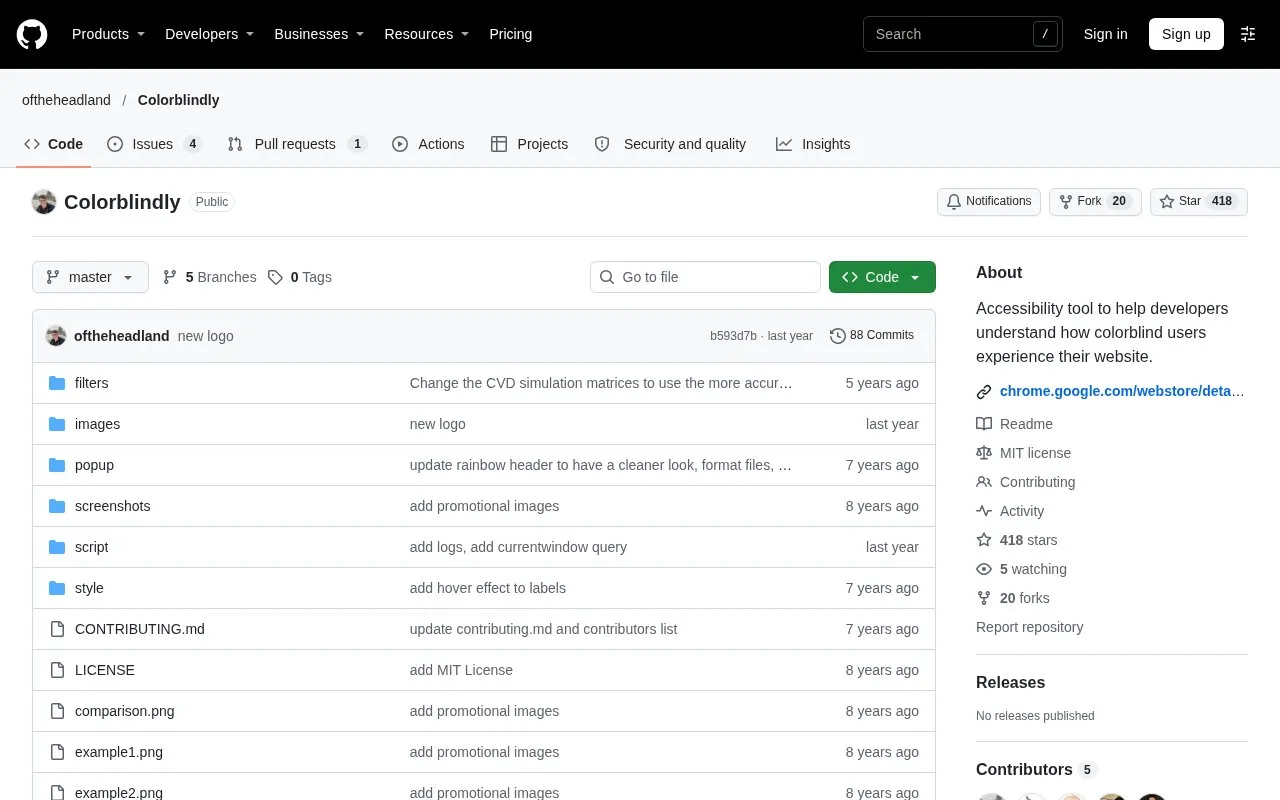
Colorblindly is an MIT-licensed Chrome extension that applies colour-vision filters to the current webpage. Its eight modes cover red-, green- and blue-vision differences plus two monochromatic views.
Install the extension from its Chrome Web Store listing, or load the repository as an unpacked extension in Chrome’s developer mode. Choose a simulation to inspect colours while keeping the surrounding page layout in view. The filter operates on the webpage through CSS, the browser’s styling language.
The mode list pairs weaker-colour and colour-blind simulations for red, green and blue, then adds achromatomaly and achromatopsia, its two monochromatic settings. This makes it possible to compare the same navigation state or chart without moving it into a separate image editor.
Chrome’s own restricted pages are an exception. The developer explicitly warns that Colorblindly does not work on Chrome domains such as the extension-store page itself. The published extension targets Chrome.
The repository’s MIT licence permits modification and redistribution with its copyright and permission notice retained. The current source manifest uses Chrome’s Manifest V3 format.
Strengths
- Filters leave page elements in their original layout for comparison.
- Source installation is available alongside the Chrome store distribution.
Watch out for
- The published extension targets Google Chrome.
- Chrome-restricted pages, including its extension store, cannot be filtered.
Best for
- Web developers inspecting colour-dependent states in a live page.
Sources
- GitHub - oftheheadland/Colorblindly: Accessibility tool to help developers understand how colorblind users experience their website. - GitHub (Oct 28, 2026)
- Colorblindly - Chrome Web Store (Oct 28, 2026)
- Colorblindly/manifest.json at master - oftheheadland/Colorblindly - GitHub (Oct 28, 2026)
- Colorblindly/LICENSE at master - oftheheadland/Colorblindly - GitHub (Oct 28, 2026)