
What it does
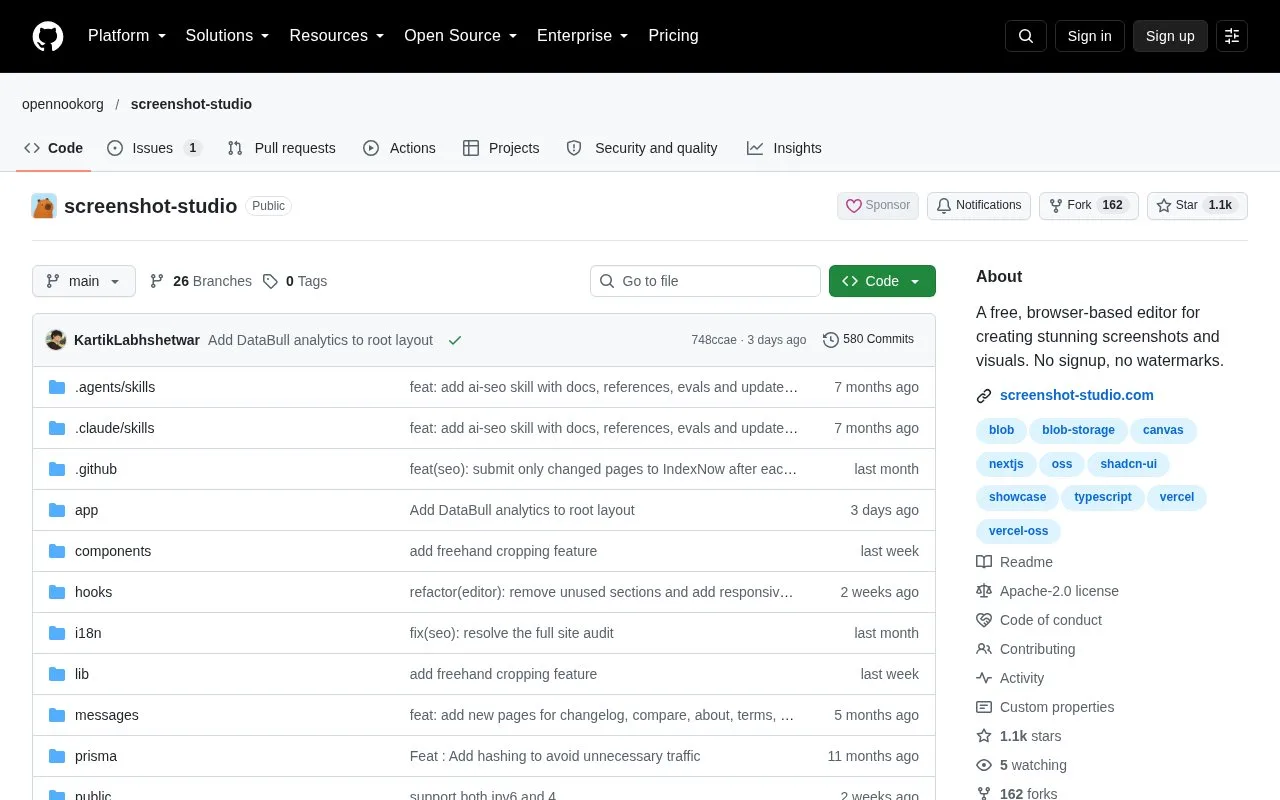
Screenshot Studio is an Apache-2.0 open-source editor for screenshot mockups and social graphics. Its browser canvas combines layered text and images, annotations, blur regions, device frames and perspective. Store-sized layouts, still-image exports and an animation timeline support product explanations and launch assets.
Add a PNG, JPEG or WebP screenshot of up to 100 MB, then choose a background and frame. Adjust padding, corner radius, shadow and perspective. Text, image, arrow and blur layers can share the composition, and image controls include brightness, contrast and saturation. Undo, redo and browser autosave support changes to the layout.
Use the store and social sizes for a browser-extension gallery or product announcement. PNG, JPEG and WebP exports support scaling up to 5x, including transparent PNG output. The animation timeline adds keyframes and motion presets, with MP4, WebM and GIF output; batch ZIP export is also available.
The hosted editor is free and requires no account or watermark. Editing happens on the device, but the image-compression export route sends the finished image to a server and returns it without storage.
The repository also documents running your own copy under Apache 2.0. Local setup needs Node 20.9 or newer, npm and build configuration. A database URL is part of that configuration; the browser editor itself does not require a running database.
Strengths
- Supports layered compositions with annotations, blur and image adjustments.
- Offers still-image exports up to 5x and timeline-based motion output.
Watch out for
- Input images are limited to 100 MB.
- Image compression during export sends the finished image to a server.
- Running a local copy requires a Node-based application setup.
Best for
- Feature-explanation graphics and browser-extension launch assets.
Sources
- GitHub - opennookorg/screenshot-studio: A free, browser-based editor for creating stunning screenshots and visuals. No signup, no watermarks. · GitHub (Oct 27, 2026)
- Online Screenshot Editor & Mockup Maker | Screenshot Studio (Oct 27, 2026)
- screenshot-studio/LICENSE at main · opennookorg/screenshot-studio · GitHub (Oct 27, 2026)