
What it does
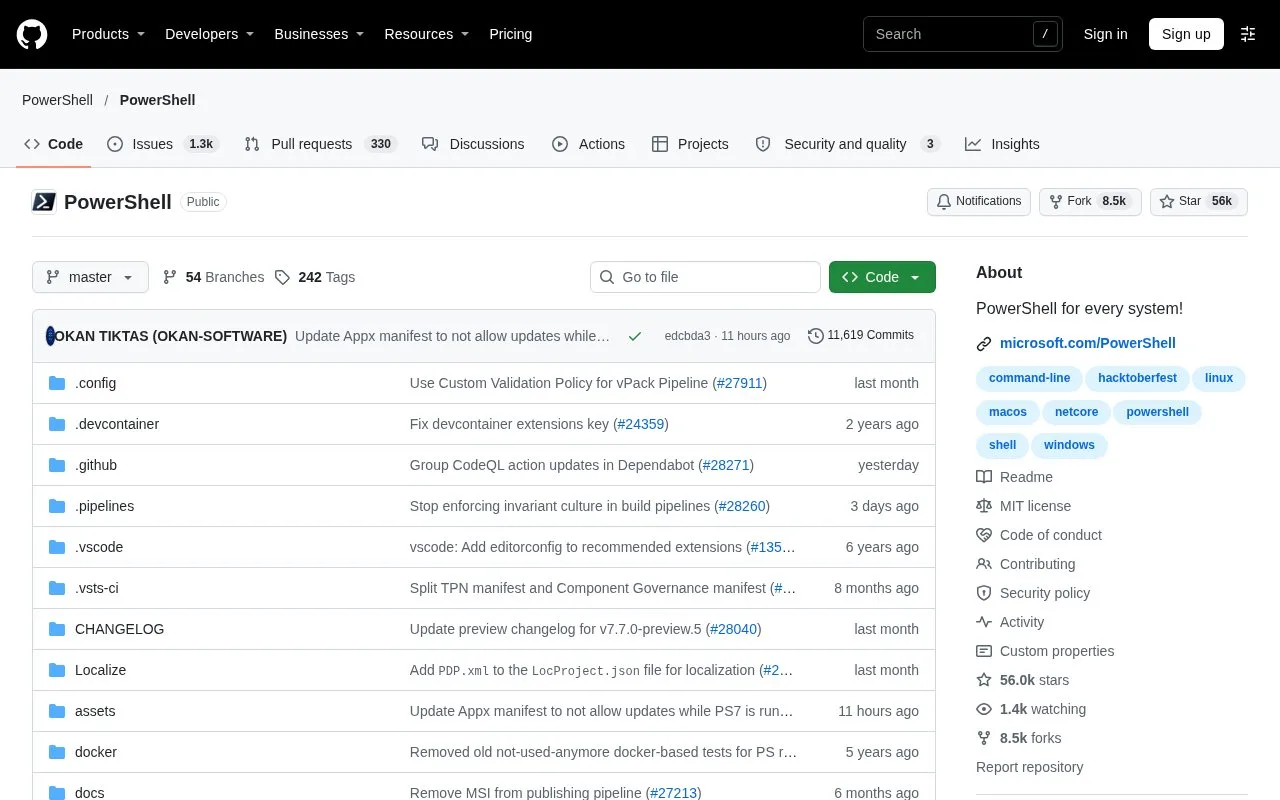
PowerShell combines an interactive shell, a scripting language, and a configuration-management framework. Unlike shells that primarily pass text between commands, its pipeline can pass .NET objects, which scripts can inspect and transform. Scripts are plain-text `.ps1` files that accept parameters. The project is cross-platform and maintained in Microsoft's public MIT-licensed repository.
PowerShell suits repeatable administration tasks that are easier to express as a small script than as a series of manually entered commands. Start with a .ps1 file that accepts a path or other parameter, then run it by providing the script path and the values it needs. The official script guide explains this file-and-parameter workflow; no script was created or executed for this listing.
The shell's object pipeline is useful when a later command should filter or transform structured command output rather than parse printed text. PowerShell runs on Windows, Linux, and macOS, so teams can reuse parts of their automation across those environments, while checking any operating-system-specific behavior separately.
On Windows, execution policy controls whether scripts can run; the official documentation describes the default policy and notes that execution policy does not apply to PowerShell on non-Windows platforms. Review that policy and your organization's security guidance rather than weakening it just to run a downloaded script. The PowerShell repository is MIT-licensed.
Strengths
- The object pipeline supports structured output and composition between commands.
- The same shell and scripting language runs on Windows, Linux, and macOS.
- Plain-text scripts can accept parameters for repeatable administrative tasks.
Watch out for
- Windows execution policy can prevent a script from running until its requirements are understood.
- A cross-platform shell does not guarantee that every administrative command or resource behaves identically on each operating system.
Best for
- Administrators automating repeatable command-line tasks across multiple operating systems.
- Developers who want scripts to process structured command output rather than only text.
- Teams keeping reusable operational tasks in version-controlled `.ps1` files.
Sources
- PowerShell Overview (Oct 25, 2026)
- about_Scripts (Oct 25, 2026)
- PowerShell repository (Oct 25, 2026)
- PowerShell MIT License (Oct 25, 2026)