
What it does
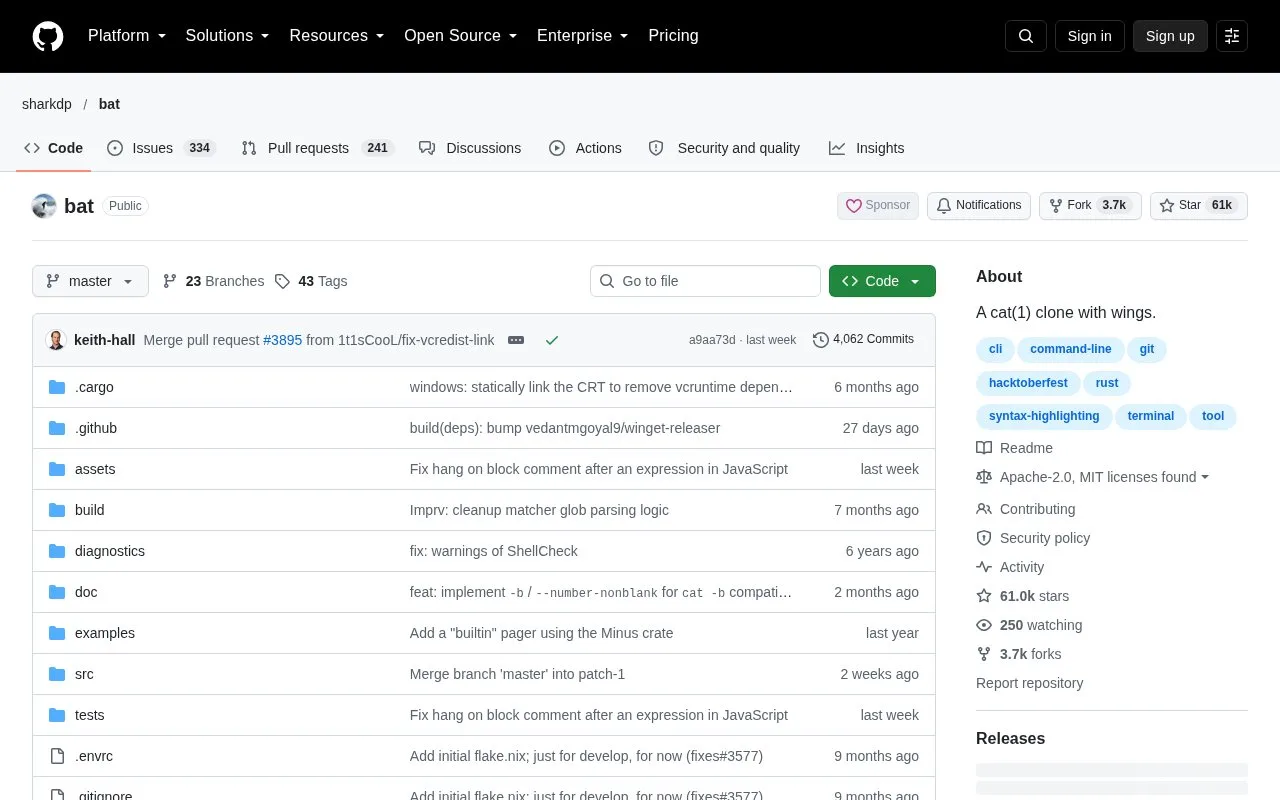
bat is a command-line file viewer that adds syntax highlighting and Git integration to a familiar `cat`-style workflow. It supports many programming and markup languages and can page longer output. The project is maintained in the sharkdp repository and provides MIT-licensed source.
Install bat from a package manager or a project release, then point it at a source file or README. The output highlights syntax and can show Git changes, which is handy when reviewing a configuration file or a small diff from a terminal. For a quick first use, compare bat on a source file with the plain output from cat; use a pager for long files rather than dumping everything into a narrow terminal.
The tool is a viewer, not an editor. It helps inspect files but leaves changes to an editor or patch workflow. The repository includes an MIT license and a release history; check the package name for your operating system because some distributions use a renamed executable to avoid conflicts.
Strengths
- The README documents syntax highlighting and Git integration.
- The tool supports a pager for longer file output.
- The official repository includes an MIT license and releases.
Watch out for
- bat displays file contents but does not edit them.
- The executable name can differ in package repositories to avoid a naming conflict.
Best for
- Reviewing source or configuration files from a terminal
- Inspecting syntax-highlighted files and Git changes during code review
Sources
- README.md | sharkdp/bat (Oct 25, 2026)
- LICENSE-MIT | sharkdp/bat (Oct 25, 2026)
- Releases | sharkdp/bat (Oct 25, 2026)