
What it does
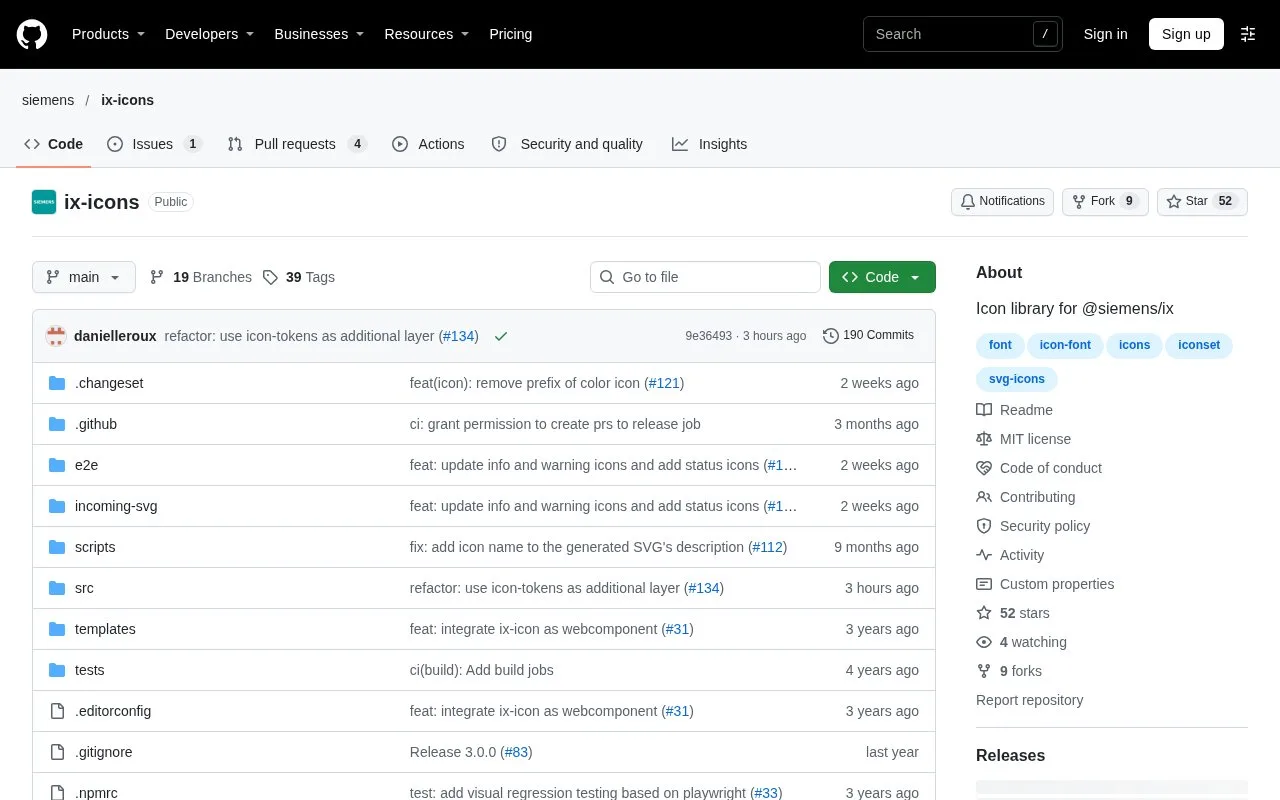
Siemens Industrial Experience Icons is the separately published @siemens/ix-icons package. It includes SVG assets and an icon web component.
Inside an iX React, Angular or Vue application, the parent packages handle the icon setup. A standalone application has a different path: register the custom elements, then either make the SVG folder available as assets or register selected imports through addIcons.
For an industrial control panel with a known set of actions, selected registration makes the dependency on those symbols explicit and avoids relying on a runtime asset path for them. Repeated addIcons calls do not add duplicate copies of an already registered icon. The same component can also accept custom SVGs, so a project-specific equipment symbol can sit alongside the library’s vocabulary.
The public @siemens/ix-icons package is free under MIT. Standalone pages can also load the published custom-element scripts from a CDN. These routes require no Siemens product account, and redistributed files retain the copyright and permission notice.
Strengths
- The icon package can be used without the full Siemens iX system.
- Selected icon registration is an alternative to copying the SVG asset folder.
Watch out for
- Standalone use requires registering the component and supplying artwork through one of the documented routes.
Best for
- Industrial control interfaces
- Standalone apps using Siemens iX artwork
Sources
- Siemens Industrial Experience Icons README (Oct 27, 2026)
- Siemens iX Icons MIT License (Oct 27, 2026)