
What it does
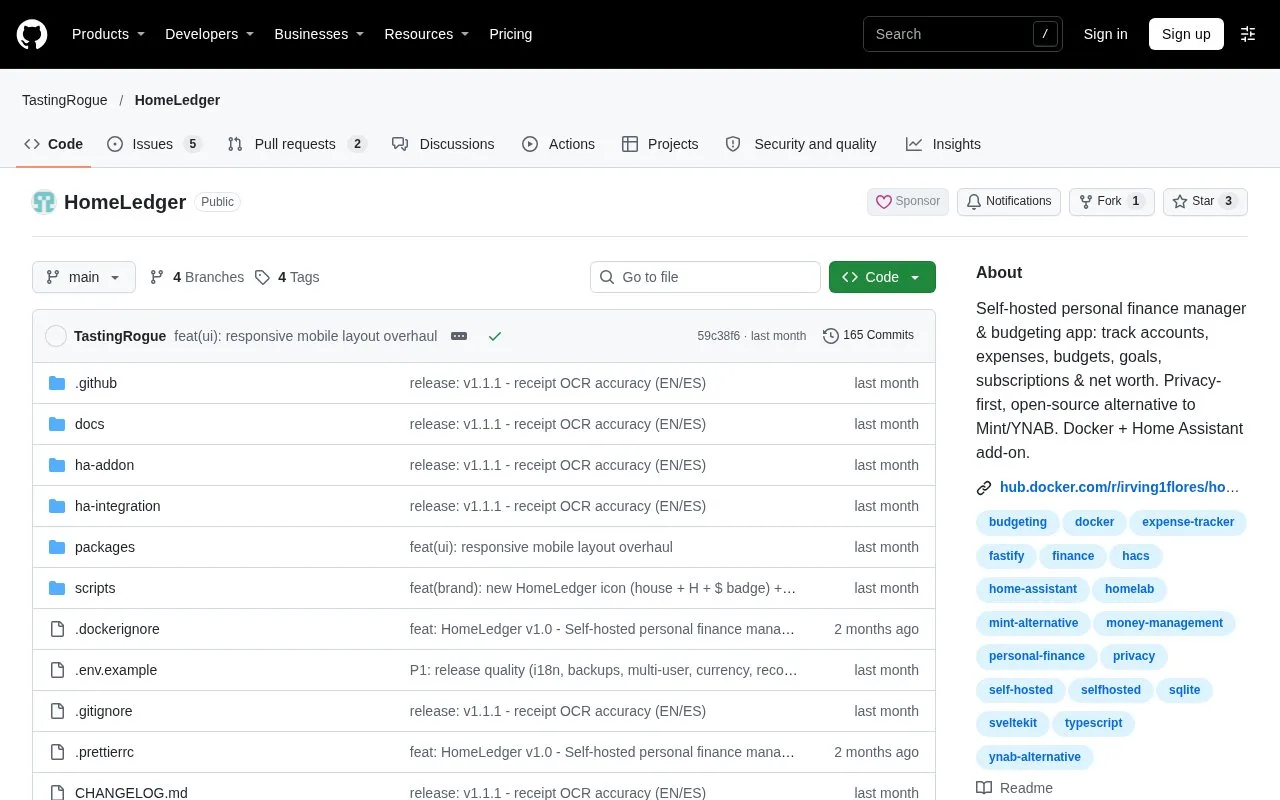
HomeLedger is a free, MIT-licensed finance app for people running their own household ledger. It can run through Docker or a Home Assistant add-on, with English and Spanish interfaces and a user account for each person.
From the first account to a budget
Open the installed app in a browser and use Register to create a name, email and password; the first registered user becomes the administrator. Under New Account, enter its name, type and starting balance. Add a currency and exchange rate if it differs from the installation's base currency.
Select New Budget, choose a weekly or monthly period and allocate amounts by category or tag. Rollover carries unused amounts into the next period, while the alert threshold controls when a warning appears. The summary compares allocated money with income for that period.
Bringing in bank records
Upload CSV, XLSX, OFX, QIF or JSON through Bank Import. HomeLedger has specific parsers for BBVA, Santander and Nu Mexico, plus a generic CSV parser. The preview distinguishes new entries, duplicates and matches to pending transactions. Confirm the selected rows; import history also offers Undo.
The subscription calendar tracks regular payments. Enabling Auto-charge creates expense entries on their due dates, including missed cycles after a restart. It records the bill in your ledger rather than paying it at the bank.
Strengths
- Filtered transactions can be exported as an Excel-compatible CSV file
- Home Assistant integration exposes remaining-budget and upcoming-payment information for dashboards and automations
Watch out for
- Foreign-currency accounts use exchange rates entered by the user
- Restoring a personal JSON backup replaces that user's current records; a whole-database restore replaces all users' records
Best for
- Households already maintaining a home server or Home Assistant
Sources
- HomeLedger installation and features (Oct 27, 2026)
- HomeLedger user manual (Oct 27, 2026)
- HomeLedger release history (Oct 27, 2026)