
What it does
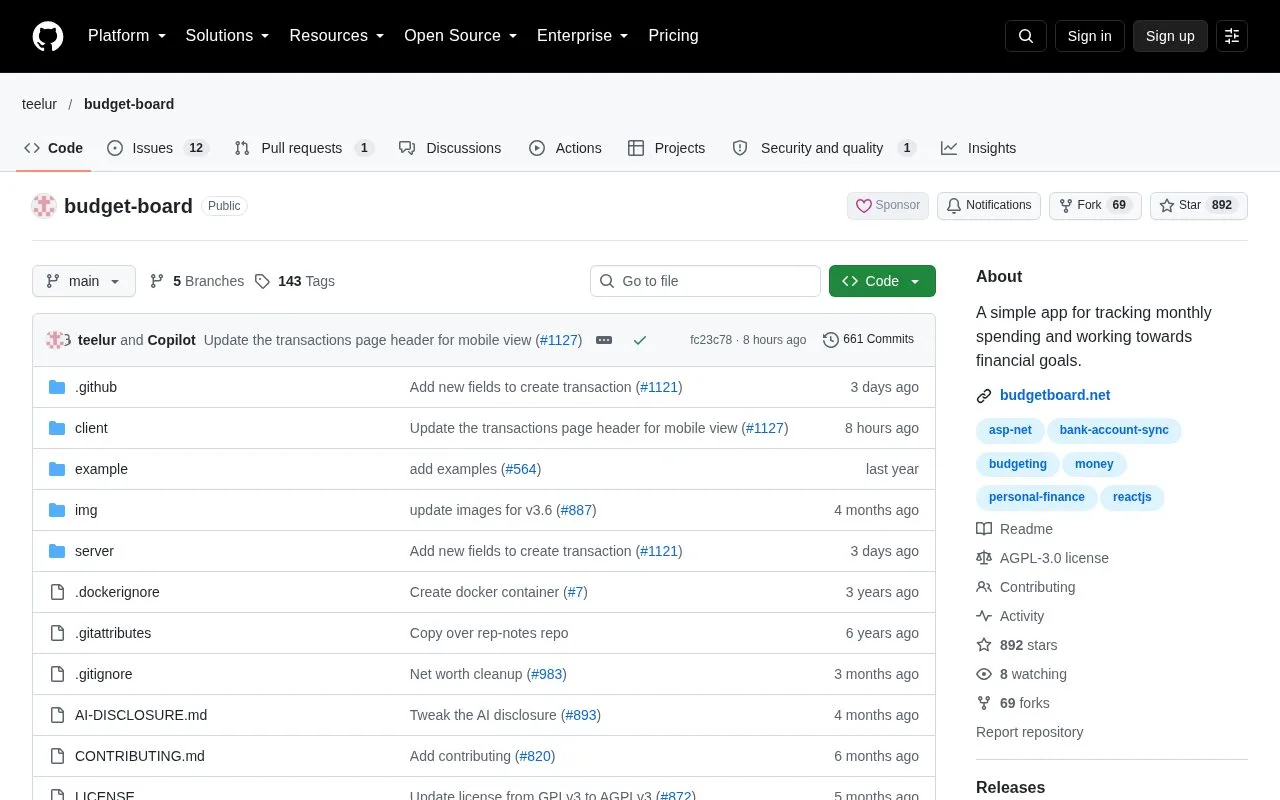
Budget Board tracks personal accounts, transactions, monthly category budgets and goals. You can enter records manually, import a CSV file or connect an external bank-data provider. The AGPL-3.0 software runs on your own server, with a browser interface and individual user accounts.
From a statement to a monthly budget
After deploying Budget Board with Docker, use Register Here to create a local account. An installation with an external identity provider can instead offer Login with OIDC.
- Open Accounts Configuration through the gear icon on the dashboard's Accounts card and create the accounts you need.
- Go to Transactions > Import, select a CSV file and choose Load CSV.
- Map its columns and account names, adjust the date or amount format, then review any transactions flagged as duplicates before selecting Import.
- Open Budgets, click the plus icon and choose a category and target amount.
The CSV needs a header row and an account-name column. A category that does not match an existing category imports without a category, so it may need attention afterward.
Correctly categorized history becomes useful input for later records. Budget Board can train categorization from those transactions, while explicit rules can update records according to description, amount or date.
Click a budget to inspect six months of category spending and recent transactions. The gear icon controls the warning threshold: for example, setting it to 80% turns an expense budget yellow once four fifths of its allowance is used.
The self-hosted software has no paid feature tier. Automatic bank updates use SimpleFIN or LunchFlow: map the provider's accounts to Budget Board accounts on External Accounts to import balances and transactions during synchronization. These are separate services, rather than direct connections to every bank.
Strengths
- Asset records can include property and other valuables alongside financial accounts.
- Savings and debt goals can use a target date or a monthly contribution, with the other value calculated.
Watch out for
- The combined view of several months does not allow budget editing or access to budget details.
Best for
- Self-hosters who want to inspect imported transactions behind a category budget
Sources
- Budget Board features and AGPL-3.0 source (Oct 27, 2026)
- Budget Board deployment and first login (Oct 27, 2026)
- Budget Board CSV mapping and duplicate checks (Oct 27, 2026)
- Budget Board category targets, warnings and monthly views (Oct 27, 2026)
- Budget Board savings and debt goal settings (Oct 27, 2026)
- Budget Board external account mapping and synchronization (Oct 27, 2026)