
What it does
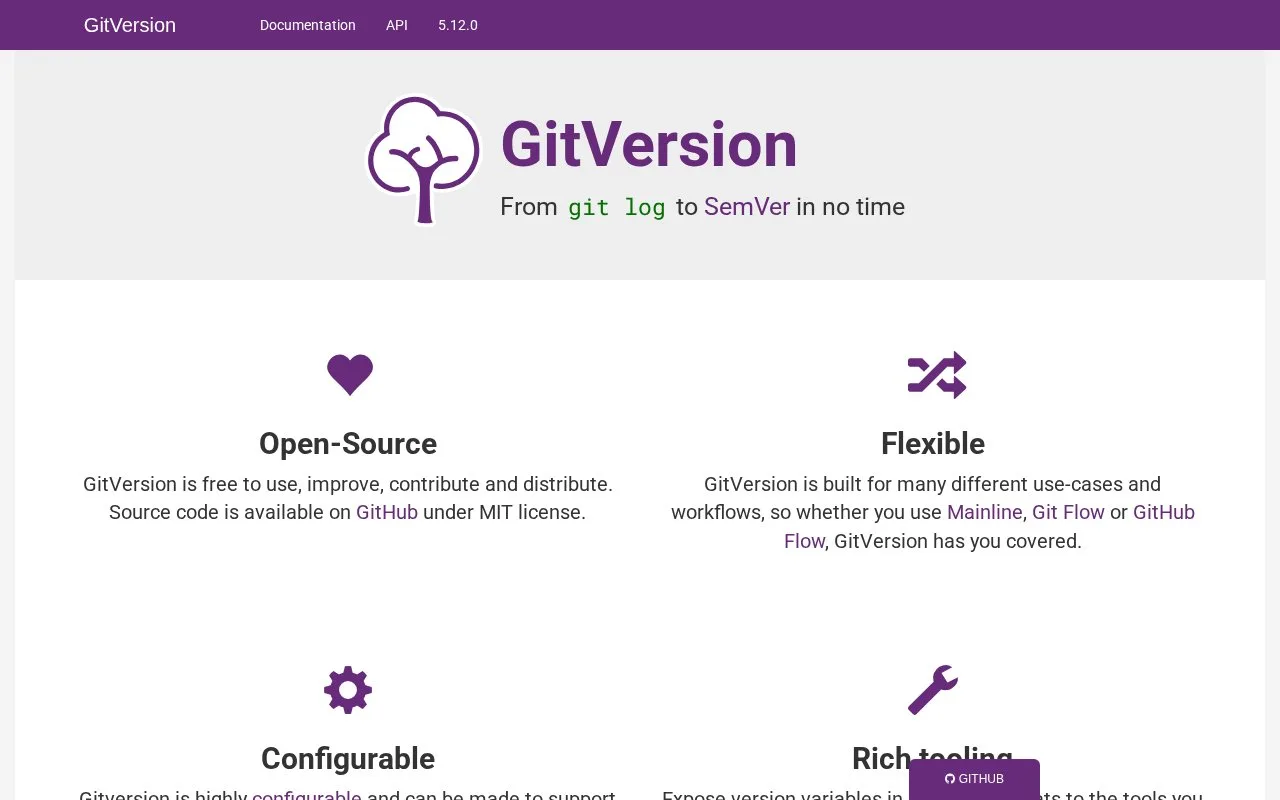
GitVersion is a command-line version calculator for repositories using Git. It examines commit history, tags and configured branch behavior, then exposes version variables to build tools and pipelines. The project documents .NET global-tool and container installation paths and integrations with several CI systems. It helps automate the version-numbering part of a release workflow; it does not build or publish the application by itself.
GitVersion answers a narrow release question: what semantic version should this checkout produce? It reads Git history and configured branch behavior, then exposes version variables to other build steps. Try it on a representative checkout before using those values to name packages or artifacts.
dotnet tool install --global GitVersion.Tool
dotnet-gitversion
The output follows the repository's tags, branch names and selected strategy, so compare a feature or release branch with the team's intended policy before connecting the value to publishing. GitVersion calculates a version; it does not build or release the application.
Match the documentation to the installed release
The usage pages checked identify themselves as version 5.12.0, while the GitHub releases page showed 6.8.2 as latest. That discrepancy remains unresolved, so consult documentation for the release being adopted rather than assuming the older usage pages cover every current behavior.
Strengths
- Derives version variables from Git history instead of requiring a developer to update a version for every build.
- Supports configurable branch strategies and can run locally or as part of CI.
- Provides .NET global-tool and container installation options.
Watch out for
- Results depend on the repository's branch, tag and configuration conventions, which must be aligned with the release policy.
Best for
- Calculating package or build versions from Git history
- Teams that want consistent prerelease and mainline version variables in CI
- Repositories with an explicit GitFlow, GitHub Flow or custom branch strategy
Sources
- GitVersion (Oct 25, 2026)
- GitVersion - Installation (Oct 25, 2026)
- GitVersion - How it works (Oct 25, 2026)
- GitVersion repository (Oct 25, 2026)
- LICENSE | GitTools/GitVersion (Oct 25, 2026)
- Releases | GitTools/GitVersion (Oct 25, 2026)