
What it does
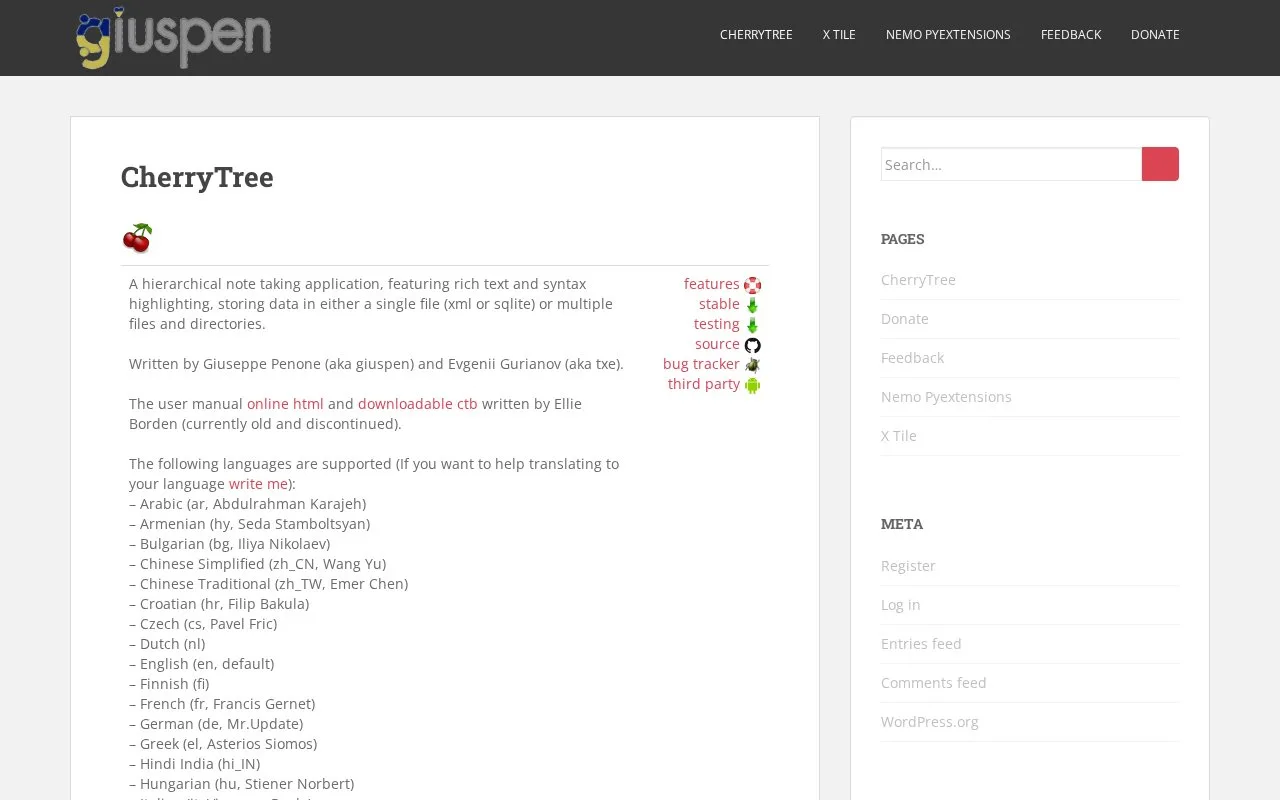
CherryTree is a hierarchical note-taking application with rich-text editing and syntax highlighting. Its official site says notes can be stored in a single XML or SQLite file, or in multiple files and directories. That structure can suit a personal technical notebook where topics form a tree and some entries contain code or formatted text.
For an illustrative troubleshooting notebook, create a top-level node for each system and child nodes for recurring incidents. CherryTree's official description documents hierarchical notes and syntax highlighting, so code excerpts can live beside the explanation of a fix. Choose the storage mode with your backup routine in mind: the project lists a single XML/SQLite file as well as a multi-file-and-directory option.
The site links to an online manual, but notes that the manual available from the homepage is old and discontinued. Treat it as a starting point only and verify any current instructions against the software release you use. I did not install the application, test import/export, or verify platform and license details.
Strengths
- Hierarchical nodes help separate related topics and subtopics.
- The official description includes both rich text and syntax highlighting.
- Users can choose between a single XML/SQLite file and a multi-file storage layout.
Watch out for
- The online manual linked from the product page is explicitly described there as old and discontinued.
Best for
- Building a structured technical notebook with code snippets
- Keeping personal notes in a tree with an explicit local storage format
Sources
- CherryTree – giuspen (Oct 25, 2026)