
What it does
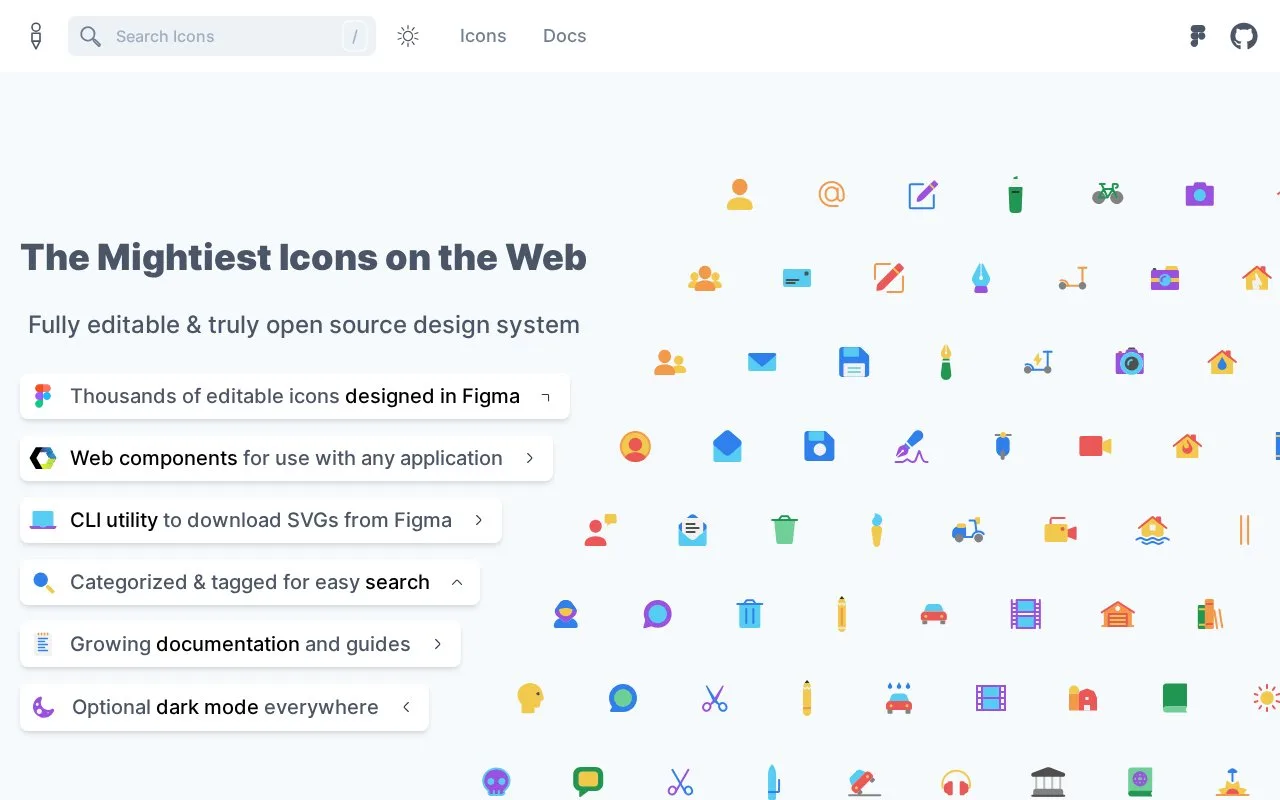
Glyphs is an icon design system that connects Figma artwork with SVG packages and web components. Its command-line tool can synchronize selected assets and metadata into a local project. The project is MIT licensed, while connecting your own Figma file requires its file key and an access token.
Glyphs connects editable Figma icon sets with files used in a web project. If you only need the prepared artwork, install @glyphs/core, @glyphs/brands or @glyphs/flags. Each package groups SVGs by variant and includes a preview and metadata with categories, search terms and source IDs.
To synchronize your own Figma file, install @glyphs/cli and run glyphs add. Supply the file key and a personal access token from Figma, then use glyphs sync to export the configured set. Options select categories, separate the SVG and data folders, generate a preview or fetch only new and updated assets. This route requires access to the Figma file and credentials; the prepared npm assets have a separate download route.
The project uses MIT terms, with the required notice retained in redistributed copies. Its component-generation command remains in active development and may change significantly, so the SVG synchronization route and generated component workflow have different stability expectations.
Strengths
- Packaged SVGs include variant folders, previews and search metadata.
- Sync can filter categories and fetch only changed assets.
- SVG and metadata output folders are configurable.
Watch out for
- Synchronizing a Figma file requires Figma credentials and file access.
- The component-generation command may change significantly.
Best for
- Teams maintaining icon artwork in Figma
- Developers synchronizing SVG assets and design metadata
Sources
- Glyphs CLI README (Oct 27, 2026)
- Glyphs CLI | Setting Up (Oct 27, 2026)
- Glyphs CLI | Sync and Preview (Oct 27, 2026)
- Glyphs | Getting Started with Web Assets (Oct 27, 2026)
- Glyphs CLI | Generate (Oct 27, 2026)
- Glyphs MIT License (Oct 27, 2026)