
What it does
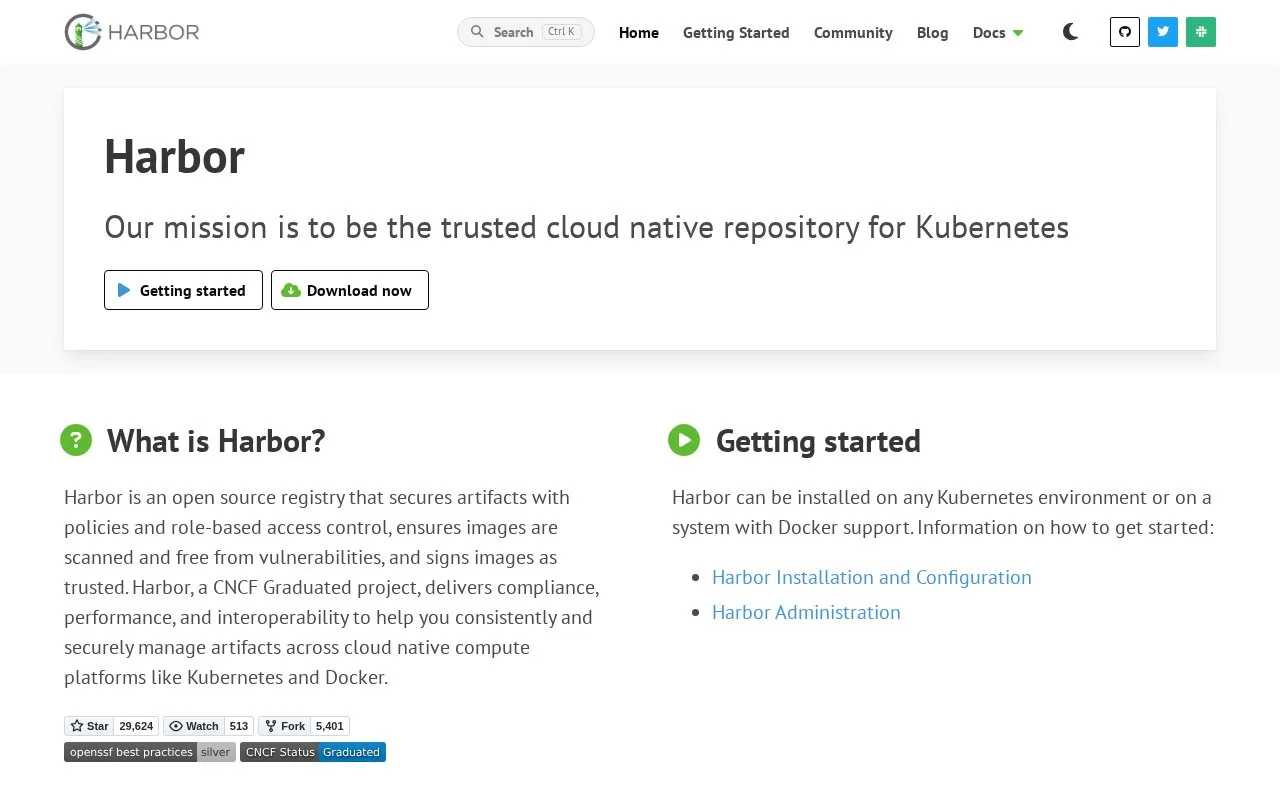
Harbor is an open-source registry that teams install on their own infrastructure to manage container images and cloud-native artifacts. Its project and role controls support multi-tenant access, while replication, signing, and vulnerability-scanner integrations help teams govern images as they move between environments. Harbor fits the package-publishing and deployment-preparation part of DevOps rather than running the build pipeline itself. Administrators must deploy, configure, and maintain the registry, including HTTPS and any external scanner or identity adapters the organization chooses.
Harbor is the registry layer in a container delivery workflow: a build produces an image, pushes it into a Harbor project, and a deployment system pulls the approved image for a cluster or host. The official guide describes installation on a machine with Docker support or through Helm on Kubernetes. For a production installation, administrators configure HTTPS access, the Harbor YAML settings, and internal TLS before running the installer.
Organize images by project and role
After deployment, teams create projects and assign developer, maintainer, or project administrator roles. That gives an organization a place to separate images and control who can publish or manage them. Harbor's homepage also describes replication between registries and content signing. These features make it useful for a private registry that needs consistent image distribution between development, staging, and production.
Vulnerability scanning depends on an integrated scanner adapter. Harbor's compatibility documentation lists scanner adapters alongside identity and replication integrations, so select and configure a compatible scanner rather than assuming a new installation has every scanning integration enabled. The same applies to identity providers: the registry can integrate with external adapters, but the team must choose and configure them.
Infrastructure is part of the job
Harbor is open source under Apache License 2.0, but it is not a hosted registry account. You operate the server, handle upgrades and backups, and provide storage and TLS. Kubernetes installation via Helm is documented for high availability; the ordinary installer is another self-managed option. This makes Harbor a good fit for teams that want control over their registry and can own its operations, not for a team looking for a zero-maintenance managed service. No Harbor instance or image was deployed for this research.
Strengths
- Provides project and role-based controls for managing access to container images and artifacts.
- Supports registry replication, content signing, and external vulnerability scanner adapters.
- Can be installed on a Docker-capable host or deployed to Kubernetes with Helm.
Watch out for
- The team must install, configure, upgrade, and maintain the registry infrastructure.
- Vulnerability scanning, identity, and replication integrations require selecting and configuring compatible adapters.
- A production setup needs HTTPS and internal TLS configuration.
Best for
- Platform teams operating a private OCI or container image registry
- Organizations controlling artifact access and replication across environments
- Kubernetes teams that want a self-managed registry in their cluster ecosystem
Sources
- Harbor (Oct 25, 2026)
- Harbor docs | Harbor Installation and Configuration (Oct 25, 2026)
- harbor/LICENSE at main · goharbor/harbor · GitHub (Oct 25, 2026)