
What it does
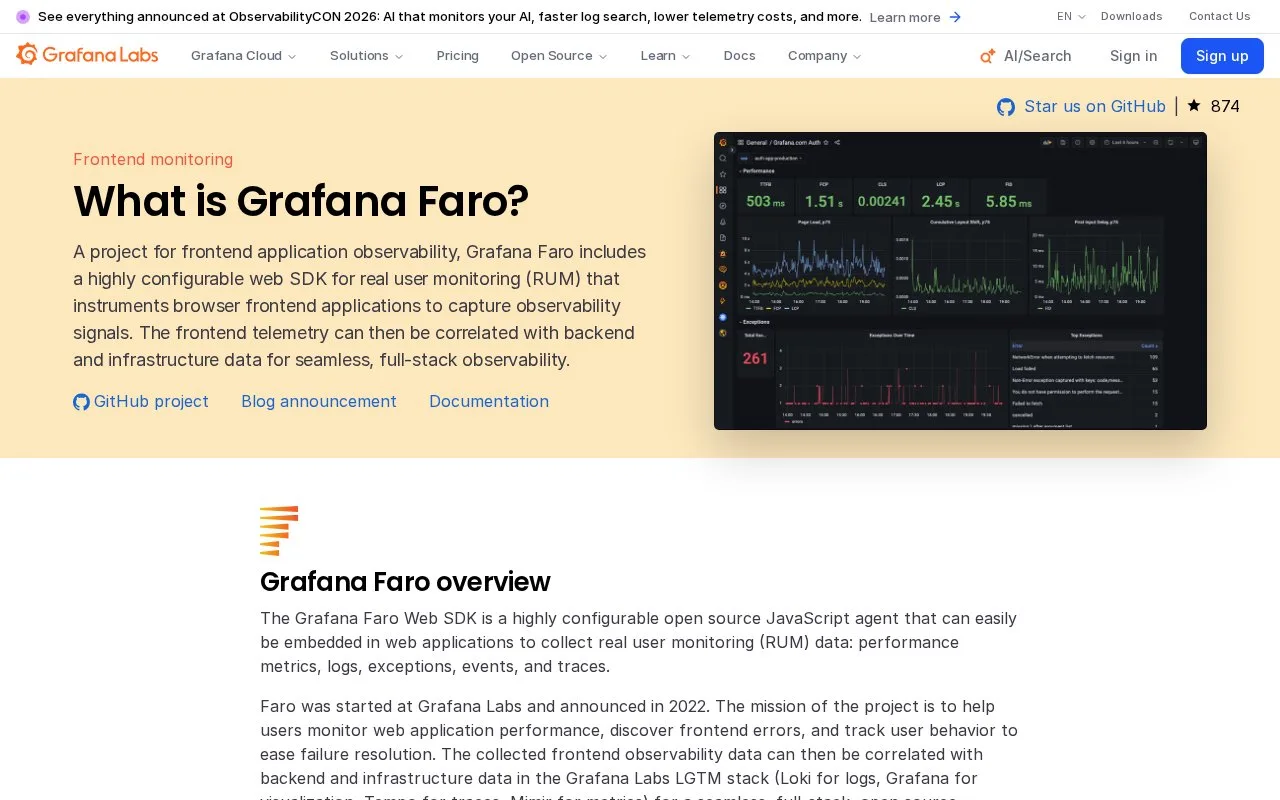
Grafana Faro Web SDK is a browser instrumentation library for frontend observability. Add it to a web application and initialize it at startup to collect client-side signals; the official Grafana guide describes sending that data to Grafana Cloud Frontend Observability, and the SDK can be extended with an optional web-tracing package. Faro is the collection layer, so the team still needs a configured receiver and an observability backend to explore the resulting telemetry.
Faro is an SDK to add to a browser application, not a server monitor that discovers a site on its own. The official quick start installs @grafana/faro-web-sdk and initializes it when the app starts. A separate @grafana/faro-web-tracing package is optional when browser traces are needed. The Grafana Cloud instrumentation guide then connects the SDK to Frontend Observability. A sensible first task is to instrument one test frontend, confirm the chosen receiving endpoint, and inspect whether the client-side events give enough context to diagnose a reproducible UI issue. Add tracing only when its extra context is useful. Faro collects telemetry from browser code; it does not replace the backend service that stores, queries, visualizes, and alerts on that telemetry. The web SDK is Apache-2.0-licensed. Faro belongs to the Grafana ecosystem, but it is distinct from Grafana's backend data stores and hosted observability product: it is the browser-side instrumentation component, not Grafana Mimir, Loki, Tempo, or a full monitoring workspace.
Strengths
- The official quick start shows a package-based setup and initialization step for a browser application.
- Tracing can be added through a separate optional package rather than being mandatory for every frontend.
- The SDK fills the browser-instrumentation role in an observability pipeline.
Watch out for
- Faro only instruments the client; a receiving endpoint and backend are still needed to query and act on the data.
- The SDK must be initialized in the browser application, so teams need to account for client-side deployment and data collection.
Best for
- Frontend teams adding real-user observability to a browser application.
- Grafana users who want browser telemetry connected to Frontend Observability.
- Applications where frontend errors or traces need to be correlated with server-side signals.
Sources
- Grafana Faro OSS | Web SDK for real user monitoring (Oct 25, 2026)
- Frontend Observability instrumentation setup (Oct 25, 2026)
- Quick start browser application (Oct 25, 2026)
- grafana/faro-web-sdk (Oct 25, 2026)
- Apache License 2.0 (Oct 25, 2026)