
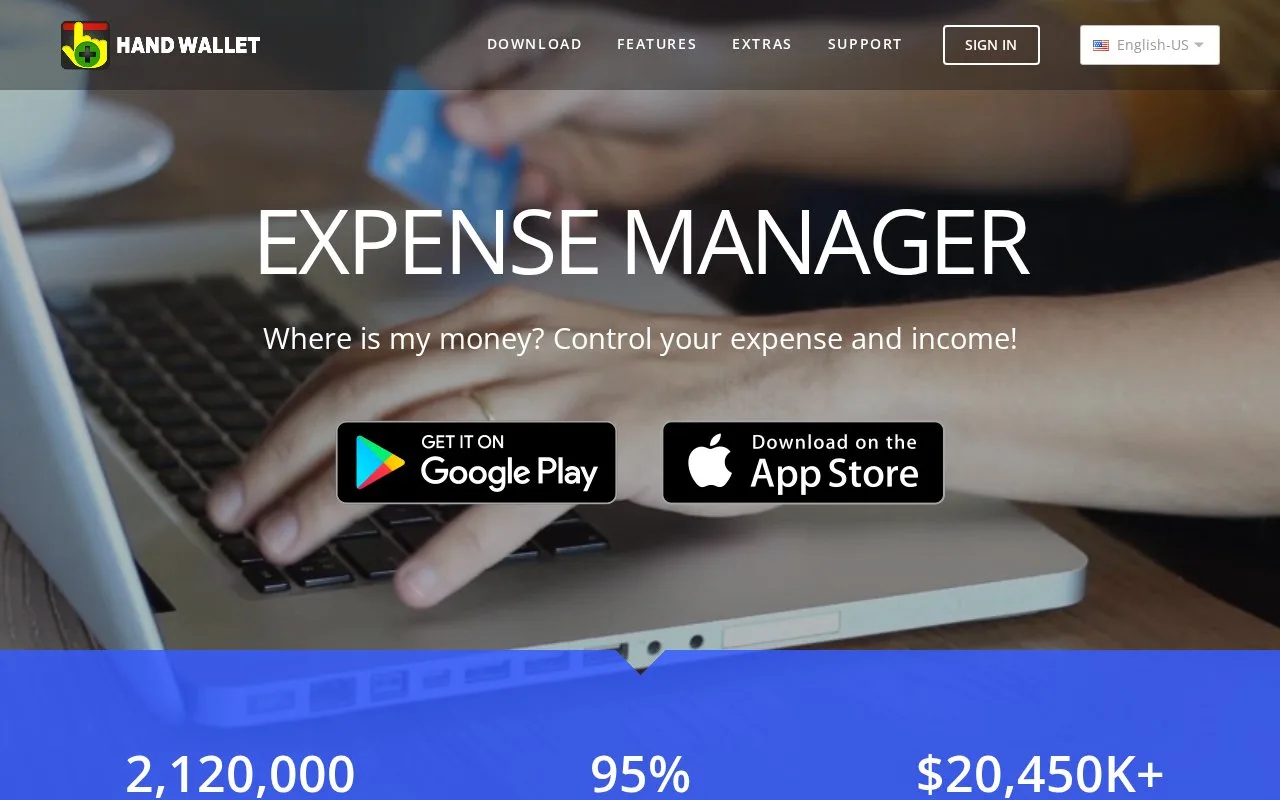
What it does
HandWallet Expense Manager tracks household income, spending and balances across separate accounts. It is available for Android and Windows. The Basic edition is free, with paid editions adding exports and business tools.
Set the account balance, then the spending limit
In Accounts, select the relevant account, open Account statement and use the balance icon at the bottom. For a budget, open Categories, select a category and choose Edit. Budgets can differ between periods.
Bank connections are configured through Accounts > Edit > Advanced, where you set the bank and country. Support varies by bank and country. A file downloaded from the bank can instead be brought in through the main menu's Import option.
Edition choices
| Edition | Price | Main limits and additions |
|---|---|---|
| Basic | Free forever | Seven accounts, unlimited transactions and categories, budgeting, advertisements |
| Pro | $35 once | Unlimited accounts, no advertisements, Excel/PDF/XML exports, projects and category splits |
| Business | $84 once | Pro features plus VAT and invoice tools |
HandWallet says its app keeps financial records on the device. Set a local app password and maintain backups; the developer makes the user responsible for keeping a backup copy.
Strengths
- A transaction can hold a receipt photo or another attached file through Pictures and files.
- Optional synchronization uses the user's own Dropbox, Google Drive or another cloud service.
Watch out for
- An iPhone version has not been released.
Best for
- Households maintaining separate cash, card and bank records with category spending limits
Sources
- HandWallet Basic, Pro and Business comparison (Oct 27, 2026)
- HandWallet support: balances, category budgets, imports and attachments (Oct 27, 2026)
- HandWallet local storage, backups and optional cloud synchronization (Oct 27, 2026)
- HandWallet Android download (Oct 27, 2026)
- HandWallet Windows download (Oct 27, 2026)
- HandWallet iPhone release status (Oct 27, 2026)