
What it does
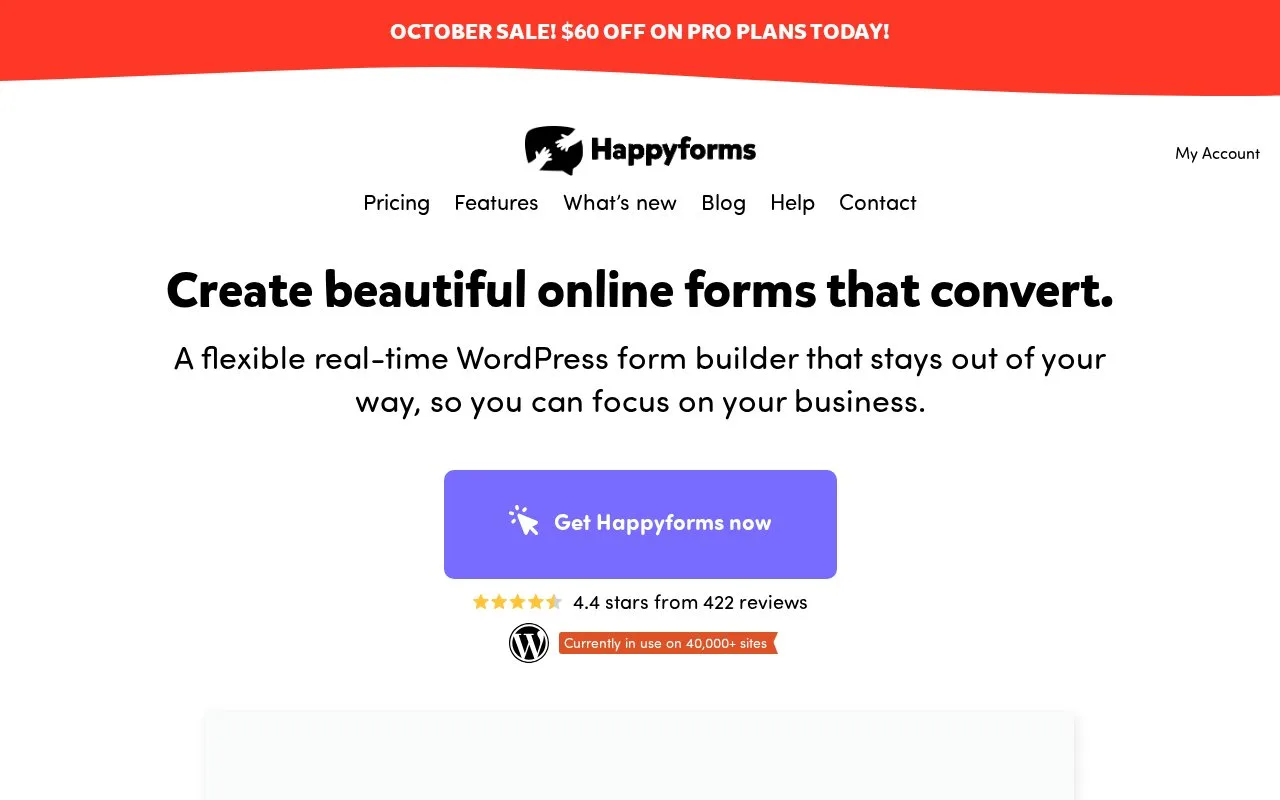
Happyforms builds WordPress forms with live previews, response handling and email notifications. A free plugin provides basic forms; annual paid plans add advanced fields and workflows such as conditional questions, payments and signatures. Subscription cancellation affects access to the paid dashboard.
Preview the form while you build
Happyforms previews the form in the WordPress Customizer as you adjust fields and appearance. Its response tools support searching, spreadsheet exports and generated PDFs. Conditional rules can show or hide questions or send notifications to different addresses, so an enquiry can reach the team responsible for the selected service.
The free repository plugin supports unlimited forms, fields, emails and submissions. To install it, open Plugins > Add New, search for Happyforms, then choose Install and Activate. No separate vendor account is needed for that free installation.
Paid access and cancellation
| Annual plan | Websites | Feature scope |
|---|---|---|
| Starter | 1 | Starter features |
| Pro | Up to 3 | All features |
| Unlimited | Unlimited | All features |
Paid plans include priority support and a 14-day refund policy. Payments use Stripe or PayPal integrations, and Happyforms lists no additional transaction fee. The paid subscription has a continuing-access condition: after cancellation, submission exports remain available, but the plugin dashboard is locked. This matters for a form that will need edits over time.
Strengths
- Live form preview in the WordPress Customizer
- Searchable responses with spreadsheet and PDF workflows
Watch out for
- Cancelling a paid subscription locks plugin dashboard access while preserving submission exports
- Starter has a narrower feature set than Pro and Unlimited
Best for
- WordPress site owners wanting live visual form editing
Sources
- The easiest form builder for WordPress - Happyforms (Oct 25, 2026)
- Happyforms pricing (Oct 27, 2026)
- Happyforms official WordPress plugin (Oct 27, 2026)
- Happyforms features (Oct 27, 2026)