
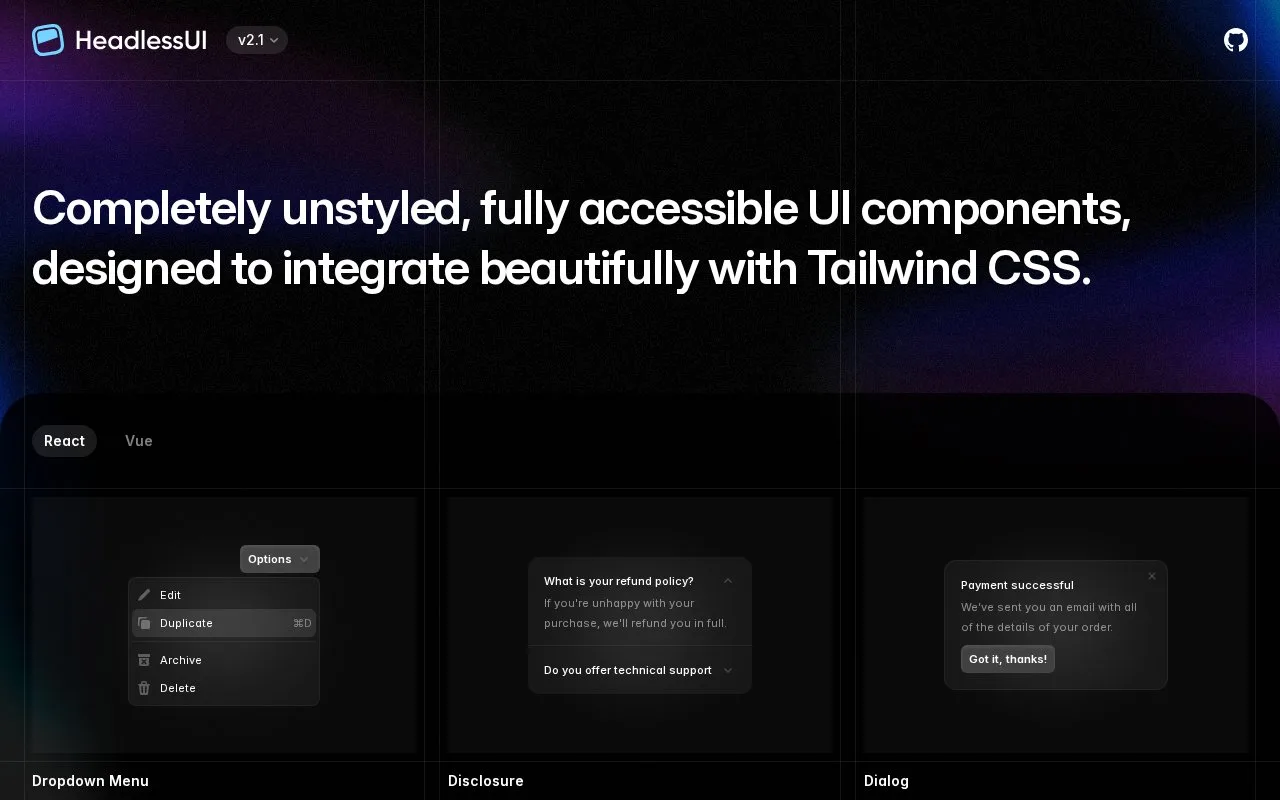
What it does
Headless UI provides unstyled interface components for React and Vue. Its examples cover menus, dialogs, popovers, tabs and form controls, leaving the visual design to the adopting project.
Headless UI provides the structure and state handling for common React and Vue interactions while leaving their appearance to your project. Choose the documentation for your framework and install its package, such as @headlessui/react for React.
The React combobox guide shows how to build an assignee picker from Combobox, an input, an options container and individual options. Supply the selected value and change handler, then decide how typed text filters the choices. Filtering can run locally or call your own service; Headless UI does not choose that logic for you.
Use the exposed data-focus and data-selected states to style focused and selected options. A Field with Label associates the label automatically, and adding a name creates a hidden input for ordinary HTML form submission.
The React and Vue libraries are free under MIT and need no product account. Add styles for focus and selection so those states are clear in the finished interface.
Strengths
- React and Vue versions cover familiar interactive interface patterns.
- Unstyled components allow an existing visual system to remain in control.
- Exposed states and label helpers support custom form controls.
Watch out for
- The adopting team must supply and maintain the visual treatment.
- Combobox filtering must be provided by the application.
Best for
- React or Vue teams combining custom styling with reusable interactions
Sources
- Headless UI - Unstyled, fully accessible UI components (Oct 27, 2026)
- Combobox - Headless UI (Oct 27, 2026)
- tailwindlabs/headlessui (Oct 27, 2026)