
What it does
Hetzner Cloud provides virtual machines managed through the Hetzner Console, API, or command-line and infrastructure tools. A server is created from a selected plan, location, and operating-system image, with optional networking, SSH keys, volumes, firewall rules, backups, and cloud-init configuration. It is infrastructure hosting rather than a source-to-deploy application platform, so you choose and maintain the software stack on the virtual machine.
Choose the server before buying it
The documented Console flow starts in a project. Open Servers, choose Add server, then select a server type, location, and image. You can attach an existing snapshot, select an app image, configure public or private networking, assign a firewall, and add a volume or daily backups. This is useful for a small API server, staging host, or private database where you want operating-system control rather than a managed application runtime.
Pay attention to the SSH-key step: Hetzner's guide says a key cannot be added later through the Console after the server is created, although a command-line route is available. Set up the intended access key before choosing CREATE & BUY NOW. Cloud-init can run initialization scripts at first boot, but the documented field is limited to 32 KiB.
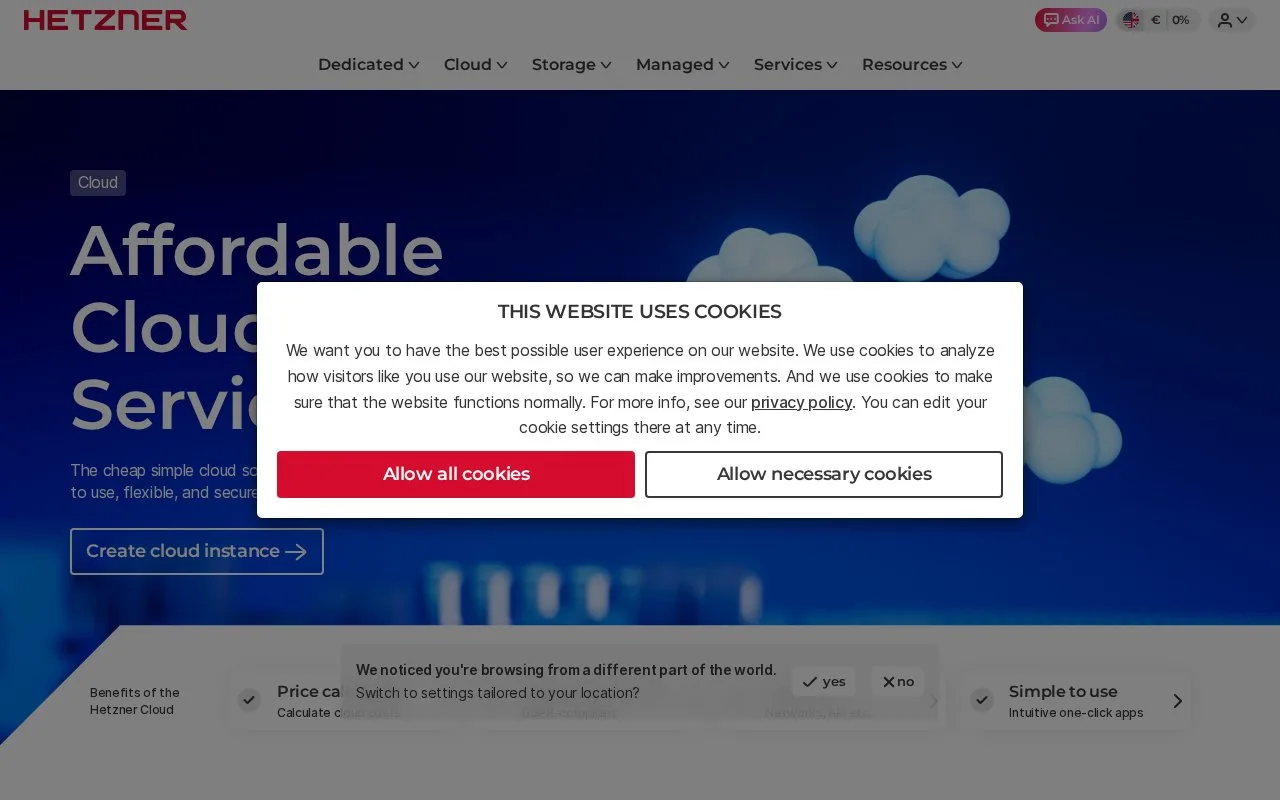
The cloud product page lists a REST API and CLI as well as integrations with tools such as Terraform and Ansible. Those options can automate repeatable server provisioning; they do not remove the need to patch the guest operating system, secure application services, or plan backups. The opened pricing page did not expose a usable rate table, so compare the selected plan and location in Hetzner's own calculator before committing to a workload.
Strengths
- Server creation exposes choices for image, location, networking, SSH key, volumes, firewall, backups, and placement groups.
- A REST API, CLI, and integrations with infrastructure tools support automated provisioning.
- The guide documents rescaling an existing server and cloud-init configuration during setup.
Watch out for
- This is a virtual machine service, so operating-system and application administration remain with the customer.
- An SSH key cannot be added later through the Console after server creation, according to the setup guide.
Best for
- Hosting services that need direct control of a Linux virtual machine
- Creating private-networked application and database servers
- Automating cloud-server setup through an API or infrastructure-as-code tool
Sources
- Cloud-hosting provider for developers & teams (Oct 25, 2026)
- Creating a Server - Hetzner Docs (Oct 25, 2026)
- Cloud-hosting provider for developers & teams (Oct 25, 2026)