
What it does
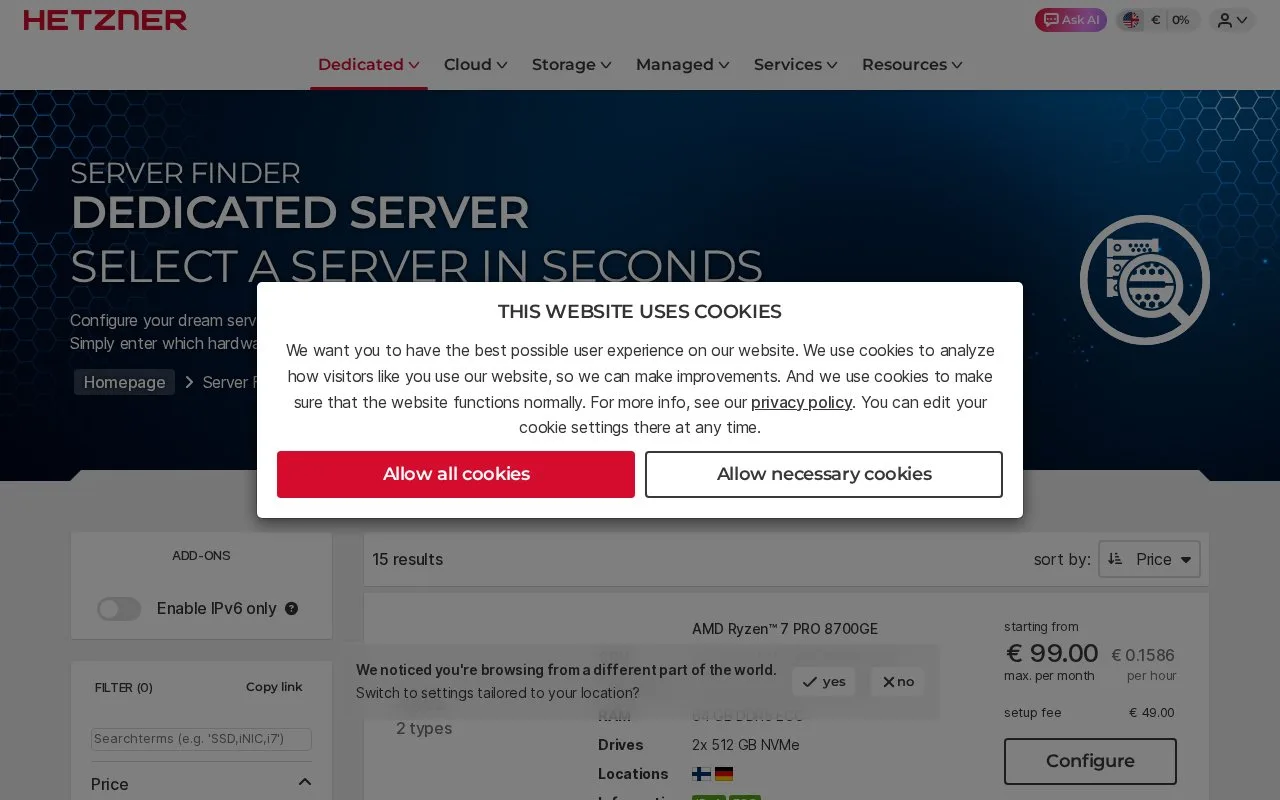
Hetzner's dedicated-server range provides physical bare-metal machines rather than virtual cloud instances. Its server finder groups hardware into lines for different processor, GPU, and storage needs, while the Robot interface handles server and operating-system administration. After provisioning, customers receive root access and can use a preinstalled system, reinstall a standard image, boot the rescue system and run Installimage, or install a custom ISO through the KVM console. The hardware is yours to configure and maintain, so this is a better fit for workloads that justify a persistent machine than for short-lived, rapidly resized tasks.
Hardware choice comes before provisioning
Start with the server finder and choose a physical configuration that matches the workload's CPU, memory, and storage needs. Once the ordered server is provisioned, Hetzner's Robot interface becomes the control point for the operating system, IP addresses, and rescue system. The first-time setup guide offers three installation paths: use the operating system selected with the order, reinstall a standard image through Robot, or boot the rescue system and install with the Installimage script. A custom ISO can be installed through the KVM console.
For example, a team might reserve a dedicated Linux host for a persistent build runner or an internal service that benefits from fixed hardware. After delivery, the operator connects over SSH, verifies the host fingerprint, creates a non-root account, applies updates, and configures SSH key access. Windows installations use RDP instead. These are documented setup steps and an illustrative scenario, not a server order or hands-on test.
Root access also means operating responsibility
This is bare metal: you choose and maintain the operating system, patching, firewall rules, application stack, and recovery plan. Provisioning can take some time after an order, and the setup guide says the server's IP and login details arrive by email once it is ready. Hardware-specific changes are a different operational task from resizing a cloud VM, so account for the server line and future upgrade path before ordering.
The product page includes monthly server offers, but the displayed amount is tied to a particular refurbished auction listing. Normal server prices depend on the selected hardware; no exact configuration price is quoted here, and VAT treatment should be checked for the buyer's location.
Strengths
- A physical server gives the operator full root access and control over the installed software.
- The documented installation choices include preinstalled systems, Robot-based reinstallation, a rescue-system workflow, and custom ISO installation through KVM.
- The server finder separates hardware families for processor, GPU, and large-storage requirements.
Watch out for
- Provisioning is not an instant VM launch; Hetzner says delivery can take time after ordering.
- The customer is responsible for securing and maintaining the host after delivery, including operating-system updates and remote-access configuration.
Best for
- Long-running services that need dedicated physical hardware and root access.
- Self-managed virtualization, build infrastructure, or storage-heavy workloads where the chosen server configuration matters.
- Operators comfortable installing, securing, and maintaining a Linux or Windows server themselves.
Sources
- Find cheap dedicated servers with AMD & Intel CPUs (Oct 25, 2026)
- Dedicated Server - Hetzner Docs (Oct 25, 2026)
- Setting up a bare metal server for the first time - Hetzner Docs (Oct 25, 2026)