
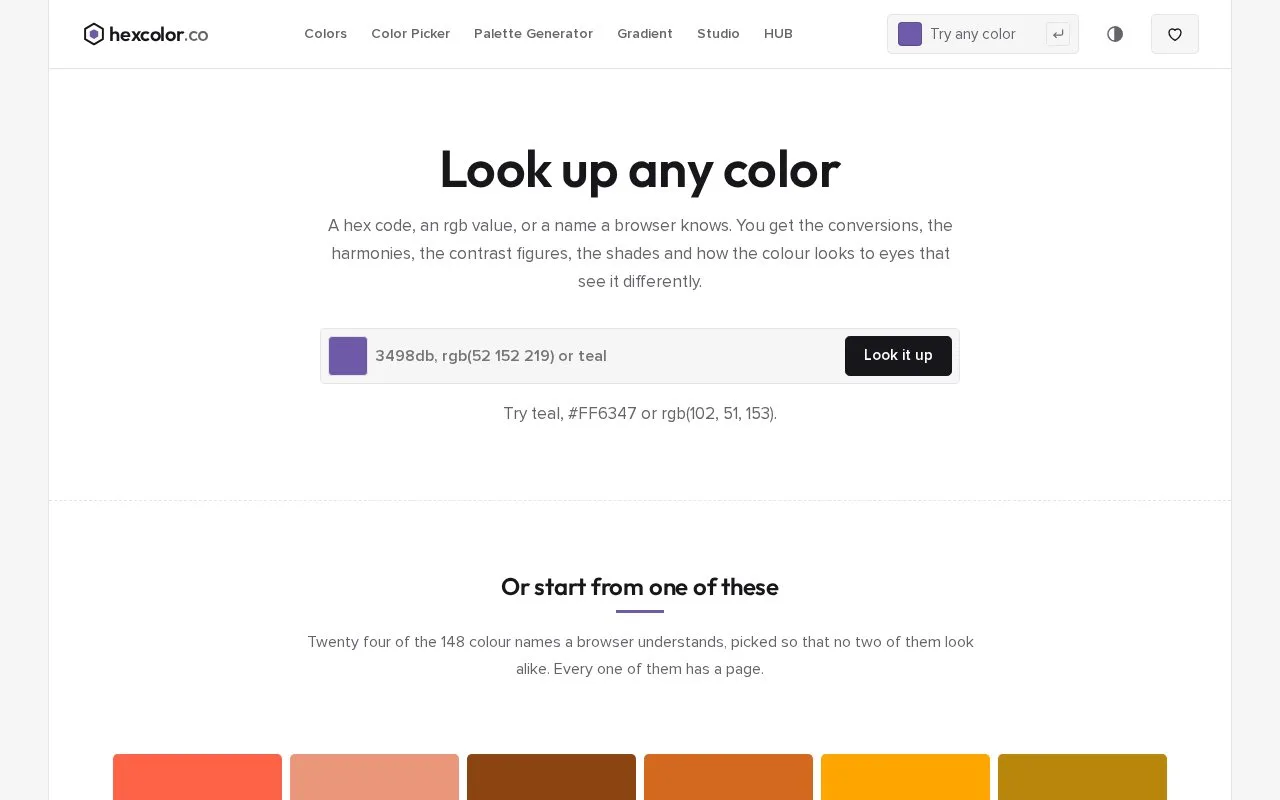
What it does
HexColor.co accepts a hex code, RGB value or browser-recognized name and links it to conversions, harmonies, shades and contrast information. Its lookup tools are free without an account; Palette Studio adds a paid design-system download.
On a colour page, click a value or shade to copy it. Harmony palettes can be copied as a hex list or downloaded as PNG images. The contrast panel lets you switch the selected colour between text and background, choose a comparison colour and adjust lightness.
Palette Studio starts with a brand colour and optional accent. Copying the light-theme CSS variables is free. The full export costs USD 19 once and includes light/dark variables, Tailwind files, SCSS and design-token JSON. You can change colours and download again for 24 hours after payment, without an account.
HexColor permits personal and commercial use of generated outputs without credit. Paid Studio files may be used in client projects, but cannot be repackaged as a product for redistribution. Treat CMYK and physical-colour matches as approximations; contrast figures also need checking in the finished design.
Strengths
- Colour pages preview text, borders, shadows and icons.
- The wider toolkit includes image extraction and colour-vision simulations.
Watch out for
- Full Palette Studio exports are paid, with a 24-hour regeneration window.
- Screen-based matches do not establish an exact printed colour.
Best for
- Developing supporting colours around an existing web or app accent.
Sources
- HexColor.co - Look up any color, then do something with it (Oct 28, 2026)
- #FF6347 - Tomato - RGB 255, 99, 71 Color Information | hexcolor.co (Oct 28, 2026)
- Palette Studio - Turn one brand color into a complete, accessible design system (Oct 28, 2026)
- Terms of Service - hexcolor.co (Oct 28, 2026)