
What it does
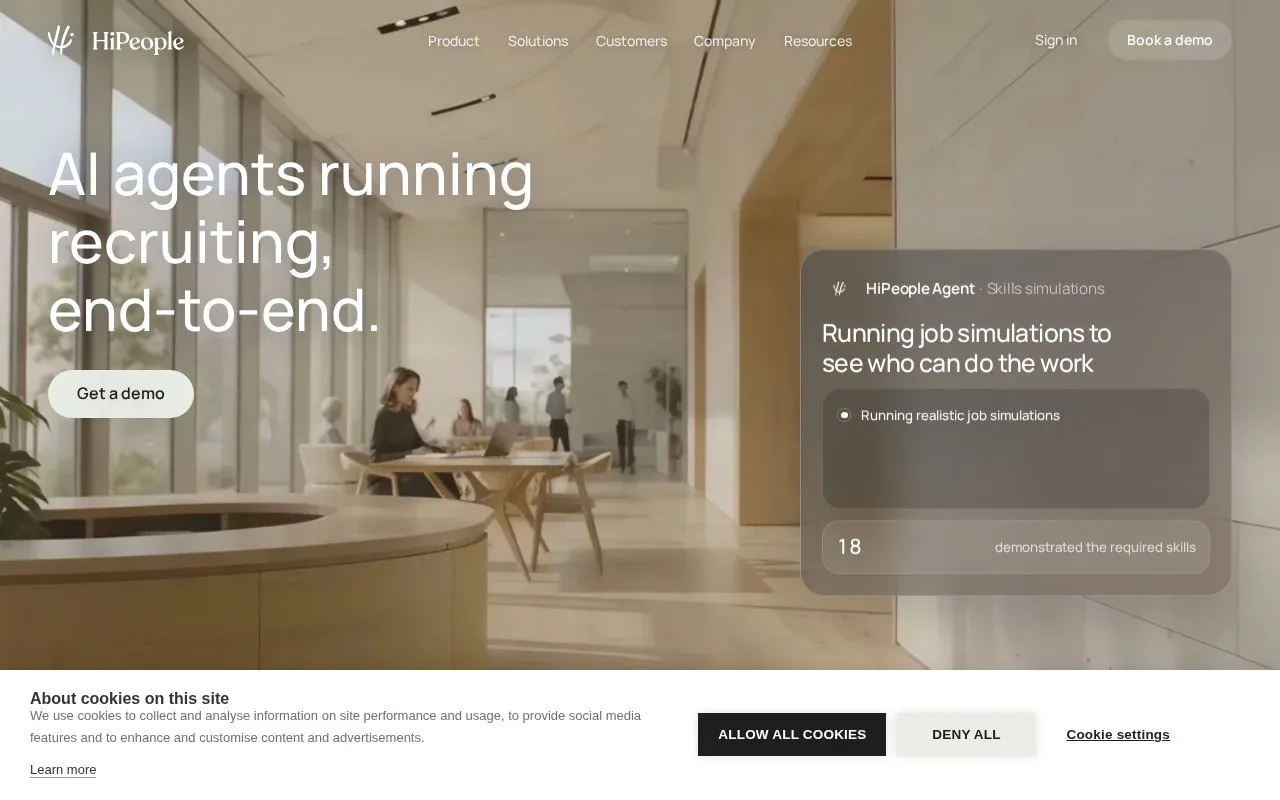
HiPeople combines application screening, skills assessments, AI interviews and reference checks. Hiring teams can use connected job information or create a role in HiPeople, then choose the evaluation modules and people involved.
Open Jobs and create a new job, adding the candidate-facing title and, if useful, a different internal name. Add the job description to guide test suggestions and screening criteria. Select the modules needed for that vacancy, then give colleagues management or view-only access. Organization administrators retain broader access regardless of those job settings.
For an assessment, open Assessment within the job and choose a template or build a set from the test library. Preview questions, add role-specific text, video or file-upload tasks, arrange the order and set the language. Choose whether completed results should reach candidates automatically before finishing setup.
Use Invite candidates in the job to send individual email invitations or obtain a link for your own messages. If results are shared manually, open the candidate profile, preview the report and send it when ready. This is useful when a recruiter wants to review a response before the candidate receives feedback.
HiPeople uses an agreed commercial order. Its terms specify annual fees, paid in advance, unless the agreement says otherwise; implementation or training services need their own written scope. Team members join through an invitation and set a password.
Strengths
- Each job can combine several evaluation methods without using every available module.
- Candidate-result sharing can be automatic or reviewed before sending.
Watch out for
- Organization administrator rights override restrictions assigned at the individual job level.
Best for
- Hiring teams combining skills tests and reference checks with controlled access to results
Sources
- Terms and Conditions | HiPeople (Oct 27, 2026)
- The platform to hire with AI | HiPeople (Oct 27, 2026)
- Create a new Job | HiPeople Help Center (Oct 27, 2026)
- How to create an Assessment | HiPeople Help Center (Oct 27, 2026)
- Assessment: Invite candidates to complete an Assessment | HiPeople Help Center (Oct 27, 2026)
- How to send Assessment results to candidates | HiPeople Help Center (Oct 27, 2026)
- Organization settings: Add users to your HiPeople account | HiPeople Help Center (Oct 27, 2026)
- Book a Demo | HiPeople (Oct 26, 2026)