
What it does
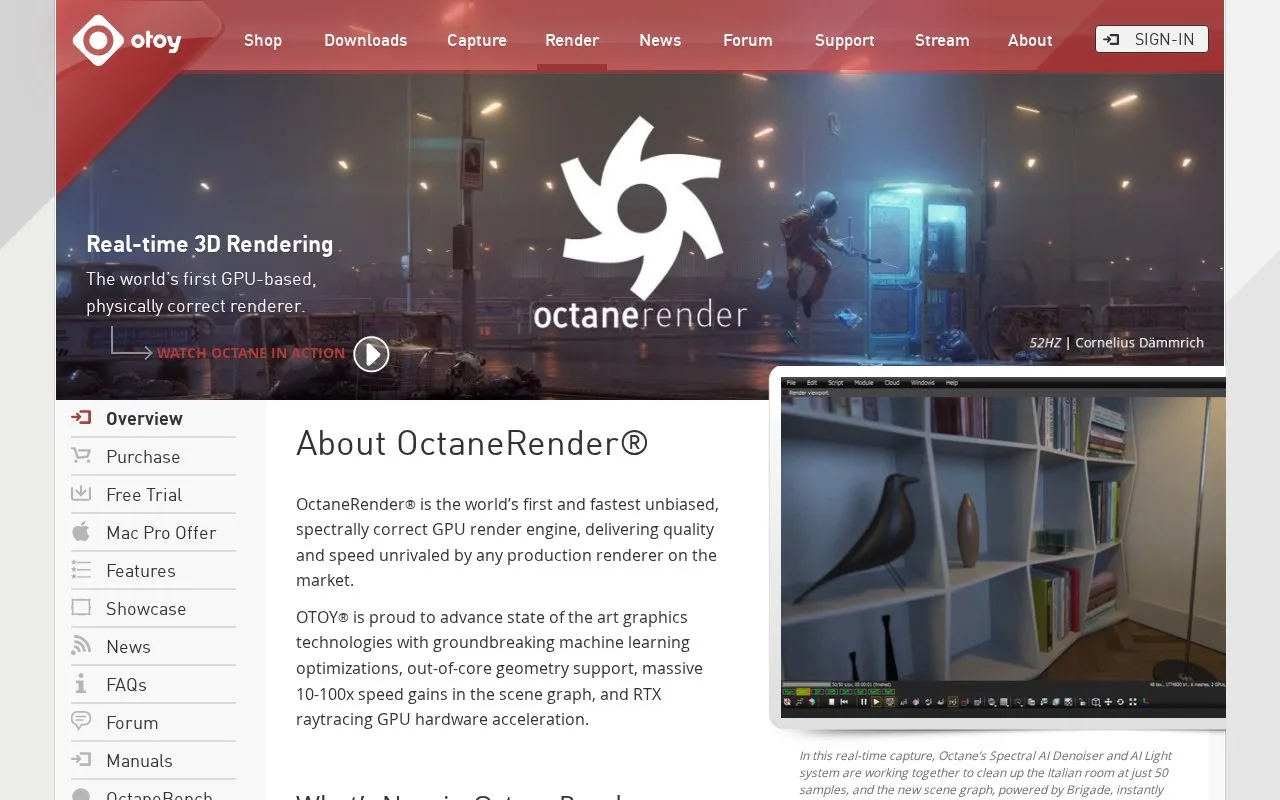
OctaneRender is OTOY's rendering engine, using the graphics processor to turn 3D scenes into images. It offers layered materials and plug-ins for creative applications through Studio+ subscriptions. Windows and Linux use requires a compatible NVIDIA card; Octane X provides the Apple route.
A layered material starts with a base and can add up to eight surface layers. Diffuse, specular, sheen and metallic layers let you describe effects such as a coating over another surface. Octane also includes tools for hair, light scattering and procedural displacement.
Hardware and access
Check your graphics card and the chosen application plug-in before downloading. OTOY lists a CUDA-capable NVIDIA GPU for Windows and Linux. Octane X has separate Apple hardware and operating-system requirements.
Studio+ costs EUR23.95 per month when billed monthly, or EUR19.99 per month billed yearly. OTOY notes that AliPay prices may differ. Ordinary use connects to OTOY's licensing server over the internet. Annual subscribers can buy an offline USB dongle separately; the monthly plan does not provide that route.
The purchase page links a demo for checking hardware compatibility. Its plug-in links also give application-specific requirements. Use the entry for your host application, since one subscription covers several integrations with different requirements.
Strengths
- Material layers include separate sheen, metallic and specular components.
- Studio+ includes access to the creative-application plug-in collection.
Watch out for
- Windows and Linux need compatible NVIDIA graphics hardware.
- Offline dongle access costs extra and requires an annual subscription.
Best for
- Artists creating materials and lighting with GPU rendering
- Studios connecting a renderer to an existing 3D application
Sources
- OctaneRender: OTOY (Oct 28, 2026)
- OctaneRender Studio+ Subscriptions (Oct 28, 2026)