
What it does
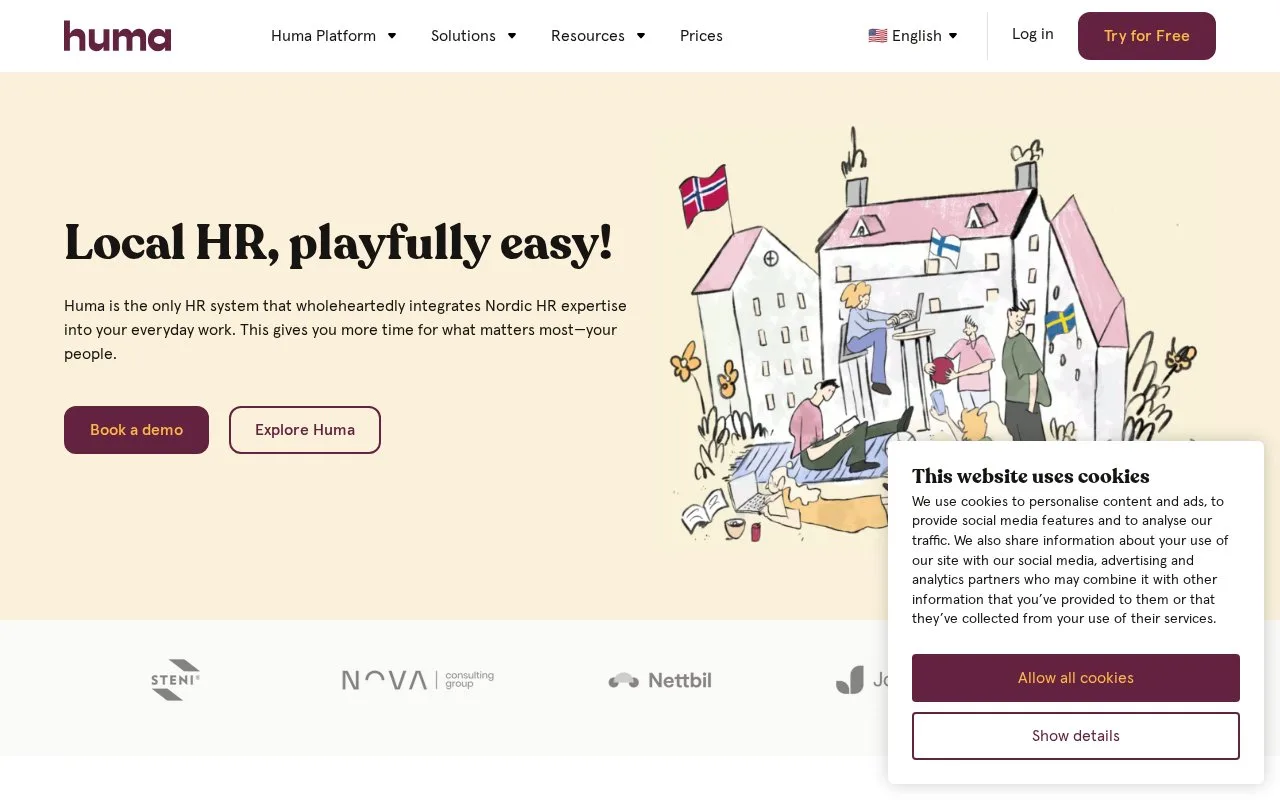
Huma manages employee information, documents, absence, contracts, and handbooks. Its onboarding plans organize preparation, first-day tasks, and later follow-up, with a free plan for basic personnel administration.
In Onboarding, choose New onboarding, select the employee and a template, then review the tasks before starting. A position with First day of work set is required. Decide when to invite the new colleague; task owners receive notifications. The overview shows completion percentages and due dates. Active tasks remain editable, but template changes affect future onboardings only. You cannot pause a running onboarding, so adjust individual deadlines when the timeline changes.
Free and paid options
| Plan | Included scope |
|---|---|
| Free | Personnel records, organization structure, documents, news, whistleblowing and mobile access |
| Standard | Adds absence, contracts, signing, handbooks, meetings and onboarding templates |
| Premium | Adds unlimited onboardings, equipment, skills and certifications, surveys and bulk meeting creation |
Paid prices depend on company size and require a quote; Huma lists no setup fee. Premium is available for a 14-day evaluation. Huma activates the organization account, and administrators add employees and invite them to sign in. At my.humahr.com, employees enter their registered email and choose an enabled login method.
Strengths
- Onboarding separates preparation, first-day work and follow-up
- Basic personnel administration has an ongoing free plan
Watch out for
- Running onboardings cannot be paused
- Unlimited onboarding volume requires Premium
Best for
- Teams organizing new hires alongside everyday personnel administration
Sources
- Plans | Huma (Oct 27, 2026)
- How to work with employee onboarding (Oct 27, 2026)
- Invite employees (Oct 27, 2026)
- Modern HR-software with nordic HR know-how! | Huma (Oct 25, 2026)