
What it does
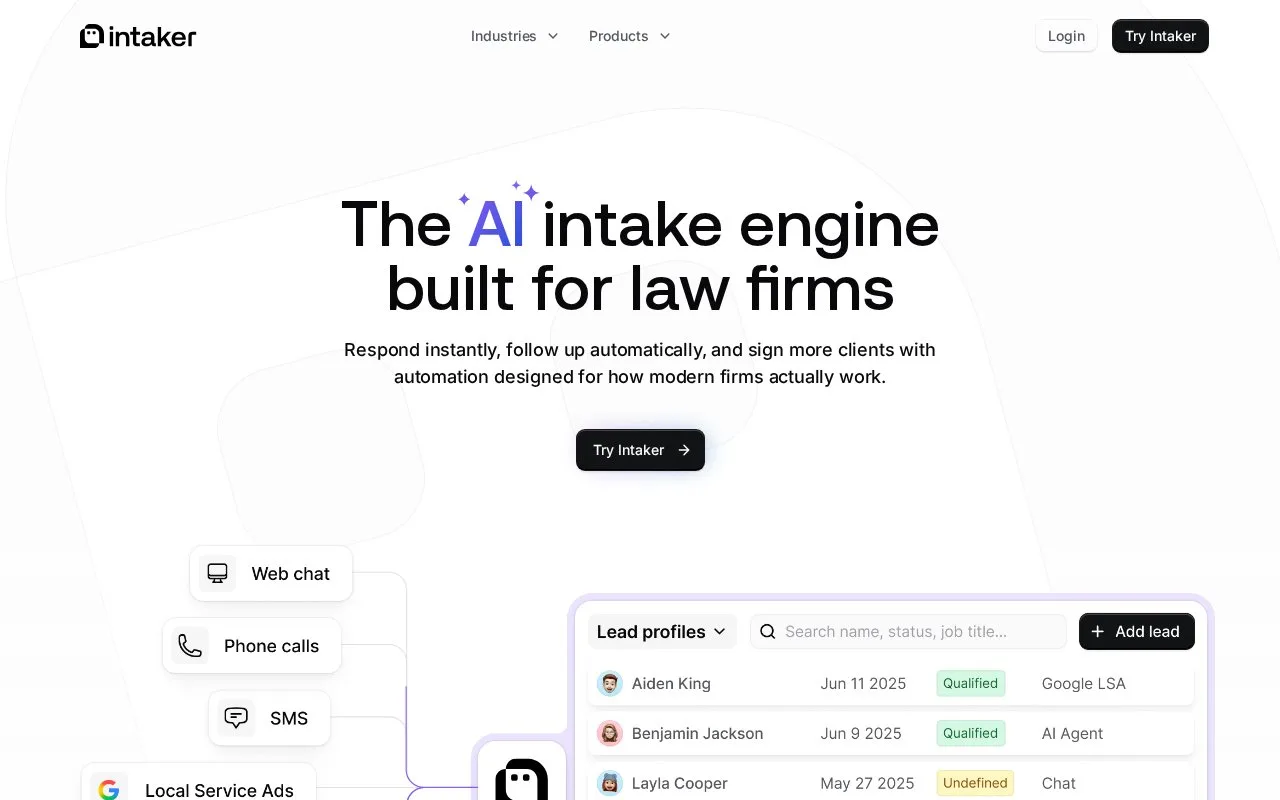
Intaker combines legal intake, communication, lead pipelines and automated follow-up. Desk gathers pending team work, while events such as a completed chat can create tasks or change a lead’s pipeline position. Law firms pay a monthly subscription, with AI usage tracked inside the account.
Keep an Intaker Desk item visible until the team has decided who has finished its work. The green Done control can offer Done for me or Done for all when several team members share the item. The second choice removes it from every colleague's Desk, so clearing a personal queue and completing shared work need different decisions.
Workflows can respond when a chat ends, a lead's status changes or a qualifying AI interaction occurs. Actions include assigning a staff task, enrolling the lead in a sequence and creating or modifying a pipeline card. For an intake handoff, connect the qualifying event with an owned task rather than relying on an unread notification alone.
Log in to the Intaker Dashboard and open Settings → Billing Plan and Usages to check AI query consumption. Exceeding the allocation may affect AI feature availability, including functions beyond chat. The paid software uses a subscription; AI allocations need to be considered alongside the team's expected intake activity.
Strengths
- Desk distinguishes personal completion from removing work for the whole team
- Lead events can create staff tasks and update pipeline cards
Watch out for
- Done for all removes the item from colleagues' Desks
- Exceeding the AI query allocation may affect feature availability
Best for
- Intake teams sharing incoming lead work and automating the next staff action
Sources
- Terms of Use | Intaker (Oct 27, 2026)
- Marking Desk Items as "Done" | Intaker Help Center (Oct 27, 2026)
- Managing Your AI Query Usage in the Intaker Dashboard | Intaker Help Center (Oct 27, 2026)
- Workflow Automation for Lead Follow-Up | Intaker (Oct 27, 2026)
- AI Client Intake Software for Law Firms | Intaker (Oct 26, 2026)