
What it does
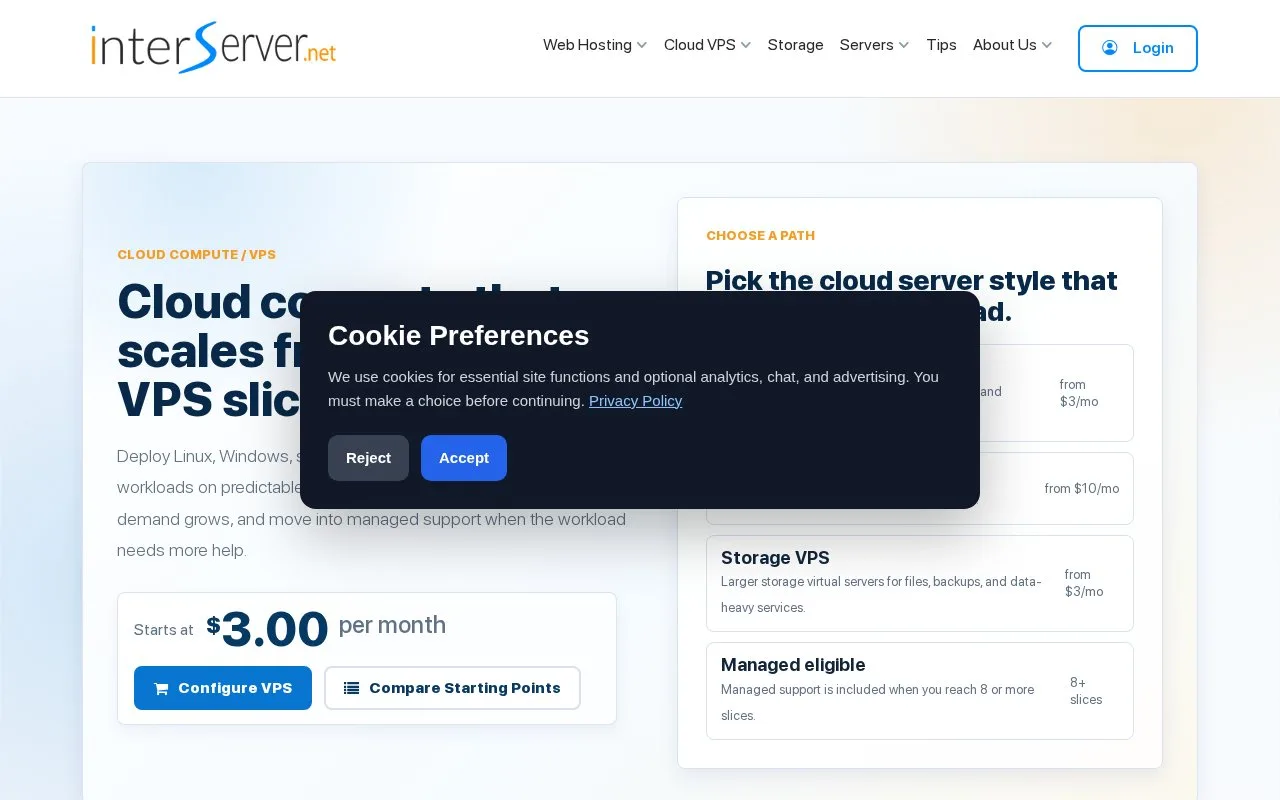
InterServer Linux Cloud Compute VPS uses KVM virtual machines sold in resource slices. Each slice adds CPU, memory, SSD storage, and transfer allowance; the Linux service provides root access and a control panel for common lifecycle tasks. Customers choose an operating system and slice count, then manage tasks such as starting, stopping, rebooting, or reinstalling the instance. InterServer also lists separate Windows, storage, and application-template VPS paths.
Size the server in slices
InterServer's Linux Cloud Compute VPS is a direct, root-access virtual server rather than an application-hosting abstraction. The product page describes selecting a slice count and an operating system; each additional slice changes the available CPU, memory, disk, and transfer allocation. The published starting configuration is intended for small services and development workloads, while the larger slice range can cover more active sites or application servers.
A sensible first pass is to estimate memory and storage needs, select the number of slices, and choose a Linux distribution before placing an order. Once provisioned, the VPS panel supports common operations such as start, stop, reboot, reinstall, and DNS management. The feature page says most orders are provisioned after payment approval and describes three U.S. deployment regions. It also distinguishes the managed-support threshold from ordinary self-managed use: support is included for plans with eight or more slices.
Check transfer allowance and support scope before choosing a size. The pricing pages describe monthly billing and per-slice transfer limits, so the lowest slice is not a blank-check bandwidth plan. If the workload needs Windows, large storage, or a prebuilt application image, InterServer lists those as separate VPS product paths rather than interchangeable Linux options.
Strengths
- Slice-based sizing lets a buyer add or reduce CPU, memory, storage, and transfer with the server size.
- Linux instances include root access, and the VPS panel supports start, stop, reboot, reinstall, and DNS tasks.
- The service documents several Linux distributions and three U.S. deployment regions.
Watch out for
- Customers need to account for a per-slice transfer allowance when estimating traffic.
- Managed support is described as included at eight or more slices; smaller configurations remain more self-managed.
Best for
- Developers who want a root-access KVM Linux server and prefer to size it incrementally.
- Small web applications, test environments, and low-traffic sites that fit the published slice resources and transfer limits.