
What it does
InvoiceASAP brings estimates, invoices, customer balances and job photos to field-service teams. Its mobile apps capture signatures, while the web dashboard helps the office follow unpaid invoices. A free account is available, with paid upgrades for higher document allowances and accounting connections.
Keep the job details with the invoice
A technician can attach before-and-after photos and capture the customer's signature on an estimate or invoice. Customer summaries collect notes, balances and invoice aging. Sales reports can be filtered by customer, item or representative and by date range.
Free allowance and accounting sync
InvoiceASAP's free-account help page sets a combined limit of five invoices and estimates per month. You can still email or print documents and mark invoices paid. Plus removes the document limit and adds logo uploads, customer/item imports and credit-card acceptance.
QuickBooks synchronization requires a premium account. The Desktop connector works on PCs. Customers and items move from QuickBooks into InvoiceASAP, while invoices and estimates move back; item changes made inside InvoiceASAP do not sync back.
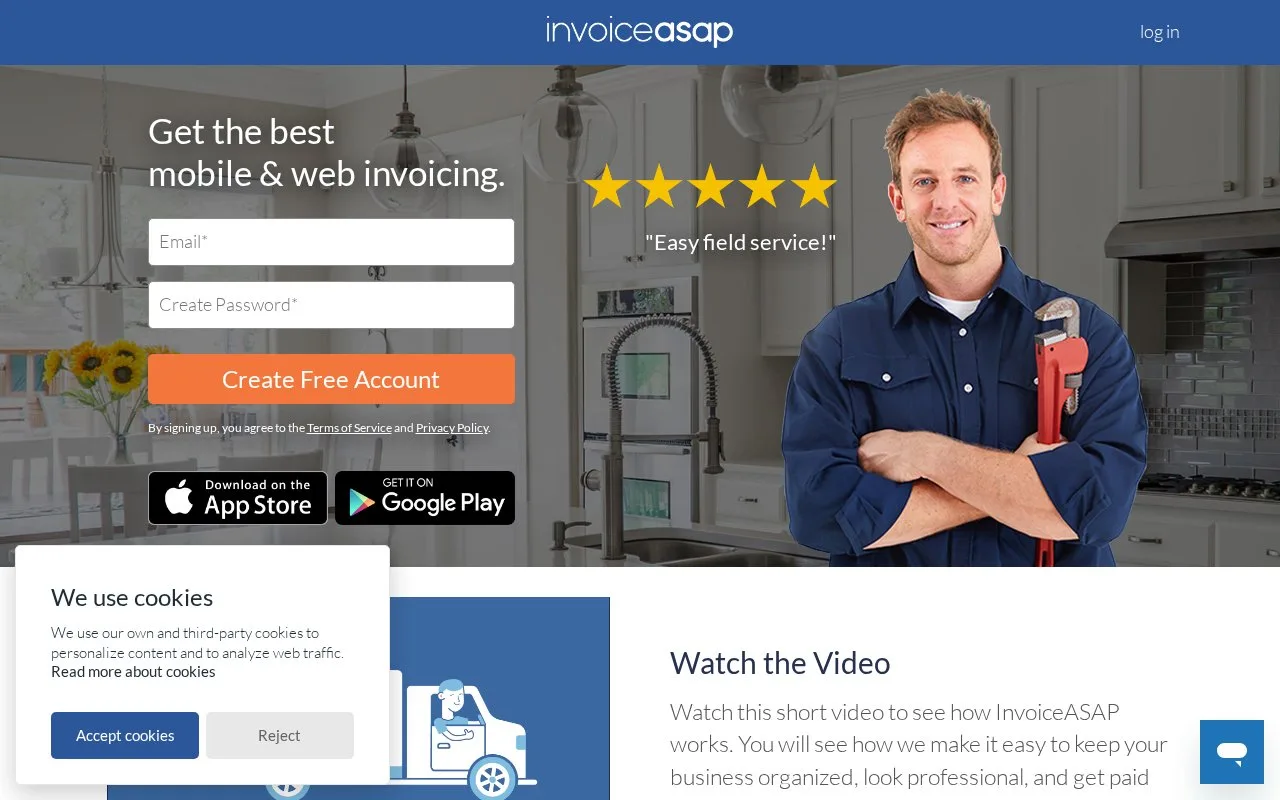
To begin, enter an email address and password on the homepage and choose Create Free Account. Existing free users can review upgrade options under Settings, then Subscription in the web dashboard. Payment processing has its own charges and setup.
Strengths
- Photos and signatures can accompany field documents
- The office can review customer notes and outstanding balances together
Watch out for
- The free allowance covers five invoices and estimates combined per month
- QuickBooks Desktop sync requires a premium account and a PC
Best for
- Field-service businesses sending job details back to office staff
Sources
- Online Invoicing Software and Mobile Invoice App | InvoiceASAP (Oct 28, 2026)
- Web Dashboard: Our Free InvoiceASAP Account Features (Oct 28, 2026)
- QBD: How Do I Sync with QuickBooks (Oct 28, 2026)