
What it does
IPython is an enhanced interactive Python shell for exploratory computing and development. It adds tab completion, object introspection, system-shell access, command history and special commands called magics to the standard interpreter workflow. The project also documents an API and an embeddable shell. IPython is the shell and kernel project, not the JupyterHub service or the Jupyter Notebook interface.
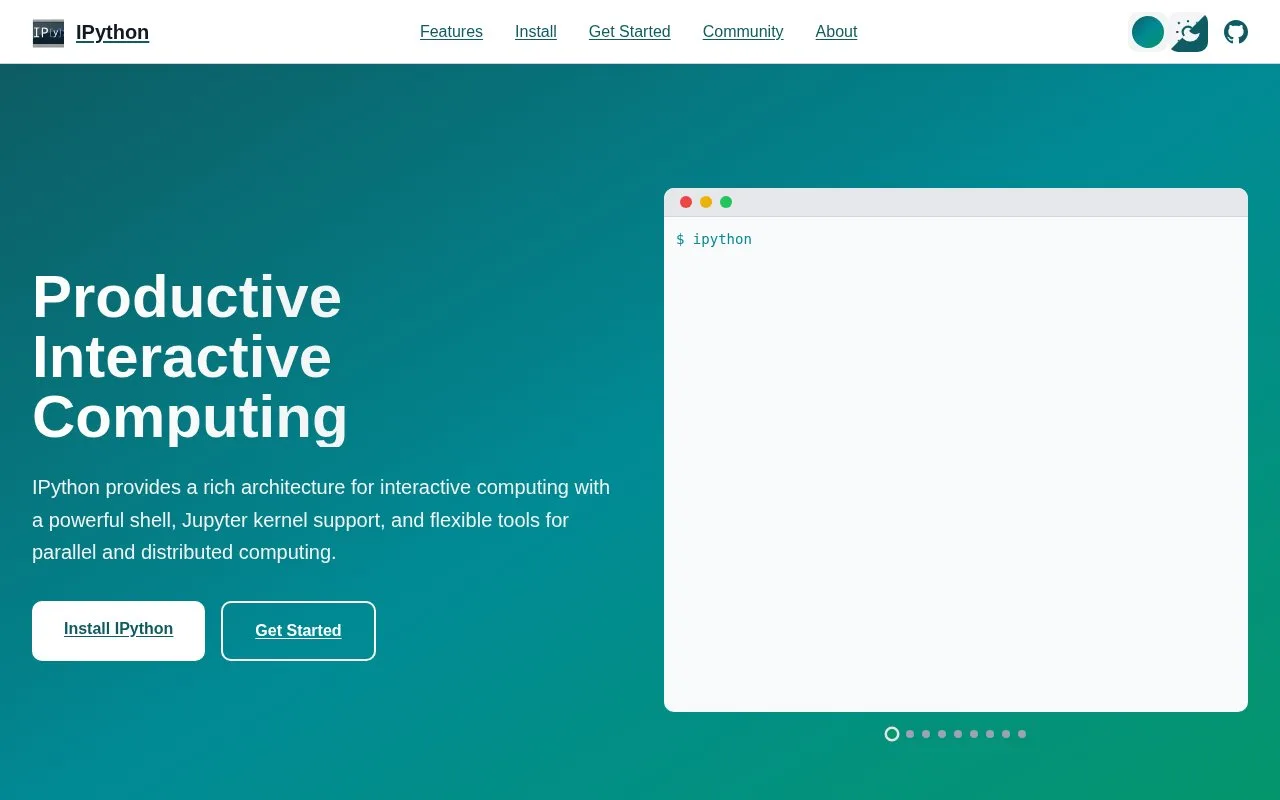
Run ipython from a shell to start an interactive session, then try an expression and use completion or object help while exploring a library. Typing a name followed by ? is a documented way to inspect an object. Magics such as %time add interactive commands alongside ordinary Python statements.
This is a useful place to inspect an unfamiliar API or test a small calculation without creating a script first. IPython also exposes an API for programs that need an embedded interactive shell, but the Notebook, Qt console and related clients are now parts of Jupyter. The current project README requires Python 3.11 or newer. Use the Jupyter projects when you need a notebook interface rather than a terminal REPL.
Strengths
- Adds completion, introspection, persistent input history and shell access to interactive Python work.
- The project documents an API and ways to embed an IPython shell in another program.
Watch out for
- The core `ipython` command is a terminal shell, not a notebook UI; notebook and Qt console components are separate Jupyter projects.
- The current repository requires Python 3.11 or newer.
Best for
- Exploring Python objects and libraries in an interactive terminal session.
- Trying short calculations or API calls before writing a script.
- Embedding an interactive Python shell in a development tool.
Sources
- IPython interactive tutorial (Oct 26, 2026)
- IPython overview and API (Oct 26, 2026)
- ipython/ipython official repository (Oct 26, 2026)
- IPython BSD 3-Clause license (Oct 26, 2026)