
What it does
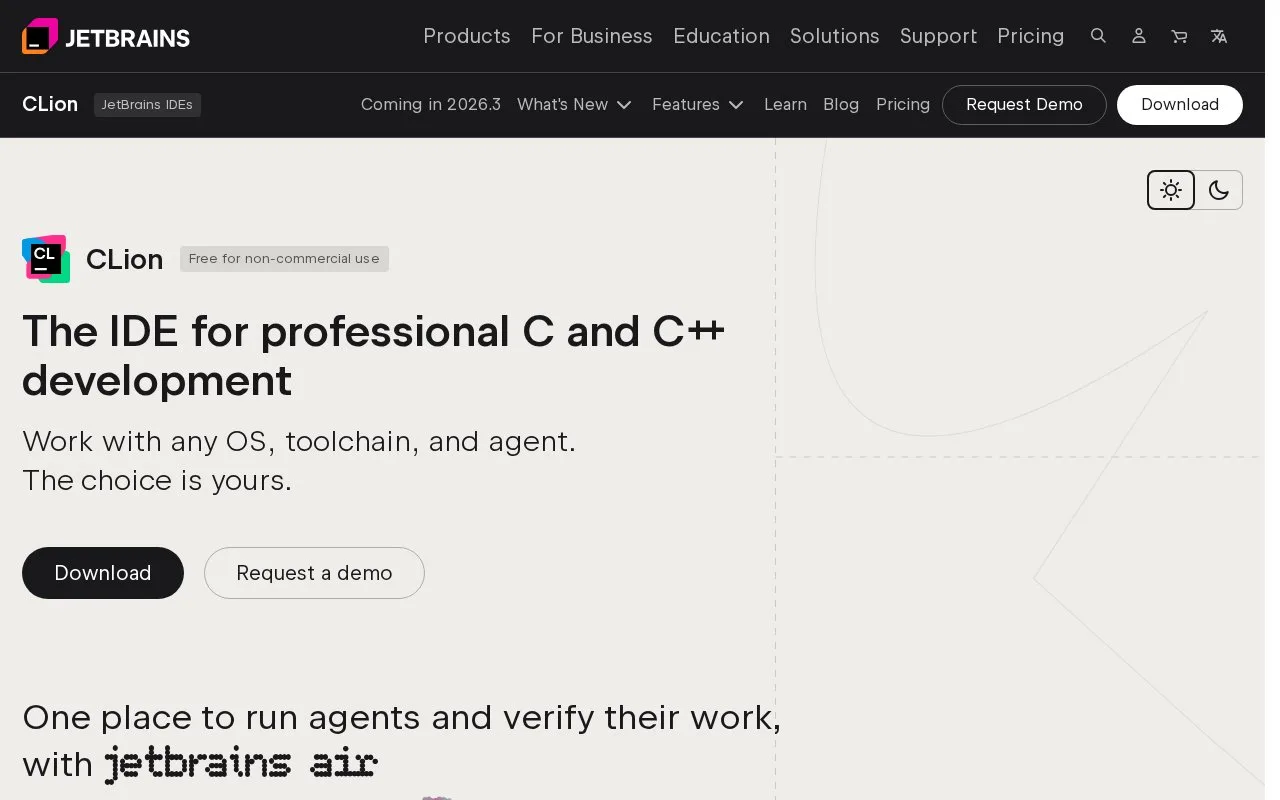
CLion is JetBrains' IDE for C and C++ development. It works with the compilers and build systems a project already uses, and the product page describes support for local, remote, embedded, and firmware workflows. Its editing environment is connected to code analysis, build configuration, debugging, profiling, and unit testing rather than treating source files as isolated documents.
Configure the toolchain before the first build
A useful first task is to open a C or C++ project and select the toolchain that matches its compiler and build environment. CLion's Windows tutorial walks through MinGW, Cygwin, Microsoft Visual C++, WSL, remote hosts, Docker, and custom System toolchains. For a quick local start, the tutorial says CLion bundles MinGW; if the project already has a compiler or build setup, choose the matching configuration instead of replacing it just to fit the IDE.
Once the toolchain is connected, CLion can use project context for editing and code analysis, and the product page describes debugger, profiler, and unit-test workflows. The user still provides the source, build configuration, compiler, and tests. That makes the IDE most useful when a C/C++ project has a real toolchain to connect, especially for embedded or cross-compiled work.
The product page states that CLion is free for non-commercial use and offers a 30-day trial for commercial use. Its pricing page returned only a title and download link during this check; no current commercial amount is stated here.
Strengths
- The official configuration tutorial documents multiple Windows toolchain choices and includes a bundled MinGW option for quick setup.
- The product page describes C and C++ workflows across local, remote, embedded, and firmware targets.
- Build, debugging, profiling, and unit-testing tools are presented as part of the IDE workflow.
Watch out for
- A working project still depends on a compatible compiler, build setup, and debugger; users need to select or configure the toolchain for their environment.
Best for
- C and C++ developers who want code understanding and debugging tied to their project's toolchain
- Embedded, firmware, or cross-compilation work where remote and hardware-aware tooling matters
Sources
- CLion: The IDE for professional C and C++ development (Oct 25, 2026)
- Tutorial: Configure CLion on Windows | CLion Documentation (Oct 25, 2026)
- Buy CLion: Pricing and Licensing, Discounts - JetBrains Toolbox Subscription (Oct 25, 2026)
- JetBrains User Agreement (Oct 25, 2026)