
What it does
Qodana applies JetBrains code inspections to project source, reporting issues such as probable bugs, style violations, security problems, and dependency-license conflicts. Developers can review a local analysis in a supported IDE or add a Qodana linter to a build pipeline and use quality gates to enforce thresholds. The right linter depends on the project's languages and technologies.
Pick a local or pipeline workflow
For a first local analysis, Qodana's quick start describes running it from a supported JetBrains IDE: open the Problems tool window, choose the Qodana tab, and select Try locally. The analysis report is then available in the IDE. The documentation says this local IDE route can skip the cloud prerequisites and does not require a separate Qodana license. For a team check in CI, choose the linter that matches your project and set up a Qodana Cloud organization and project. The setup generates a project token required by Qodana linters. For GitHub Actions, the docs show saving that token as an encrypted QODANA_TOKEN repository secret and adding a workflow to run the scan. Azure Pipelines, CircleCI, GitLab CI/CD, and TeamCity also have documented solutions; Docker images are documented for Bitbucket Cloud and Jenkins. The workflow and command examples here describe the vendor's documented setup. Qodana reports code inspections and can be configured with a baseline and quality gates, so a team can focus a new CI rollout on newly introduced issues rather than blocking immediately on all existing findings. JetBrains also lists dependency vulnerability checks, third-party license audits, code-coverage reporting, and automatic quick fixes among the product's capabilities. ### Match the analysis to the project
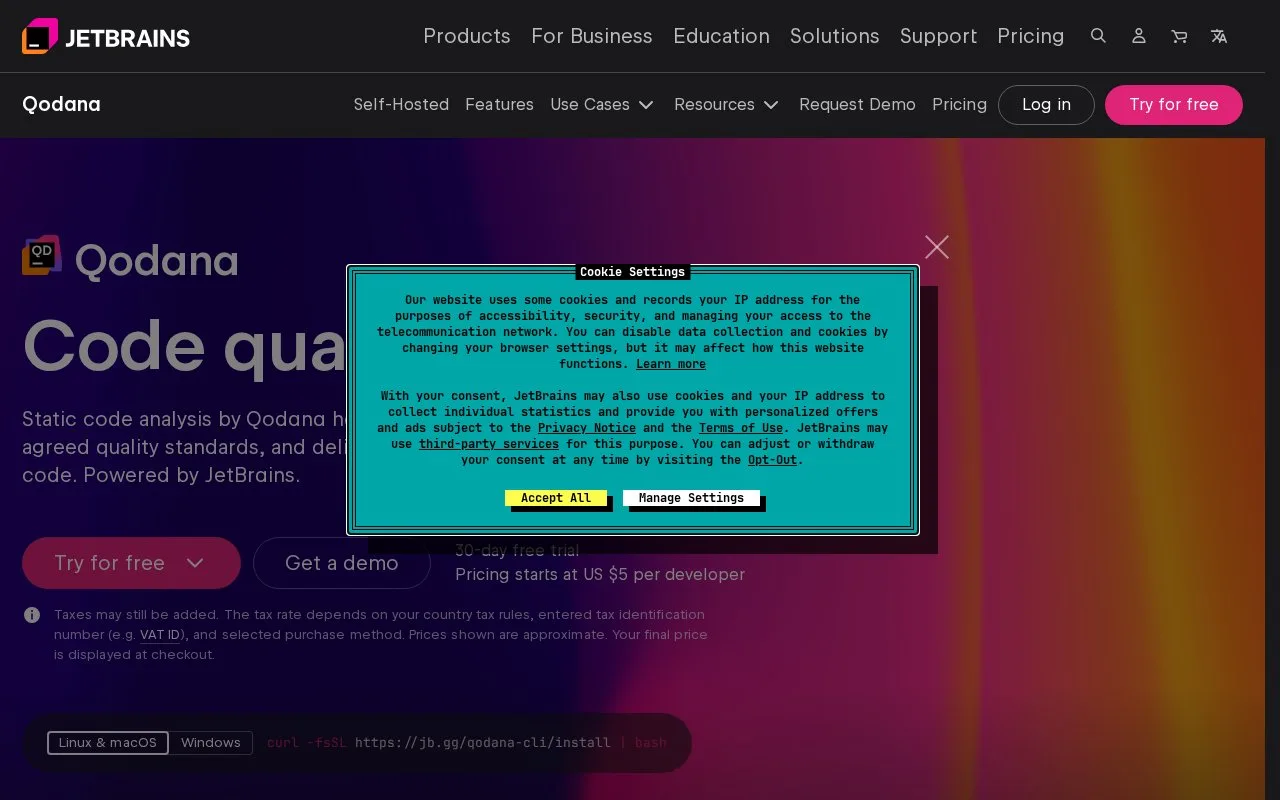
The source project, its relevant dependencies, and a compatible linter are the inputs. For .NET analysis, the quick start calls for the appropriate .NET SDK and dependencies, and recommends building the project before scanning. Qodana CLI's default mode requires Docker or Podman running locally; native mode is an alternative. The documentation also cautions that IDE and linter plugin configurations can differ, so their reports may not match exactly. Qodana offers a 30-day trial and says it is free for open-source projects. The product page displays a starting price per developer, but the opened page does not identify its billing interval; taxes and the final price depend on country and checkout. Check the current terms for a team's exact cost and eligibility.
Strengths
- Can be run locally in supported JetBrains IDEs or integrated into common CI systems.
- Quality gates and baselines let teams set thresholds and manage existing findings separately from new ones.
- JetBrains lists dependency vulnerability checks, third-party license audits, and coverage reporting alongside code inspections.
Watch out for
- The default Qodana CLI mode requires Docker or Podman; native mode is an alternative.
- The documentation warns that IDE and linter plugin configurations can produce different analysis output.
Best for
- Adding static code-quality checks and thresholds to a CI pipeline
- Reviewing JetBrains inspections locally in a supported IDE
- Teams that want code, dependency, or license checks in their development workflow
Sources
- Quick start | Qodana Documentation (Oct 25, 2026)
- Qodana: Static Code Analysis Tool by JetBrains (Oct 25, 2026)