
What it does
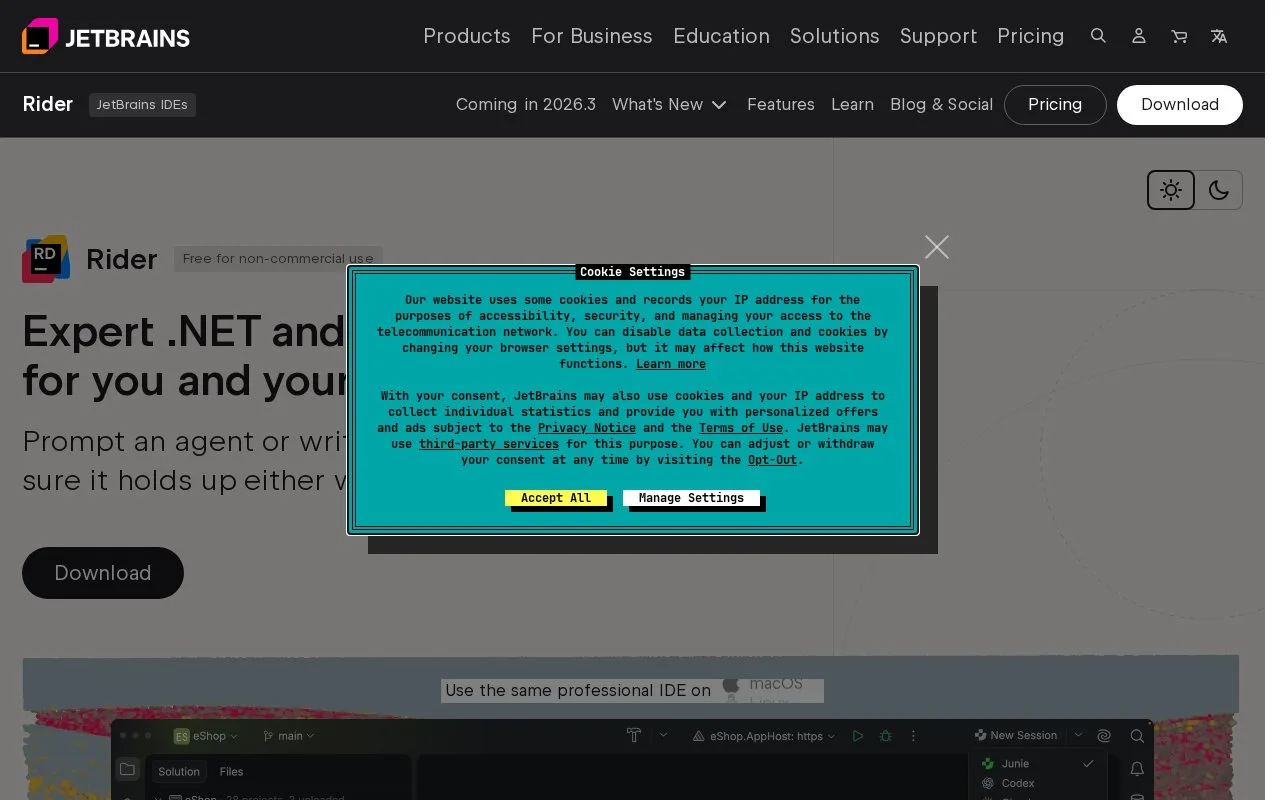
Rider is JetBrains' cross-platform IDE for .NET and game development. Its project-aware editor supports C#, F#, and related web and configuration languages, with navigation, inspections, refactoring, build, run, and debug tools. It targets teams working in .NET solutions, Unity, or other supported game engines who want those tasks in one desktop environment.
Start by opening a .NET solution or game project. Rider's first-steps guide walks through choosing a keymap, navigating to declarations, searching for code, and reaching build, run, and debug actions. In a typical change, use the editor's code analysis and refactorings while working in the solution, then build or launch the selected configuration and use the debugger or unit-test tools to inspect behavior. These are documented workflows, not hands-on results from this research.
Rider supports Windows, macOS, and Linux, with documented project support that includes .NET desktop and web applications and game engines such as Unity. Check the product's current feature matrix for the specific framework and target you use: the features page lists exceptions, including lack of UWP application debugging.
The product page advertises free use for non-commercial work. JetBrains' non-commercial subscription agreement limits that grant to non-commercial use and describes a one-year term. Rider's commercial purchase page opened but returned only its title and a download link, so current business rates and billing options remain unresolved here.
Strengths
- The IDE combines .NET code navigation, inspections, refactoring, build, run, and debugging in the same solution workspace.
- The official product documentation supports Windows, macOS, and Linux and describes workflows for .NET and game projects.
Watch out for
- The feature documentation says debugging UWP applications is not supported.
Best for
- .NET developers who want code analysis, refactoring, testing, and debugging in a single IDE
- Game developers working with Unity or other engines supported by Rider
Sources
- Rider: the cross-platform .NET and game development IDE from JetBrains (Oct 25, 2026)
- Features - Rider (Oct 25, 2026)
- First steps with JetBrains Rider (Oct 25, 2026)
- Buy Rider: Pricing and Licensing (Oct 25, 2026)
- Toolbox Subscription Agreement for Non-Commercial Uses (Oct 25, 2026)